
From first 3D worlds to game design
Explore the Coding 3D Worlds curriculum map from Stage 3 to Stage 9 and see how learners progress through carefully sequenced creative projects.
How learners progress
- Learn through creating
- Revisit concepts through new projects
- Personalise, experiment and build confidence
- Guided projects with room for creativity
Stage 3
First steps in 3D world creation
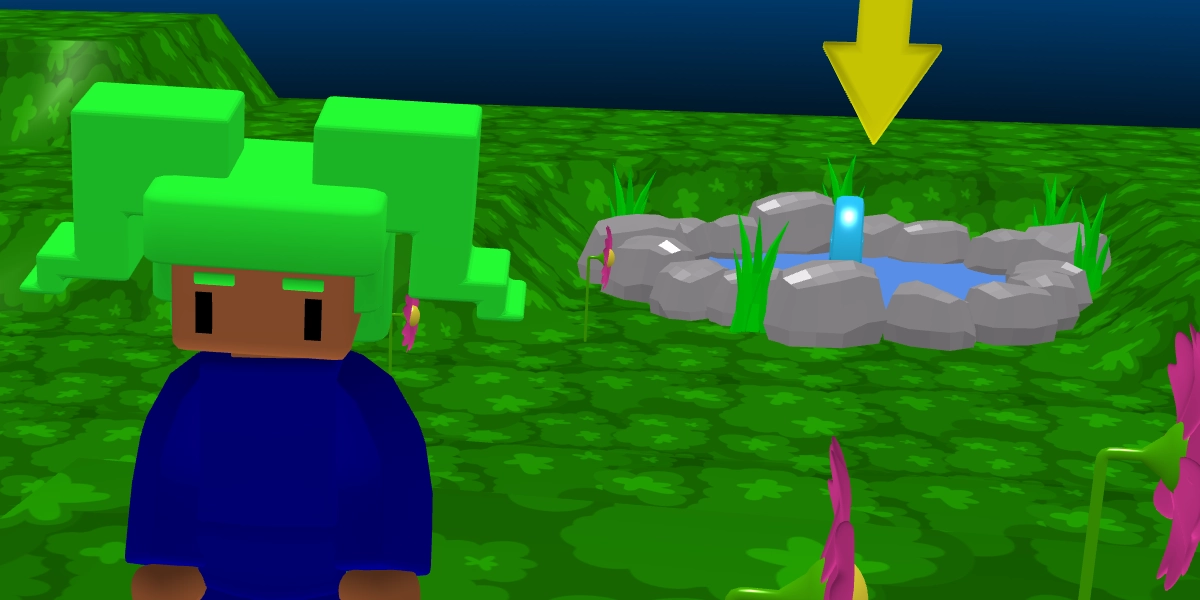
Learners take their first steps into 3D world creation. They build colourful scenes, animate characters, make them talk, and experiment with physics through playful interactive projects.
Along the way, they learn how events and sequences control what happens in a program and begin to understand how code can bring a virtual world to life.
£39.99
Projects with purpose
Each project has been carefully designed to introduce new tools, programming concepts and creative techniques.
3D scene
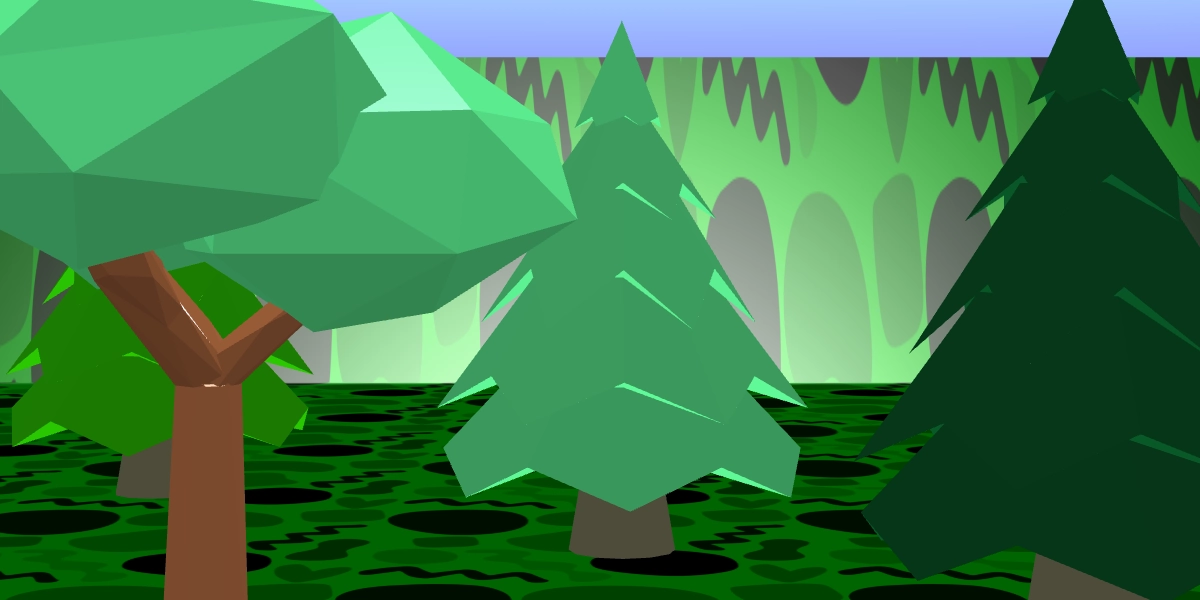
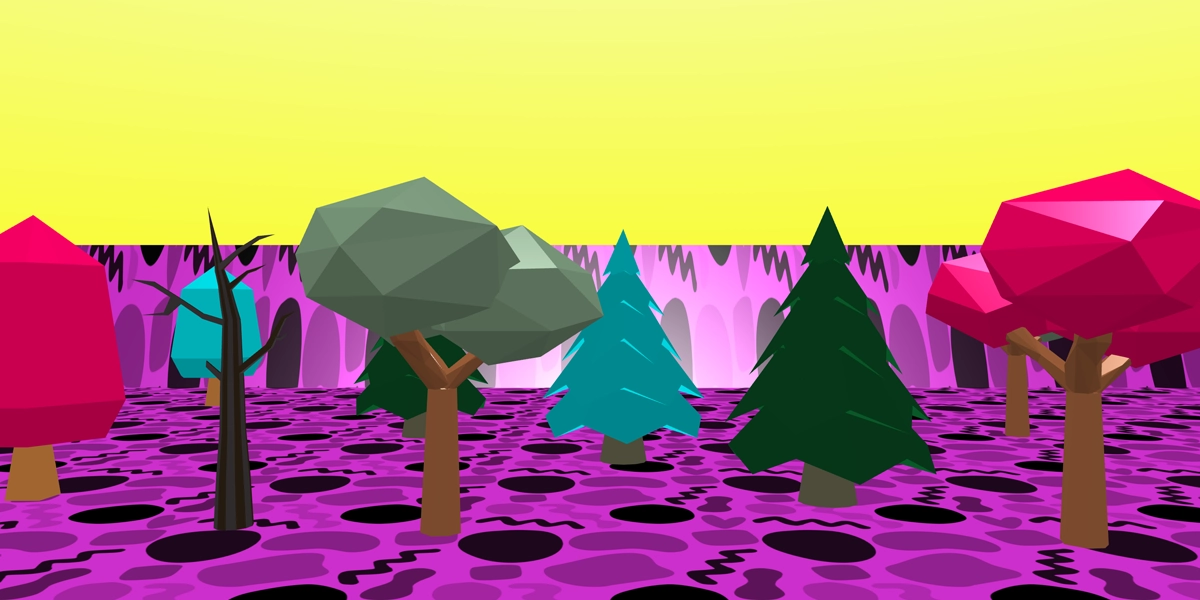
Design a colourful 3D scene with a sky, map and scenery objects.
Character animation
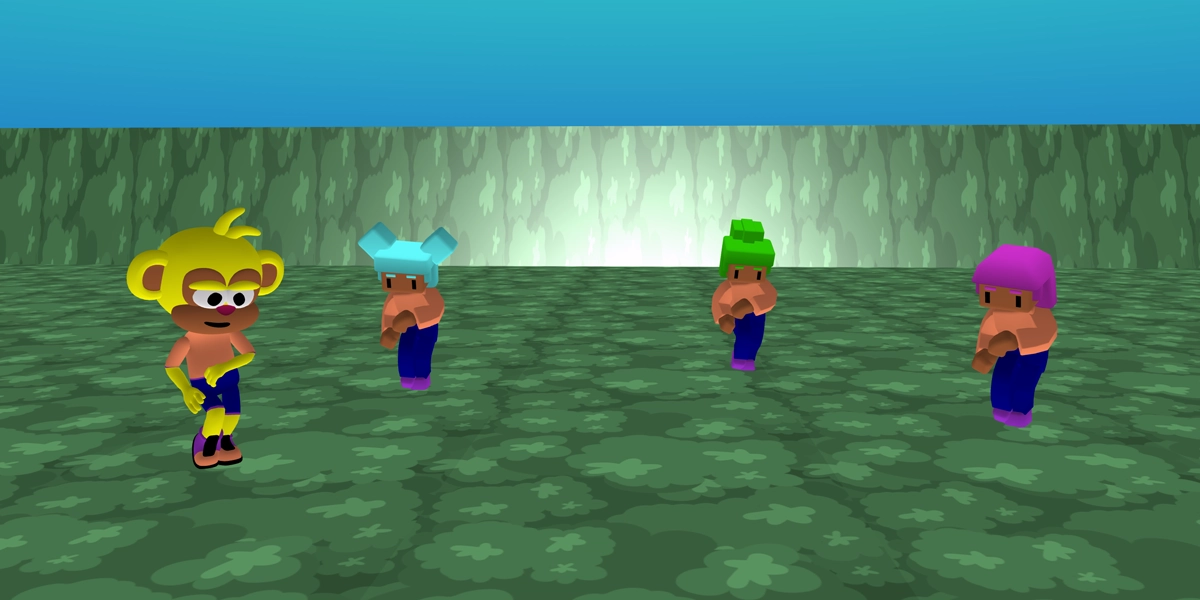
Bring characters to life when clicked using animations.
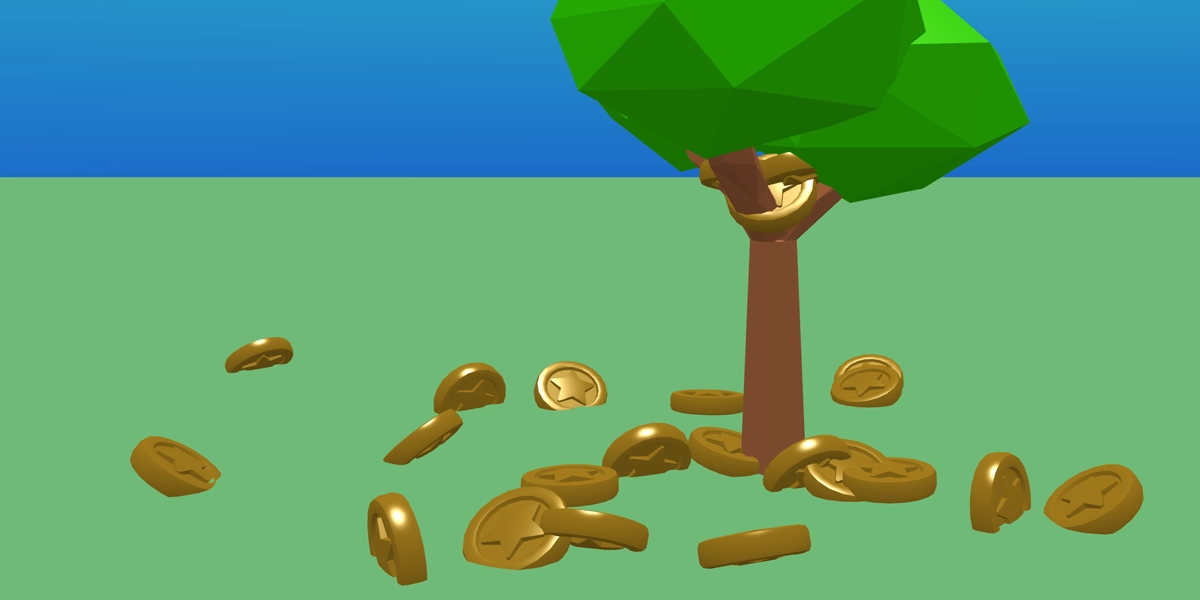
Magic money tree
Use physics to make coins fall from a tree when clicked.
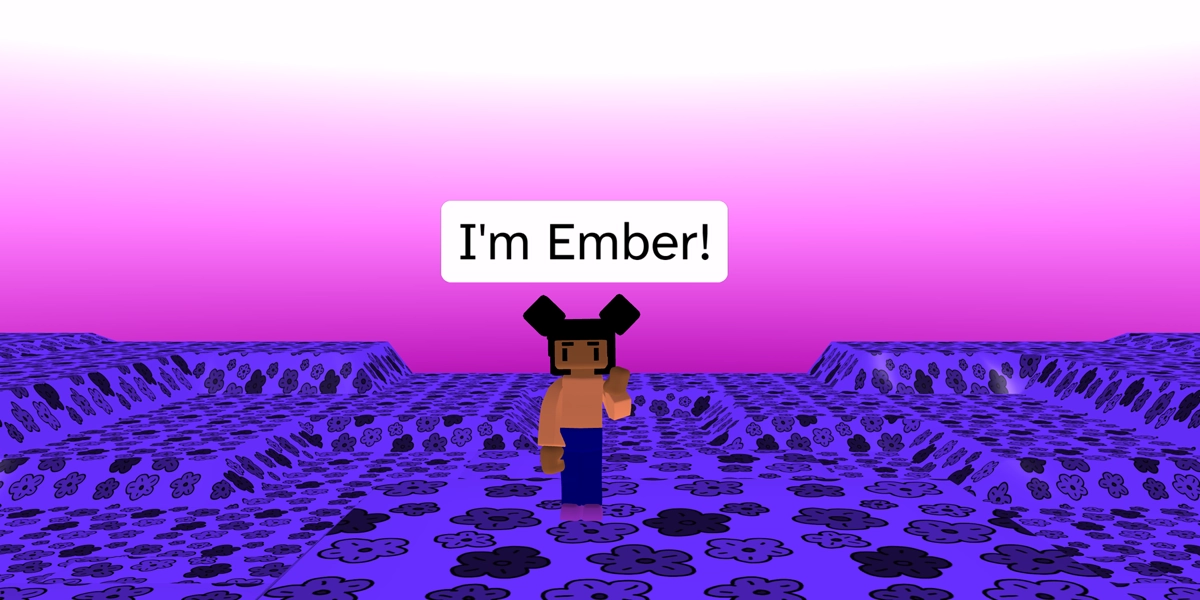
Talking characters
Use say blocks to make characters talk when clicked.
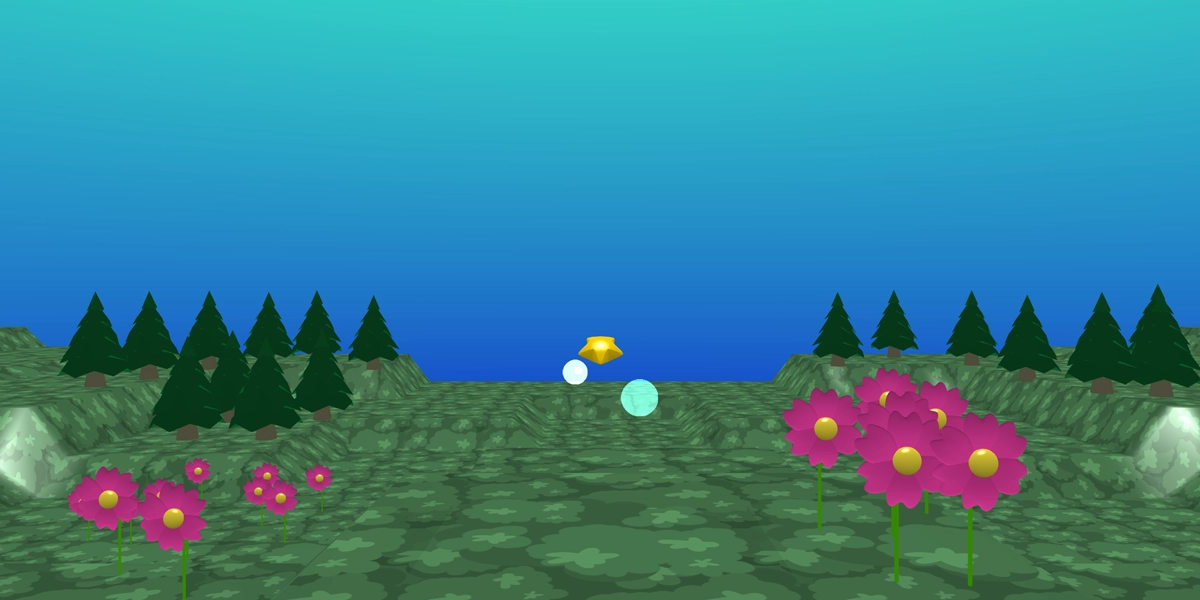
Star launch
Use physics and forces to launch a star into the sky when clicked.
What learners learn
- Sequence - put instructions in the right order
- Events - make things happen when clicked
- Physics - apply forces and see objects move
- Animation - animate characters with built in animations
- Speech - make characters talk with the say block
English national curriculum links
- Use sequence in programs
- Work with various forms of input and output
- Use logical reasoning to predict the behaviour of simple programs
Stage 4
Animating and repeating worlds
Learners bring their 3D worlds to life through animation, movement and visual effects. They create dancing objects, spinning mystery prizes, lava floors and colourful coin challenges whilst exploring how repetition can be used to make programs run again and again.
As learners experiment with loops, animations and interactions, they begin to understand how programmers create movement, effects and behaviours that continue over time within a digital world.
£39.99
Projects with purpose
Each project has been carefully designed to introduce new tools, programming concepts and creative techniques.
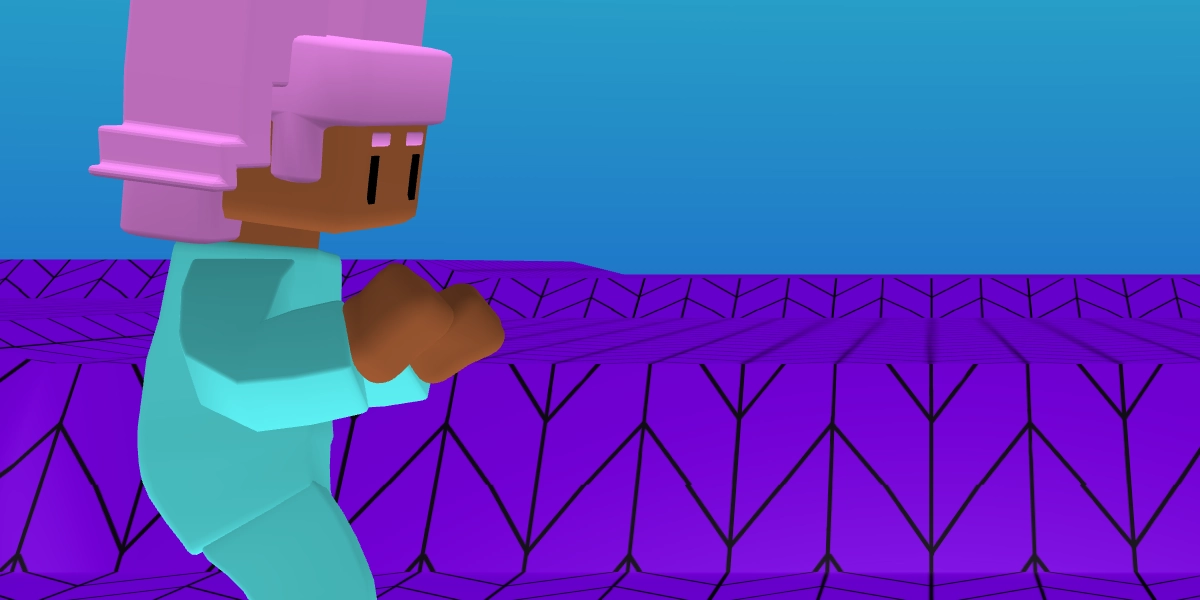
Animation sequence
Create an animation sequence for a character.
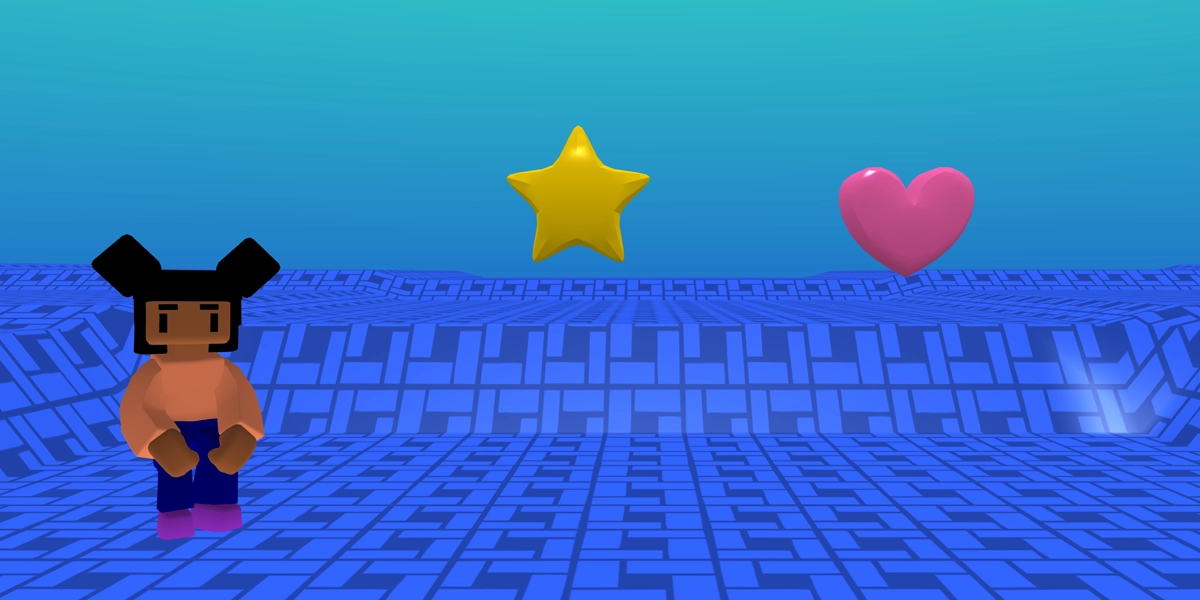
Dancing objects
Watch objects glide up and down like they are dancing.

Mystery prize
Reveal a hidden prize using animation and simple interactions.
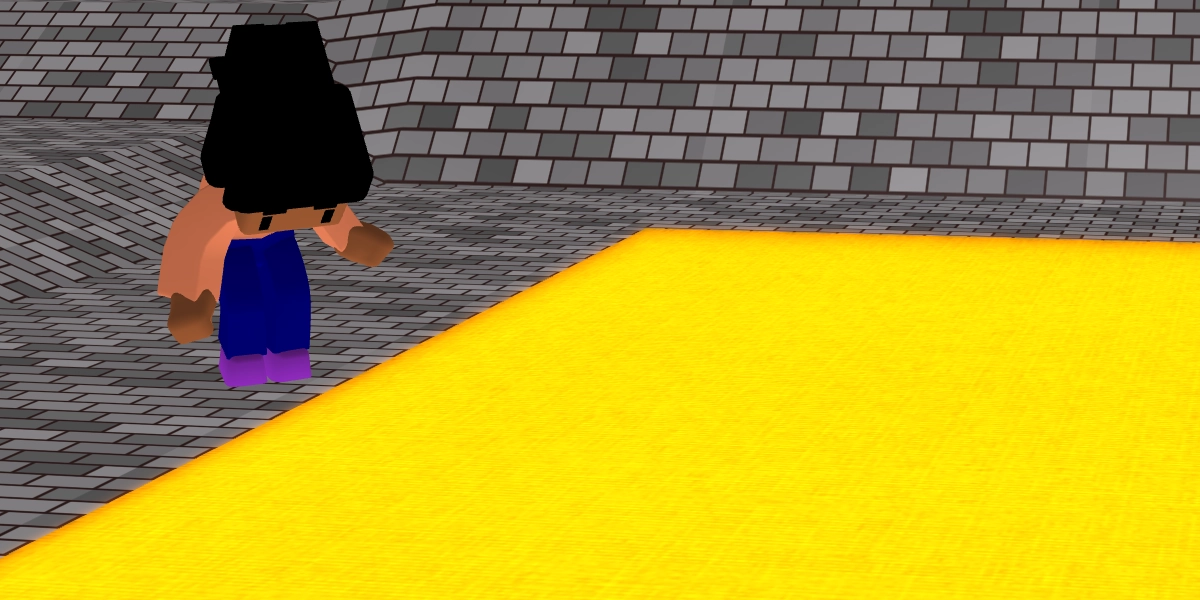
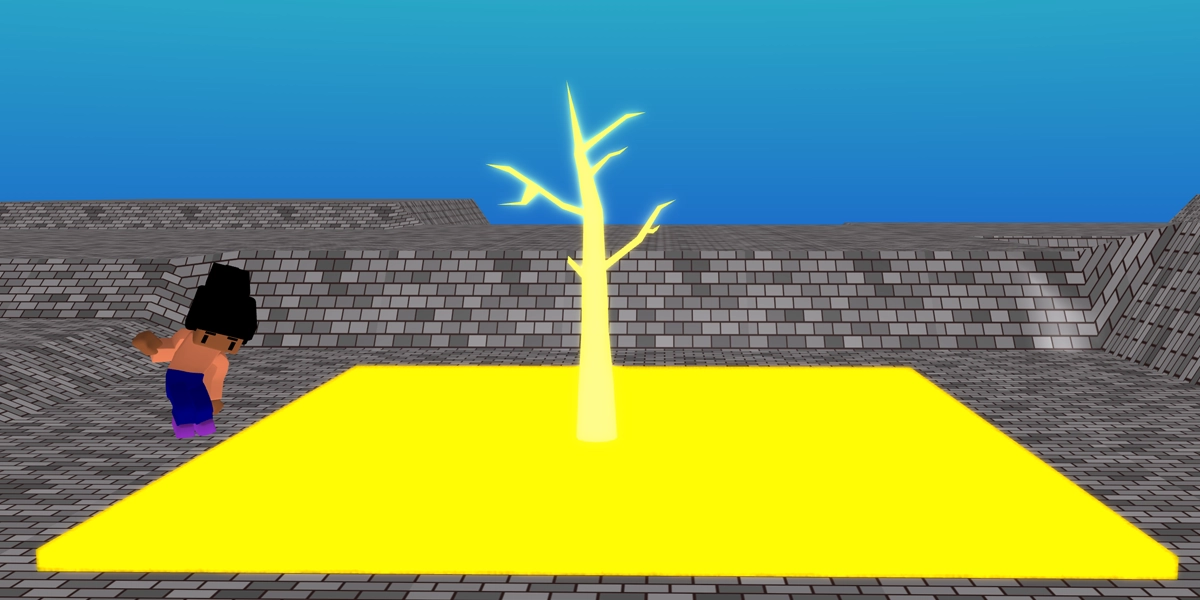
Floor is lava
Create a glowing lava floor using loops and materials.
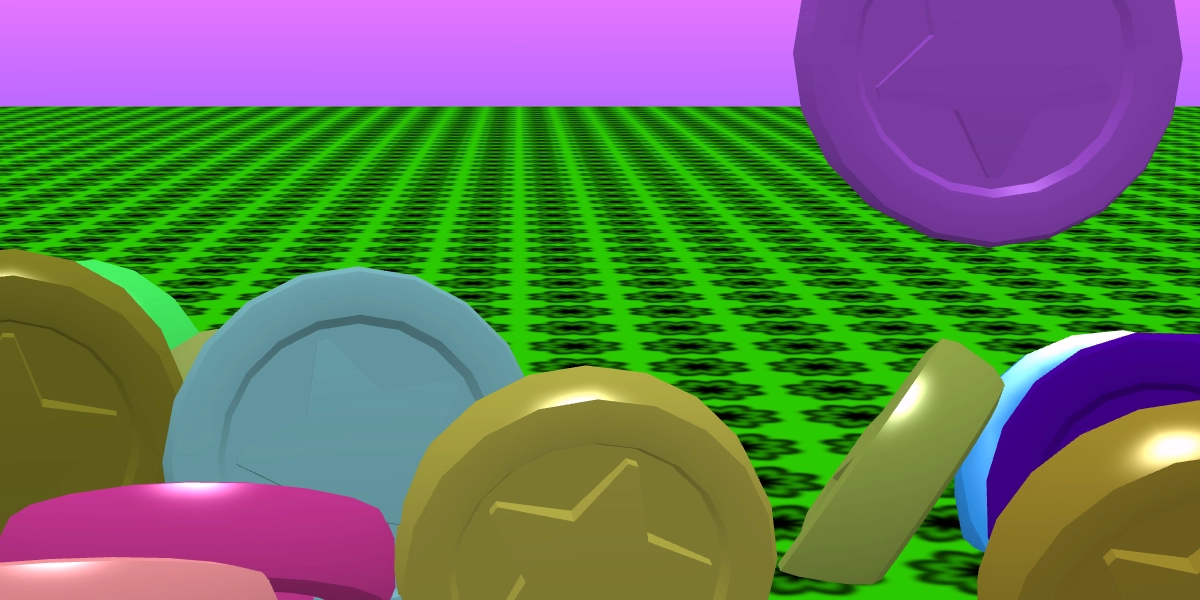
Coin drop challenge
Drop and collect colourful coins using loops and physics.
What learners learn
- Sequence - combine actions in a specific order
- Repetition - use loops to repeat actions automatically
- Animation - create movement using glide and rotate animations
- Events - trigger actions when objects are clicked
- Materials & Effects - create visual effects using materials and loops
English national curriculum links
- Use repetition in programs
- Work with various forms of input and output
- Use logical reasoning to predict the behaviour of simple programs
Stage 5
Creating interactive experiences
Learners develop their understanding of sequence, repetition and selection through creating a range of interactive 3D projects. They customise characters, build games and experiment with visual effects whilst learning how programs can respond to user input.
The focus shifts from simply making things happen to designing experiences that players can interact with, test and improve.
£39.99
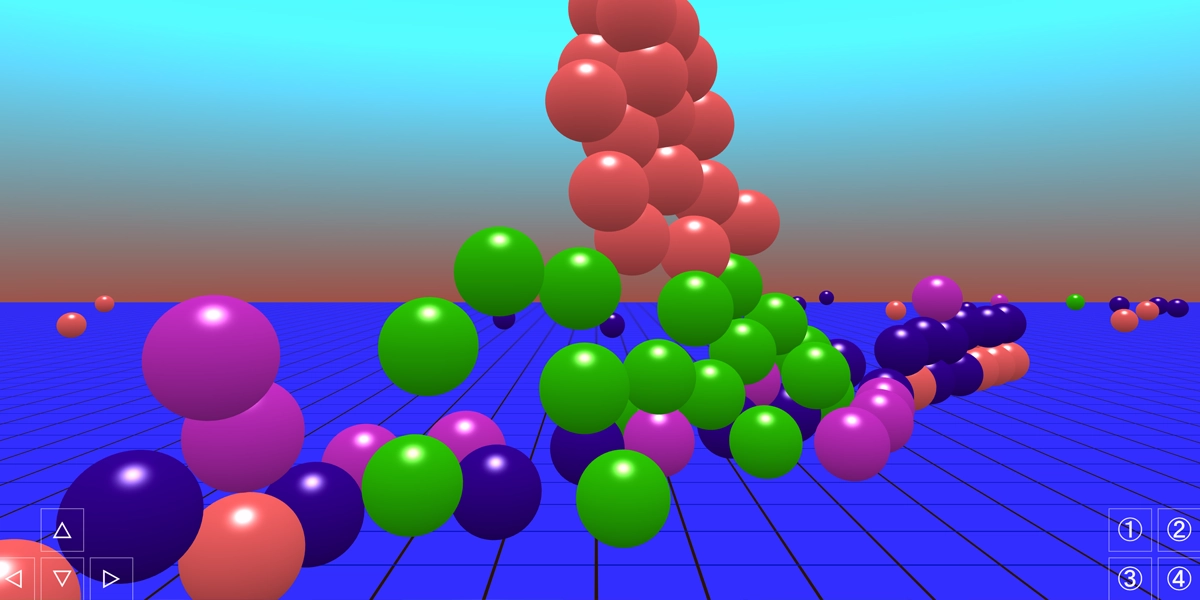
Projects with purpose
Each project has been carefully designed to introduce new tools, programming concepts and creative techniques.
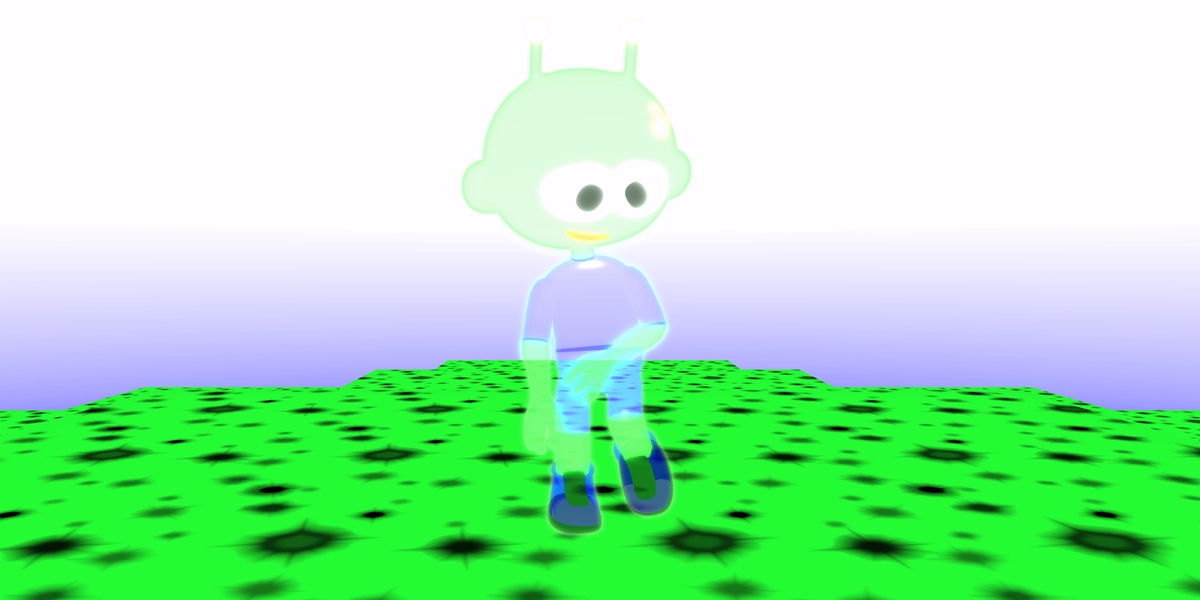
Special effects sequence
Create special effects for an animating character.
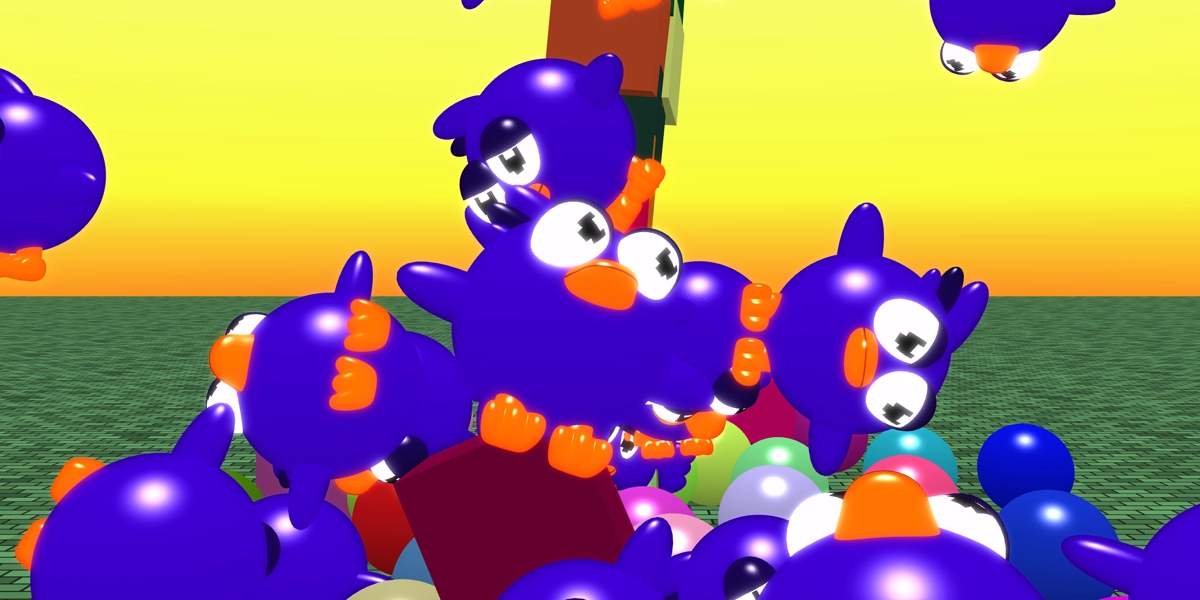
Shape chaos
Create an explosion of shapes on the screen. It is so fun to watch!
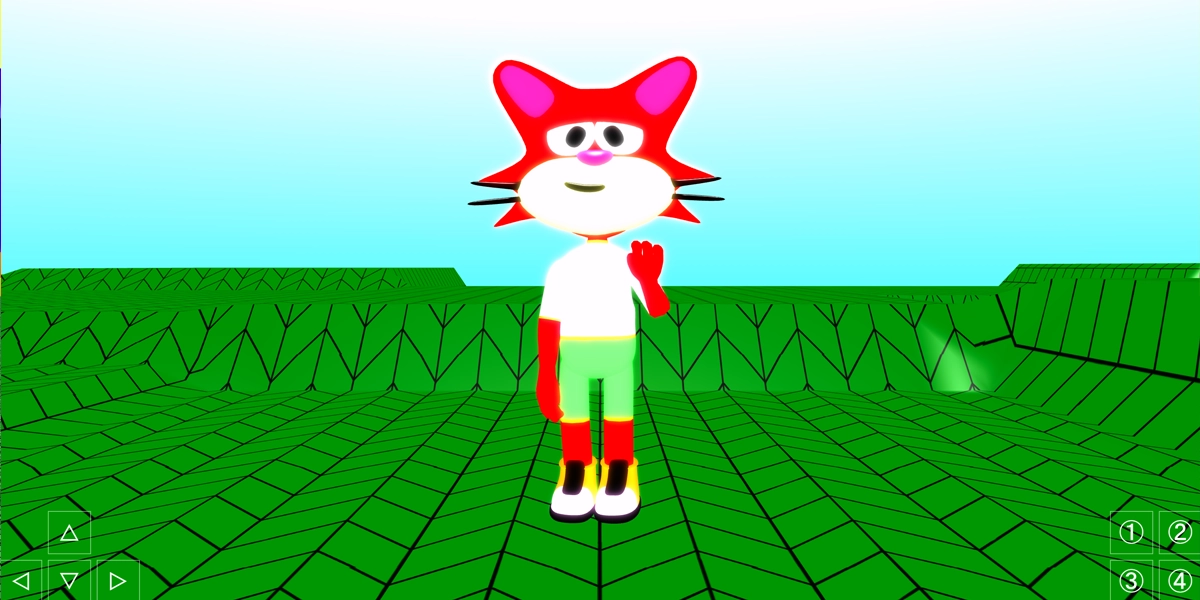
Character customiser
Change a character's appearance using buttons and conditions.
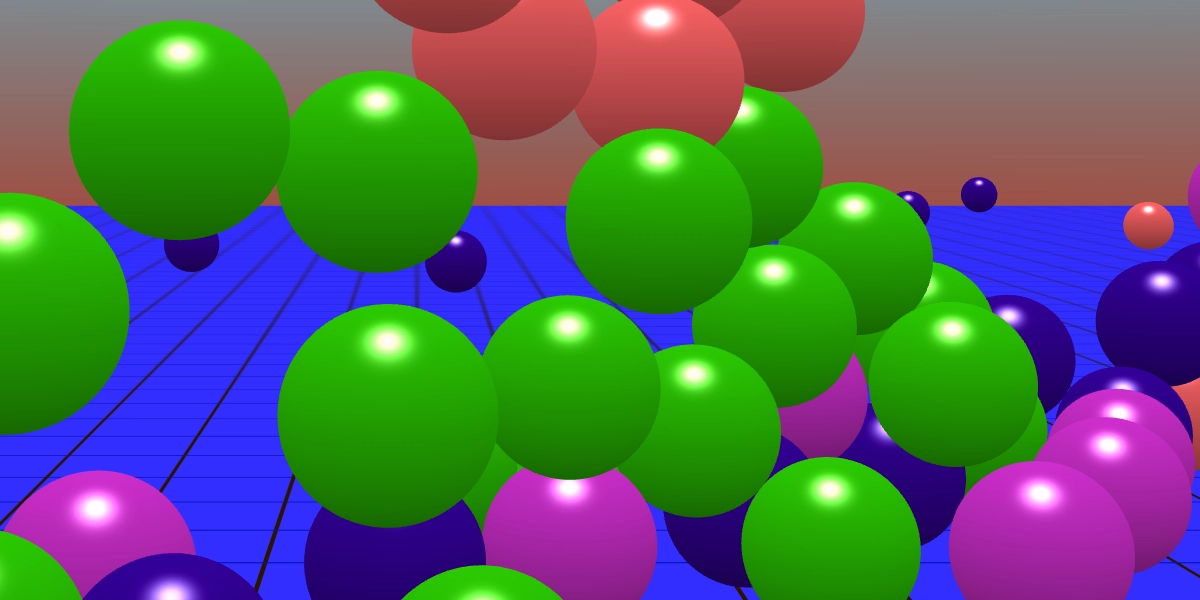
Sphere drop
Drop spheres from the sky using forces and selection.
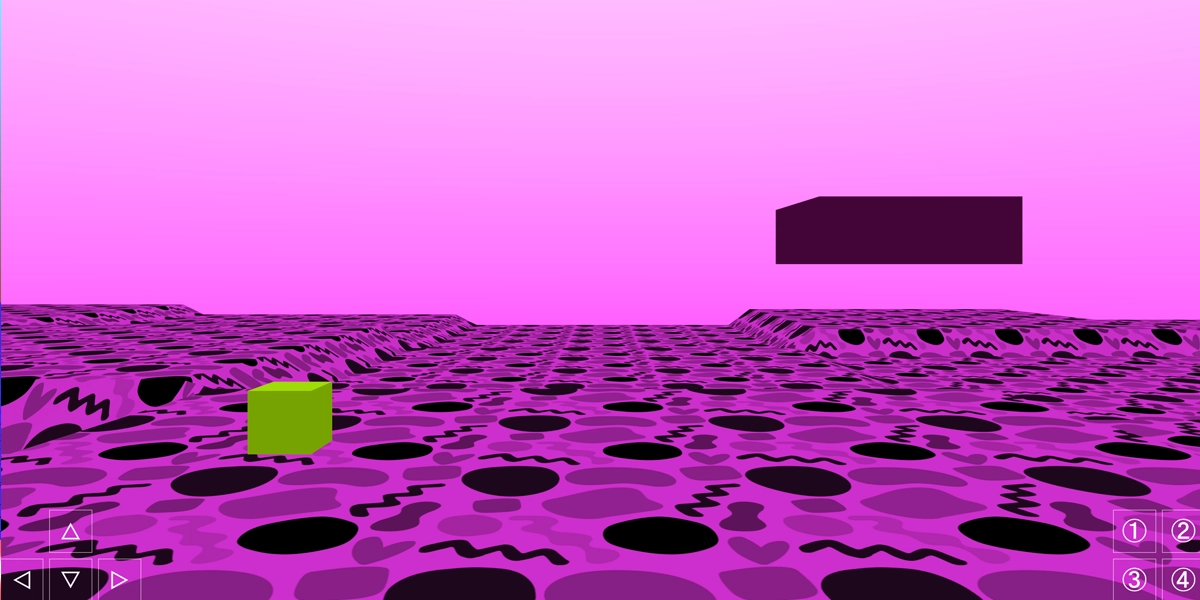
Cube platformer
Design and balance a simple platform game challenge.
What learners learn
- Sequence - put instructions in the correct order
- Repetition - use loops to repeat actions efficiently
- Selection - make programs respond to different conditions
- Physics & forces - apply forces to create movement and effects
- Testing & debugging - find and fix problems in programs
English national curriculum links
- Design, write and debug programs that accomplish specific goals
- Use sequence, selection and repetition in programs
- Work with various forms of input and output
- Use logical reasoning to explain how algorithms work
Stage 6
Variables and game systems
Learners discover how variables can be used to make games and experiences respond to player actions. They create cutscenes, vehicle challenges and tycoon-style games whilst learning how data can be used to control behaviour, upgrades and progression.
For the first time, learners begin building game systems that evolve over time, creating experiences that feel more dynamic and responsive.
£39.99
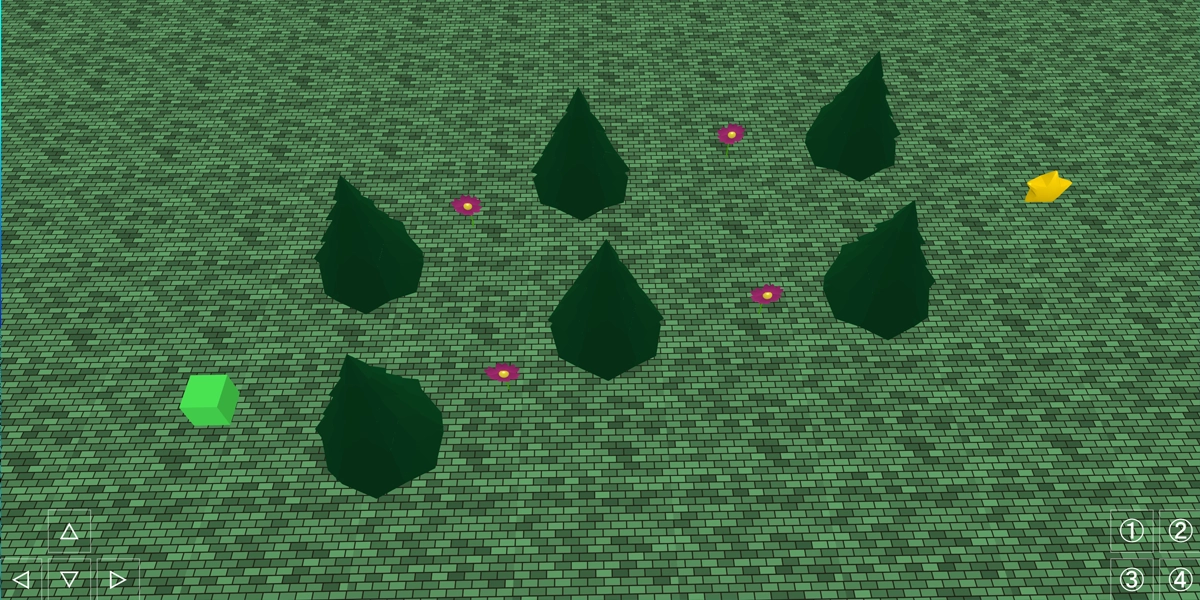
Projects with purpose
Each project has been carefully designed to introduce new tools, programming concepts and creative techniques.
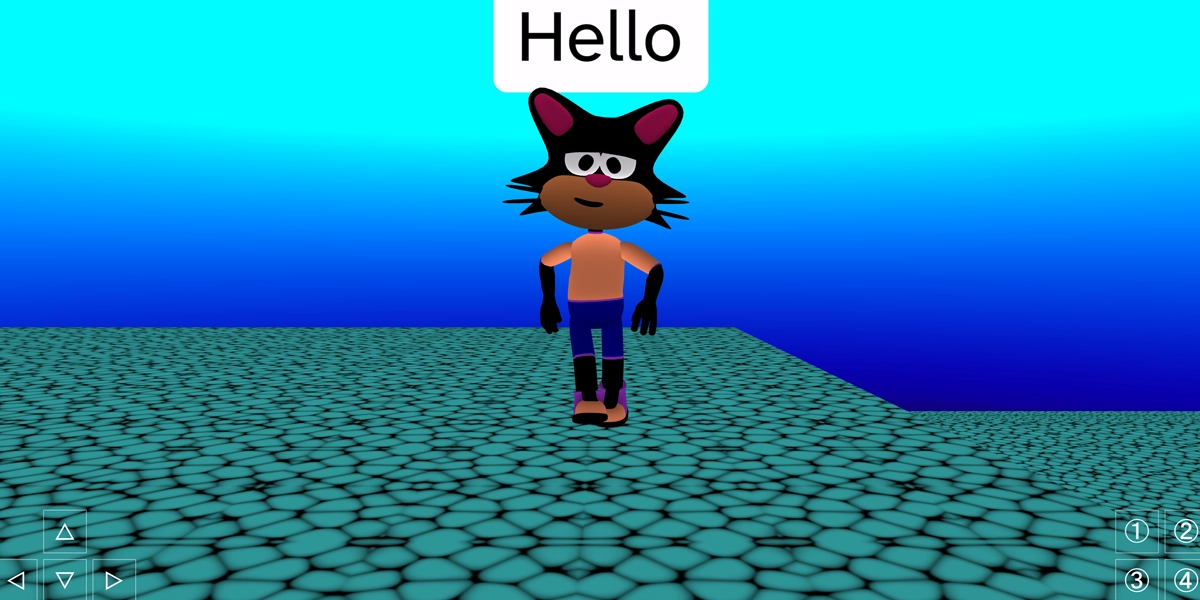
Cutscene creator
Create cutscenes to three characters as they share a message.
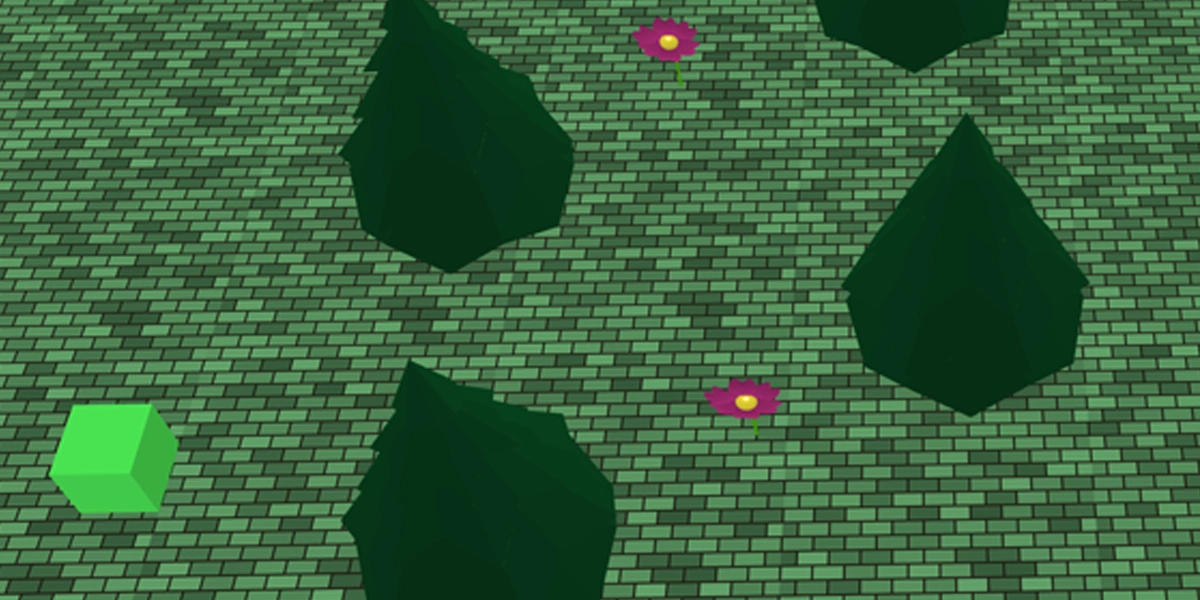
Shape push challenge
Guide a shape through a course using paths and obstacles.
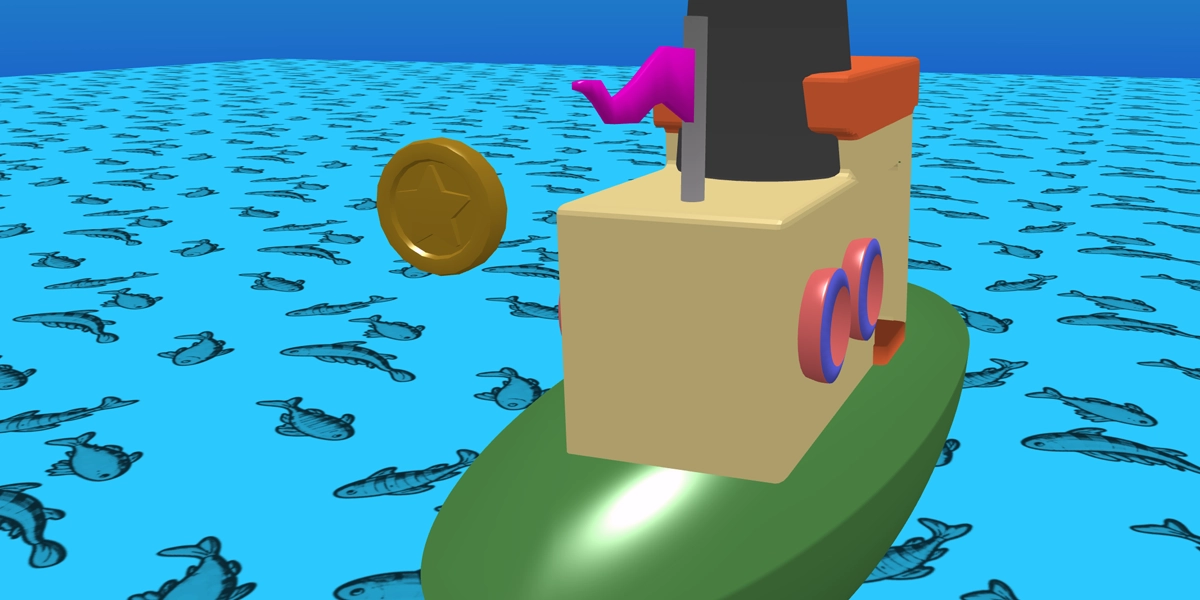
Vehicle collect game
Drive a vehicle to collect items around a 3D world.
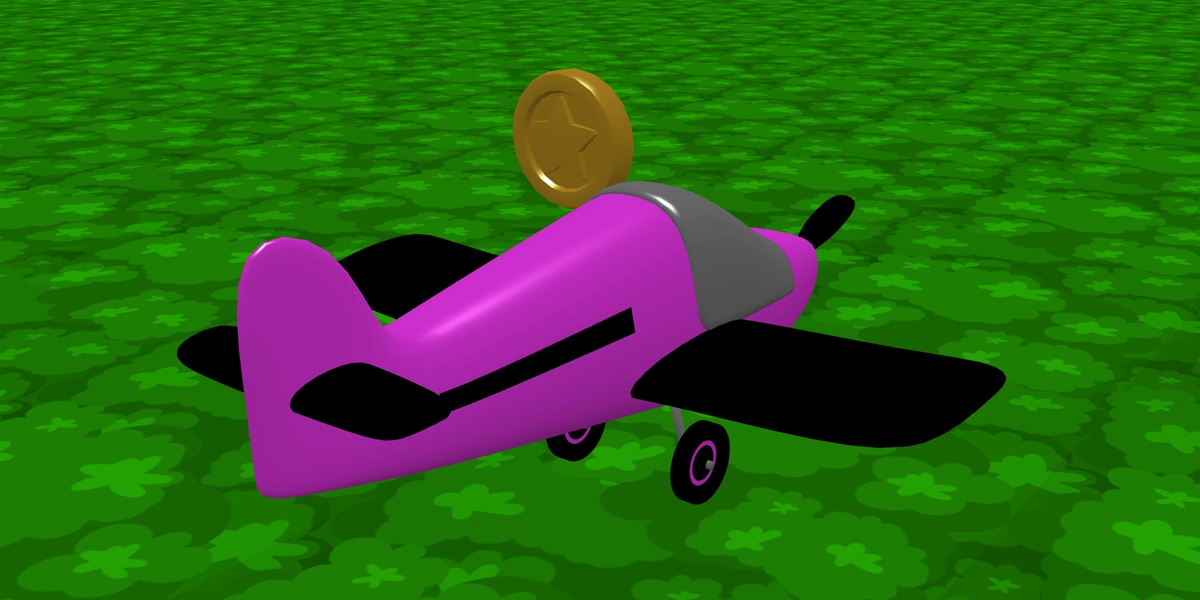
Speed boost racer
Use variables to create a speed boost for a vehicle.
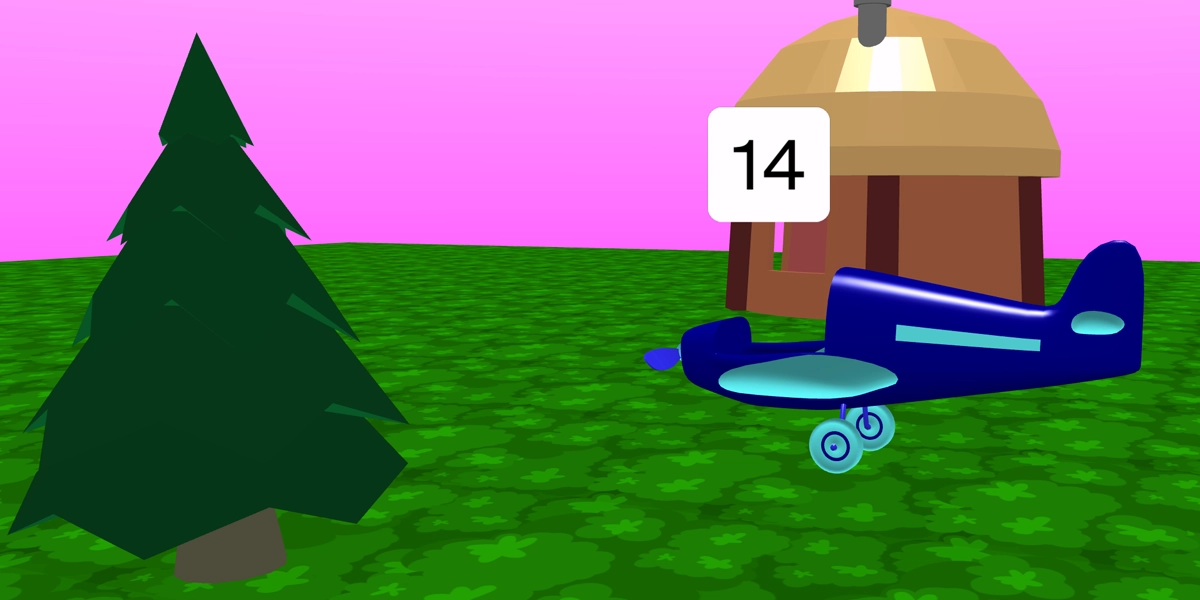
Tycoon builder
Build a game where upgrades unlock progress over time.
What learners learn
- Variables - store and update information within a game
- Game systems - create mechanics that respond to player actions
- Camera control - use cameras to create cutscenes & player views
- Vehicle mechanics - control vehicles and collect items in 3D worlds
- Upgrades & progression - use counters to unlock upgrades
English national curriculum links
- Design, write and debug programs that accomplish specific goals
- Use sequence, selection and repetition in programs
- Use variables to store and manipulate data
- Use logical reasoning to detect and correct errors in programs
Stage 7
Games and immersive experiences
Designed as a bridge between primary and secondary computing, this stage revisits key programming concepts before applying them to increasingly sophisticated games and interactive experiences.
Learners explore movement, collisions, quests and visual effects whilst creating projects inspired by modern games, building worlds that players can explore, interact with and influence.
£39.99
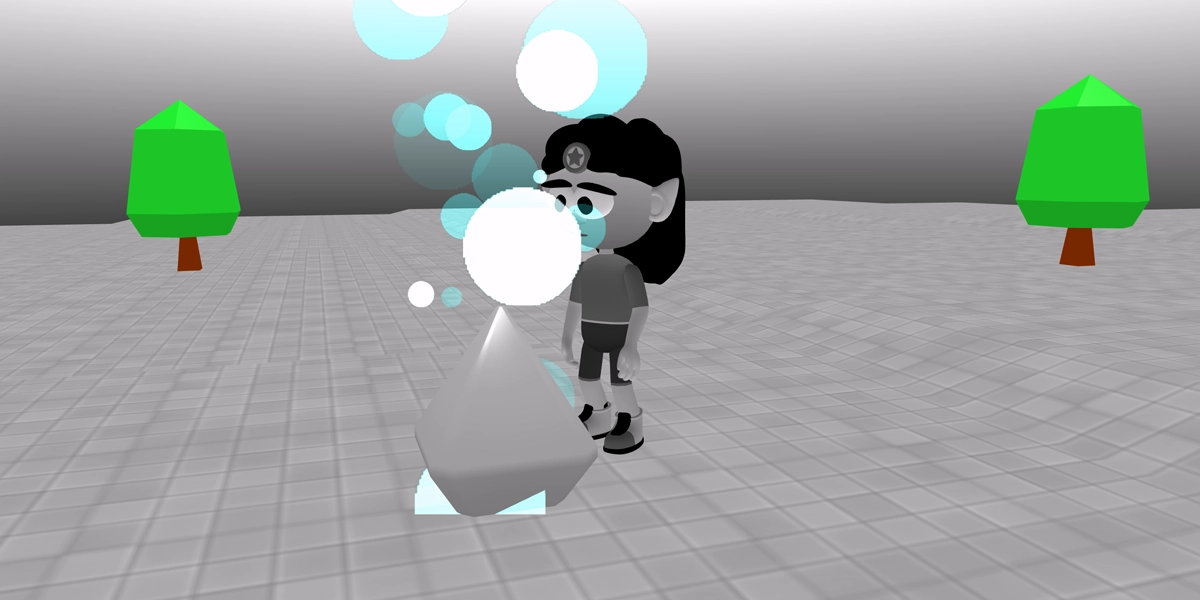
Projects with purpose
Each project has been carefully designed to introduce new tools, programming concepts and creative techniques.
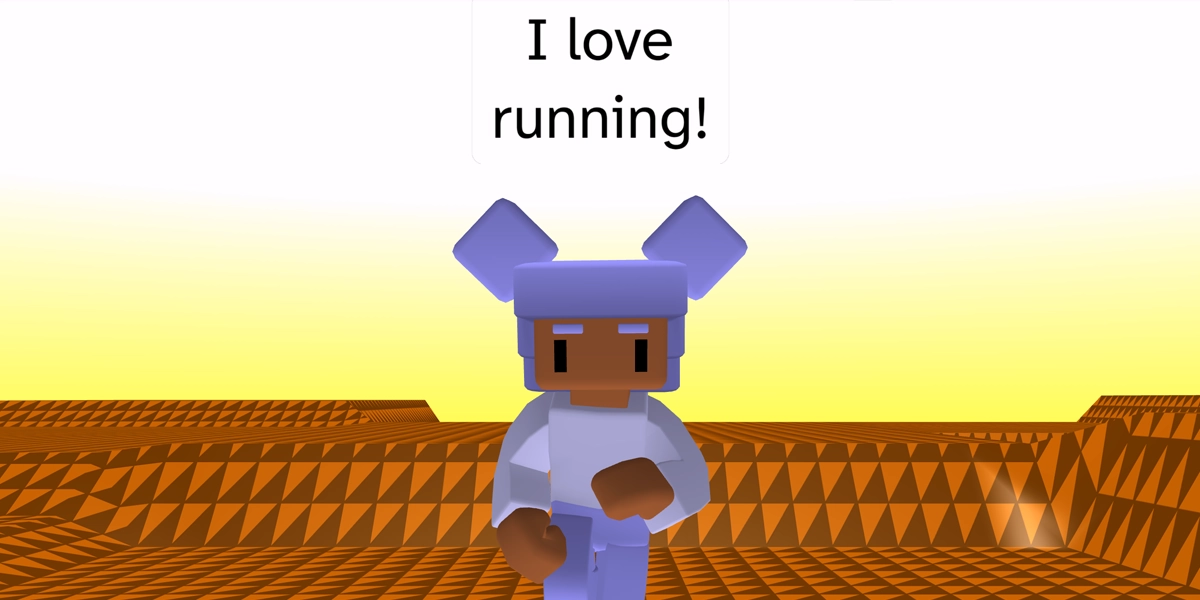
Animated character
Create an animated character that talks and performs a sequence.
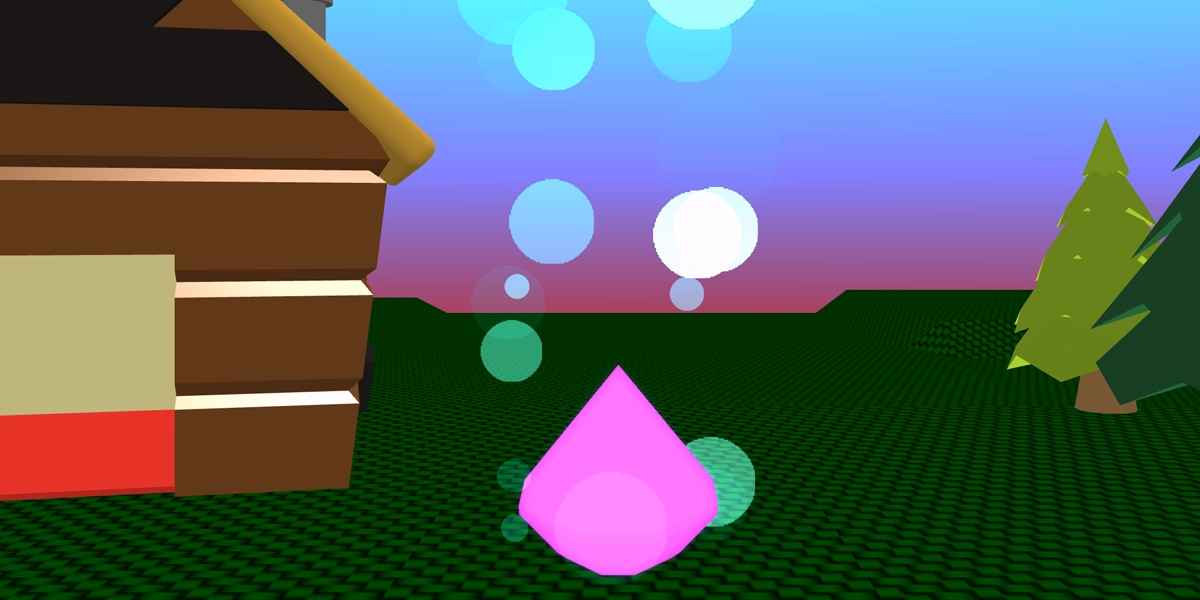
Ambient scene
Build a relaxing 3D environment with lighting and effects.
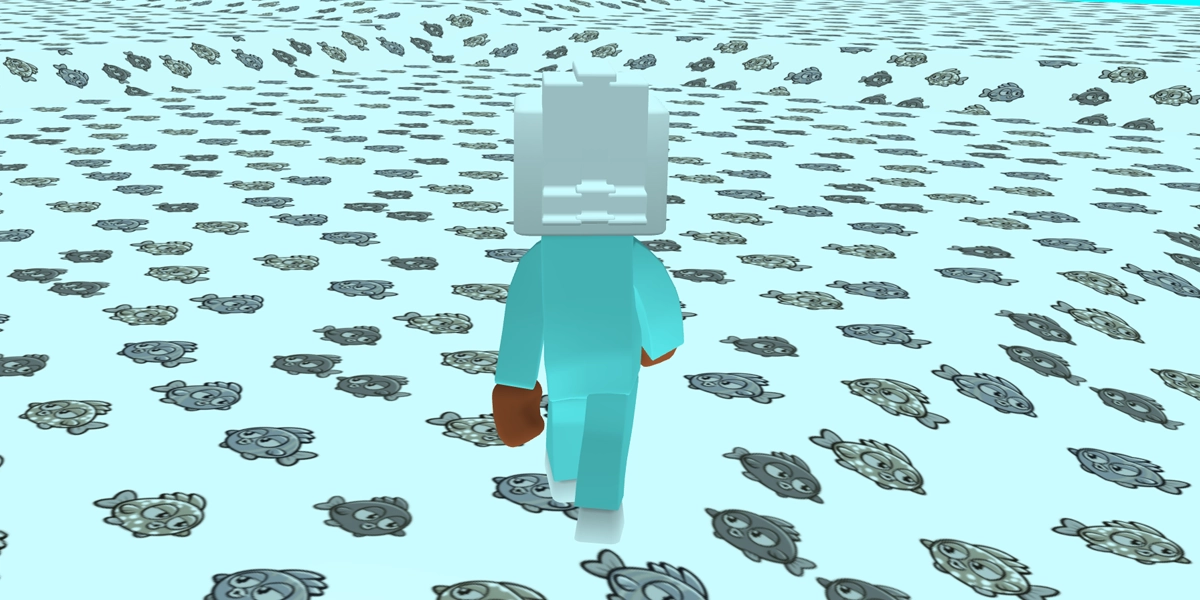
Character controller
Control a character using physics, forces and controller input.
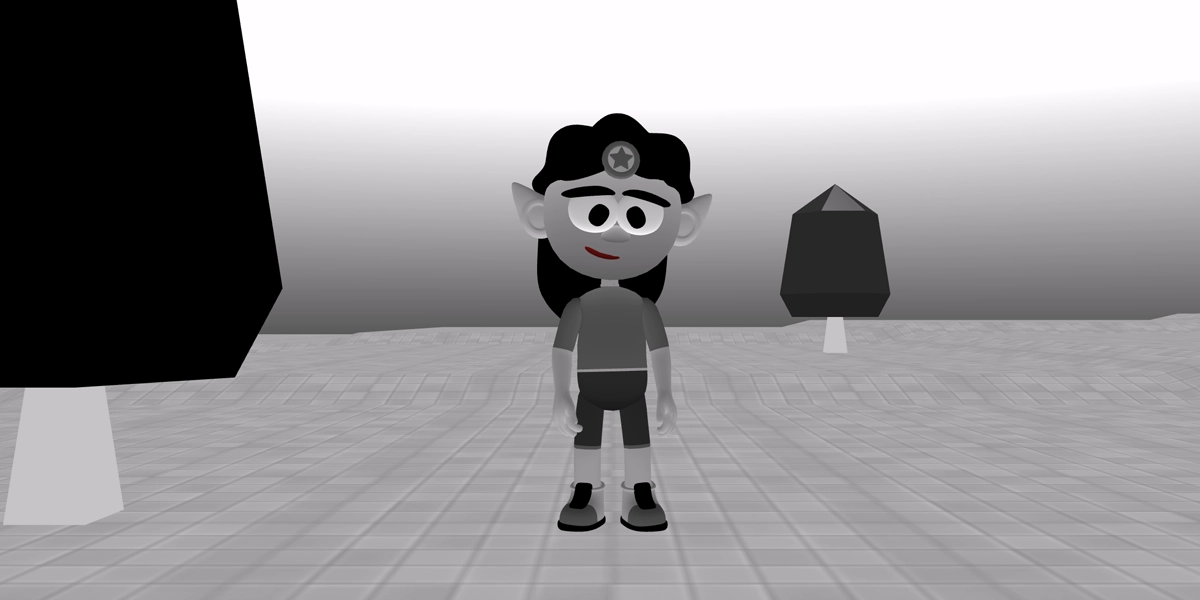
Colour restoration quest
Explore an island and bring colour back through interaction.
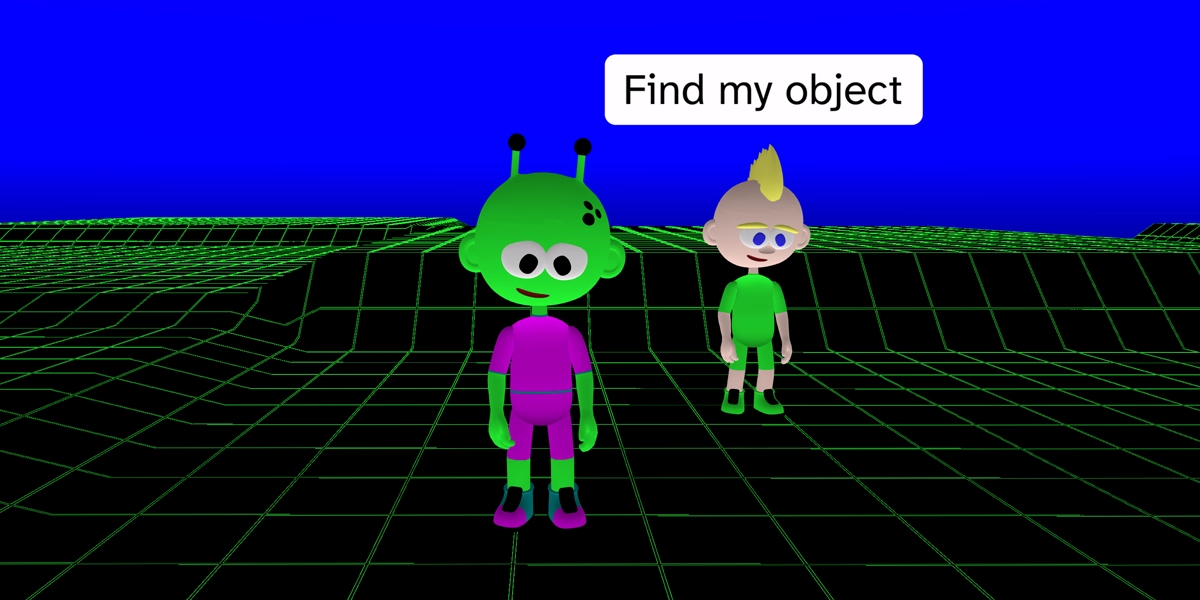
Side quest adventure
Complete a quest by collecting items and unlocking new dialogue.
What learners learn
- Character movement - control characters in a 3D world
- Collisions - trigger events when objects touch
- Quest systems - create objectives and rewards for players
- Visual effects - enhance worlds with particles, glow and animation
- Variables - track progress and player actions
English national curriculum links
- Design, use and evaluate computational abstractions
- Use programming constructs including sequence, selection, repetition and variables
- Use logical reasoning to analyse and debug programs
Stage 8
Advanced game mechanics
Learners create a series of quest-based games that introduce them to common game mechanics found in modern games. They explore collectables, objectives and challenges whilst developing a deeper understanding of Boolean logic, lists and functions.
These new programming tools allow learners to create richer gameplay experiences and prepare them for designing their own games.
£39.99
Projects with purpose
Each project has been carefully designed to introduce new tools, programming concepts and creative techniques.
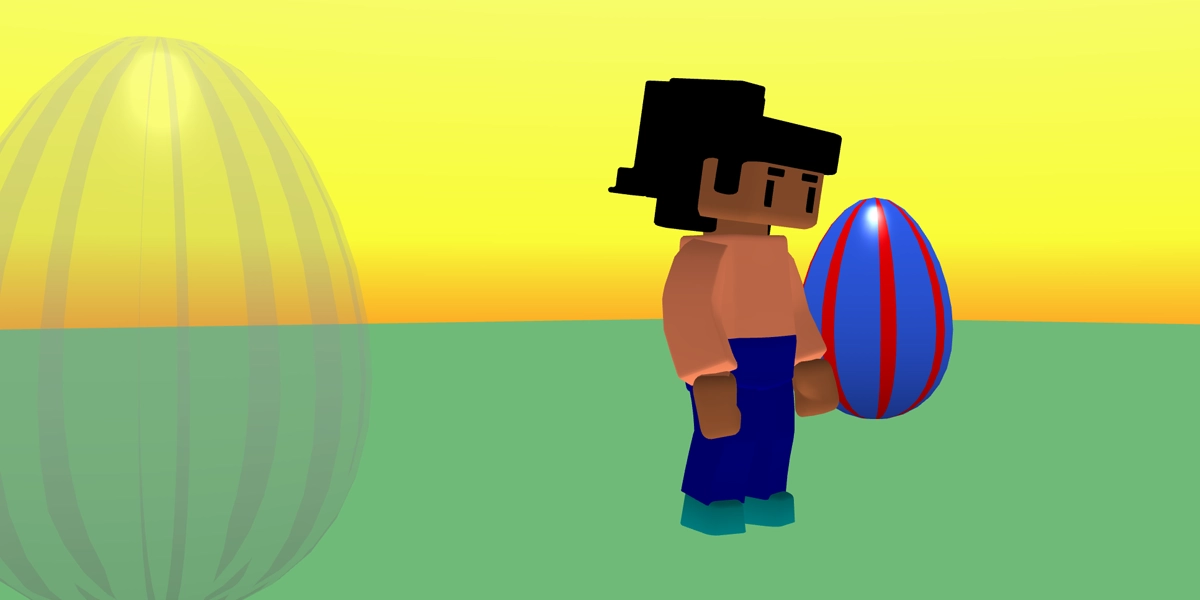
Gliding collectables
Return a lost item home using animations and conditions.
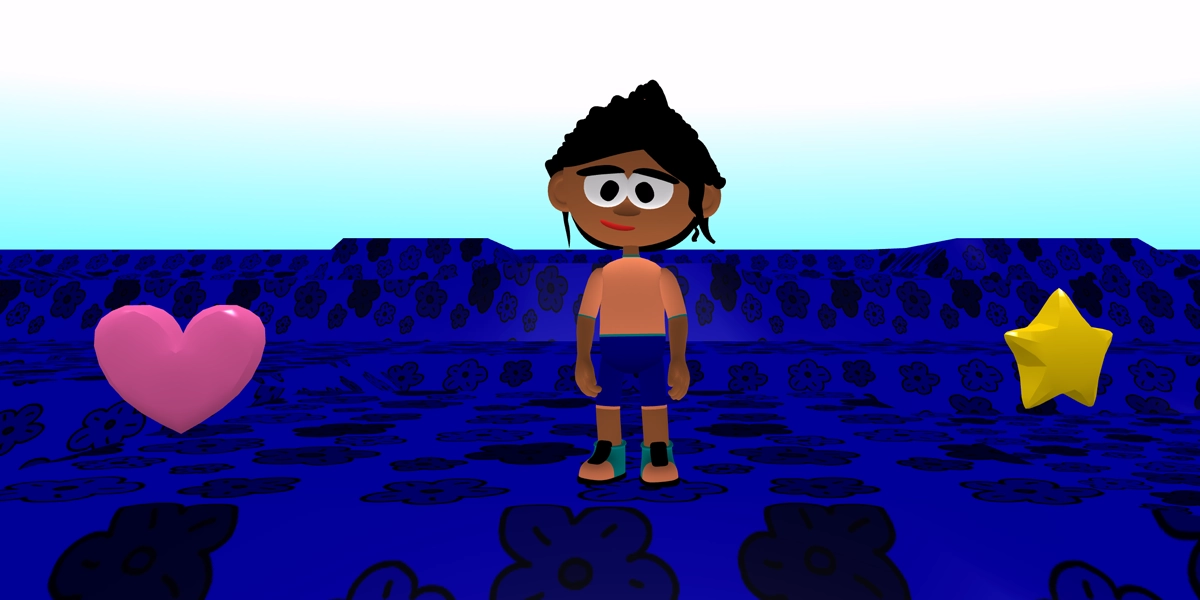
Cosy collectables
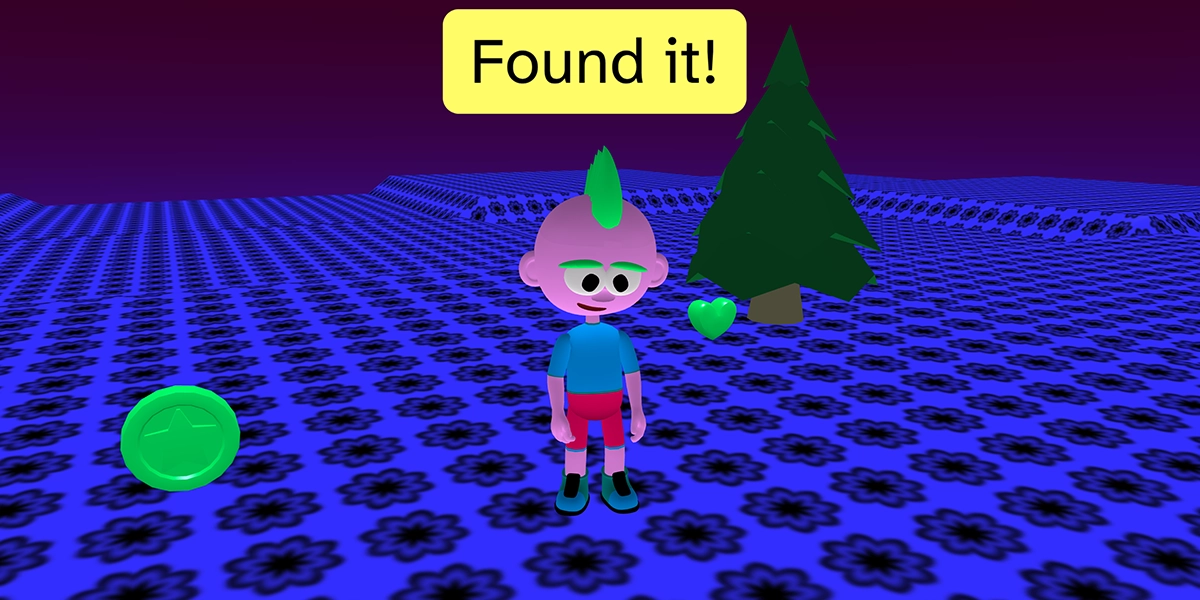
Collect items in a personalised world and track progress.
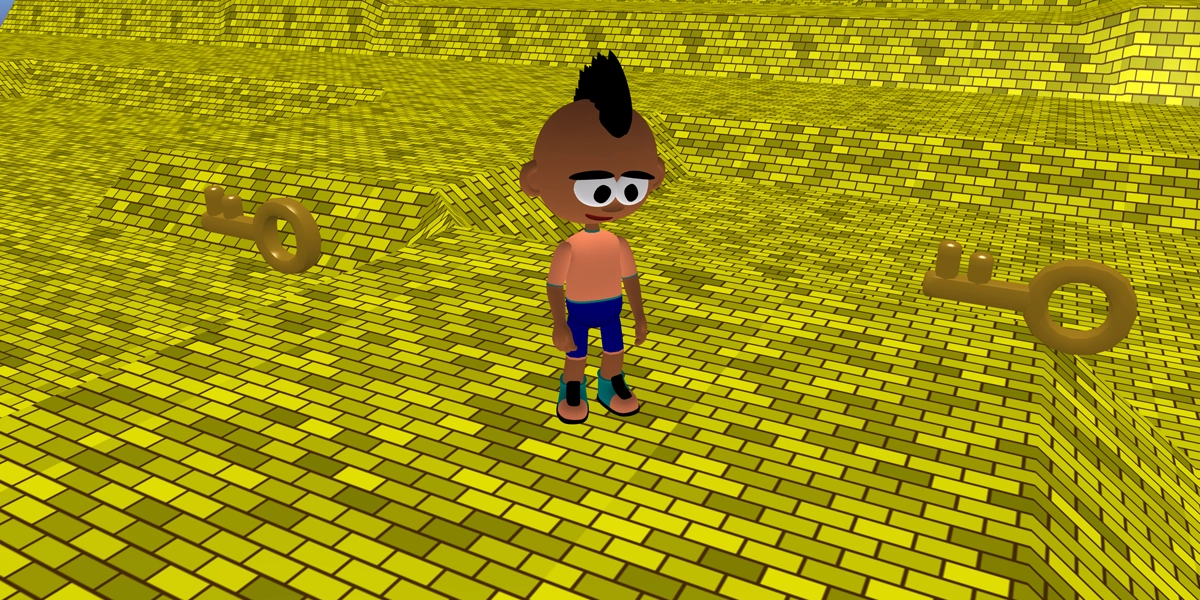
Falling gem quest
Unlock a hidden reward by solving a simple quest.
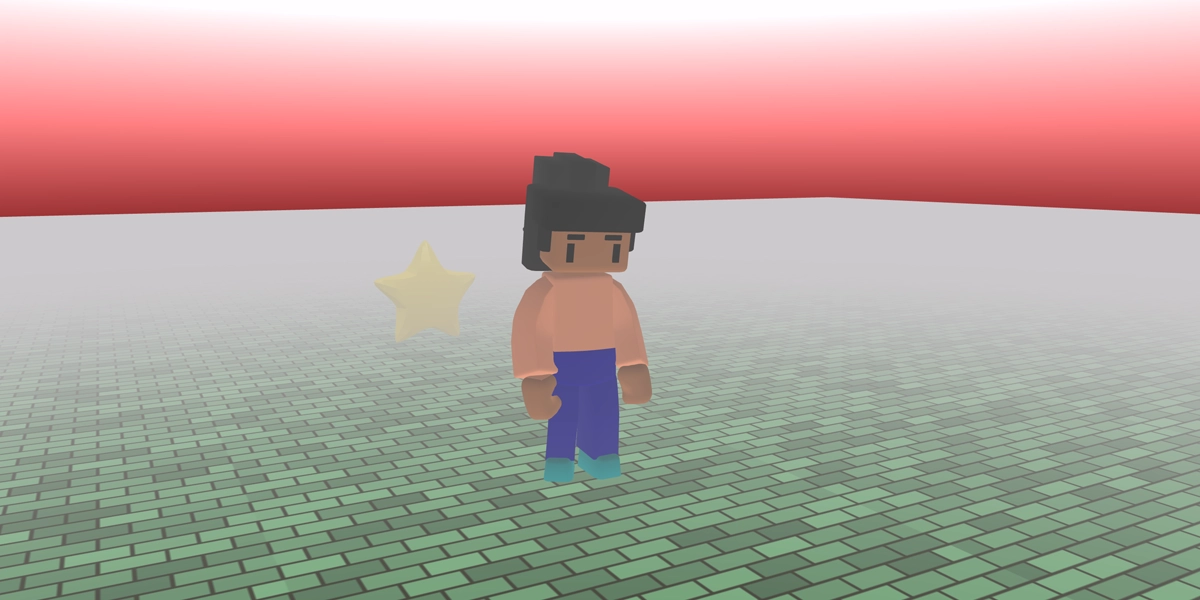
Treasure hunt
Search for treasure and store collectables in a list.
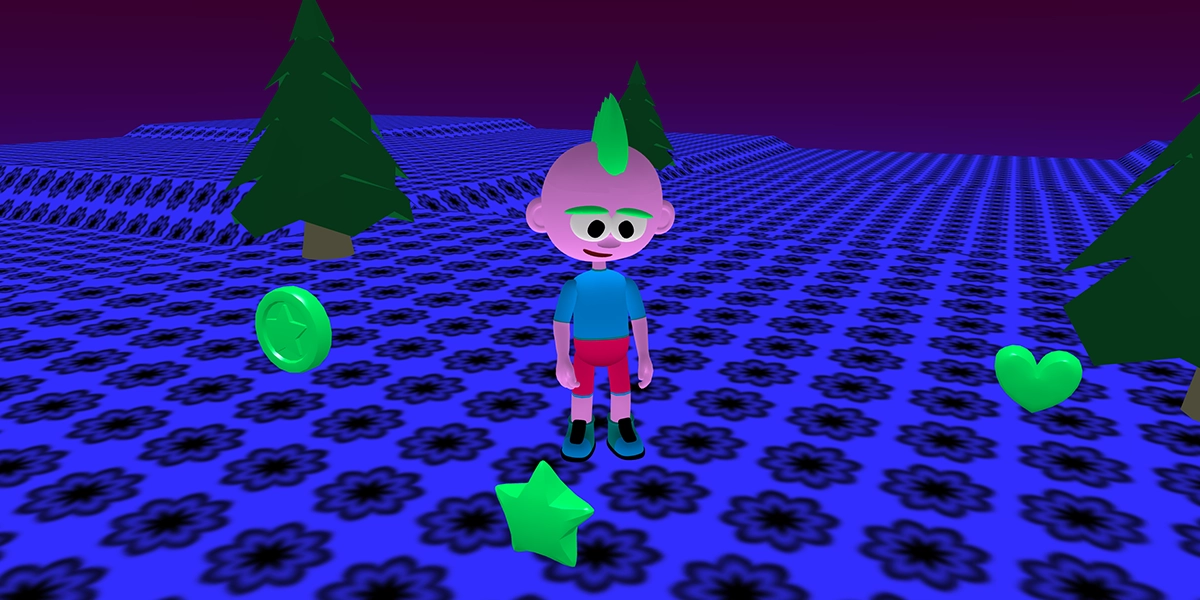
Refactored treasure hunt
Improve a game using functions and reusable code.
What learners learn
- Conditions - control when events and actions take place
- Counter variables - track scores, progress and collectables
- Boolean logic - check whether multiple conditions are true
- Lists - store and manage collections of items
- Functions - reuse code and make programs easier to maintain
English national curriculum links
- Design, use and evaluate computational abstractions
- Use programming constructs including sequence, selection, repetition and variables
- Understand simple Boolean logic
- Use logical reasoning to analyse and debug programs
- Make appropriate use of data structures
- Design and develop modular programs that use procedures or functions
Stage 9
Think like a game designer
Learners step into a range of professional game development roles and focus on improving the player experience. They refine gameplay, design levels, create visual effects and explore how small changes can dramatically affect the way a game feels to play.
Rather than learning new programming concepts, learners apply everything they have learned so far to transform prototype games into memorable experiences.
£39.99
Projects with purpose
Each project has been carefully designed to introduce new tools, programming concepts and creative techniques.
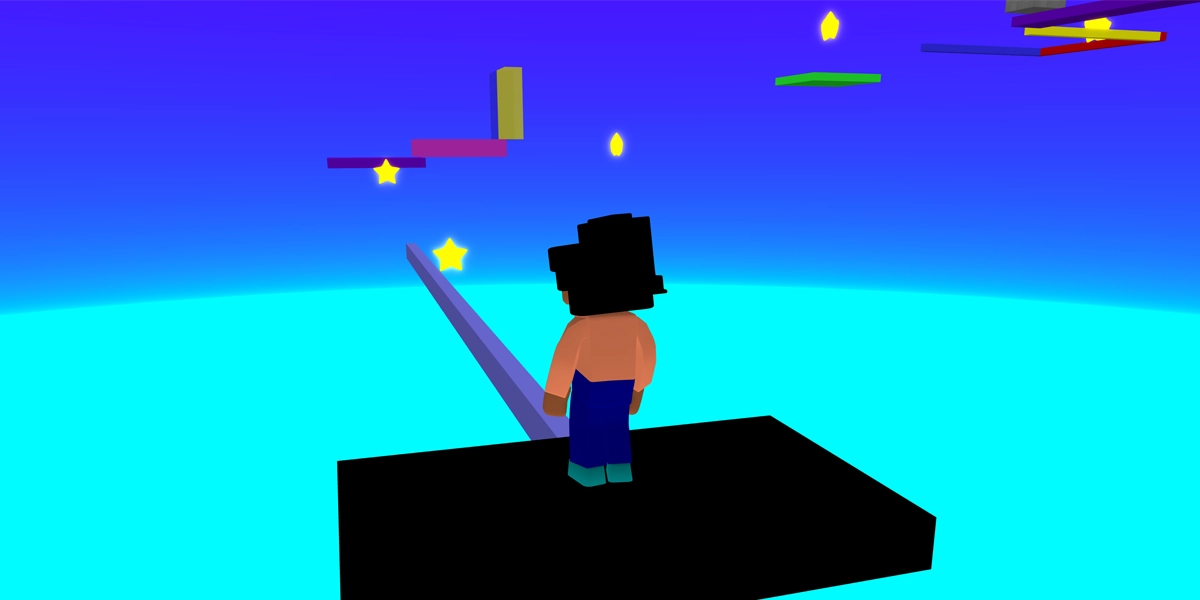
Level designer
Design an environment that guides players towards objectives.
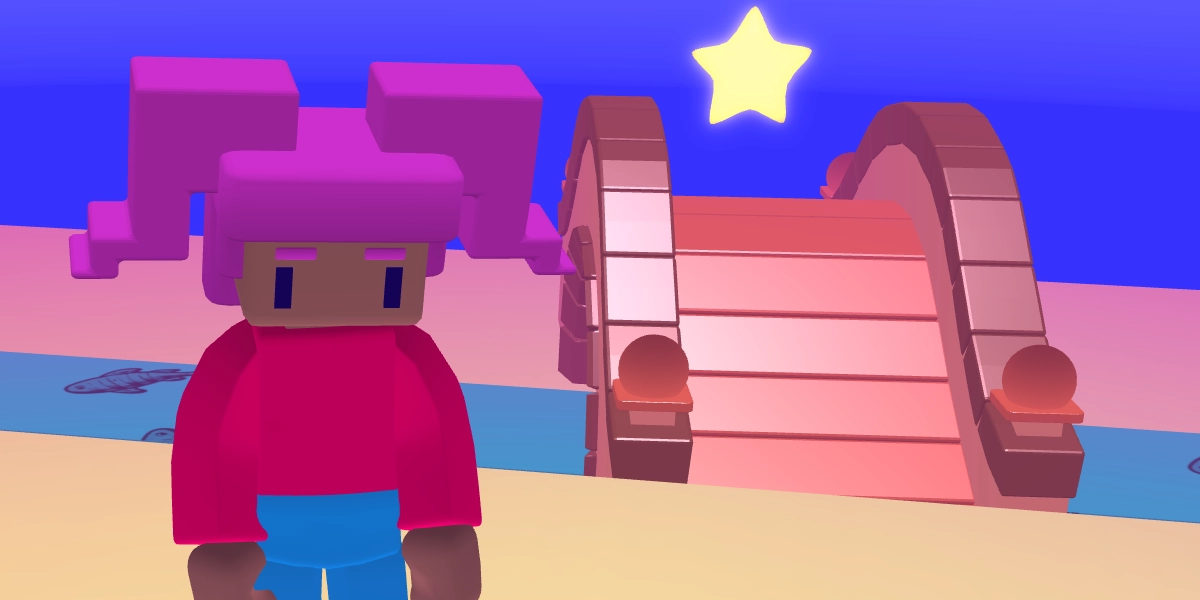
Visual effects artist
Enhance a treasure hunt game with effects and camera angles.
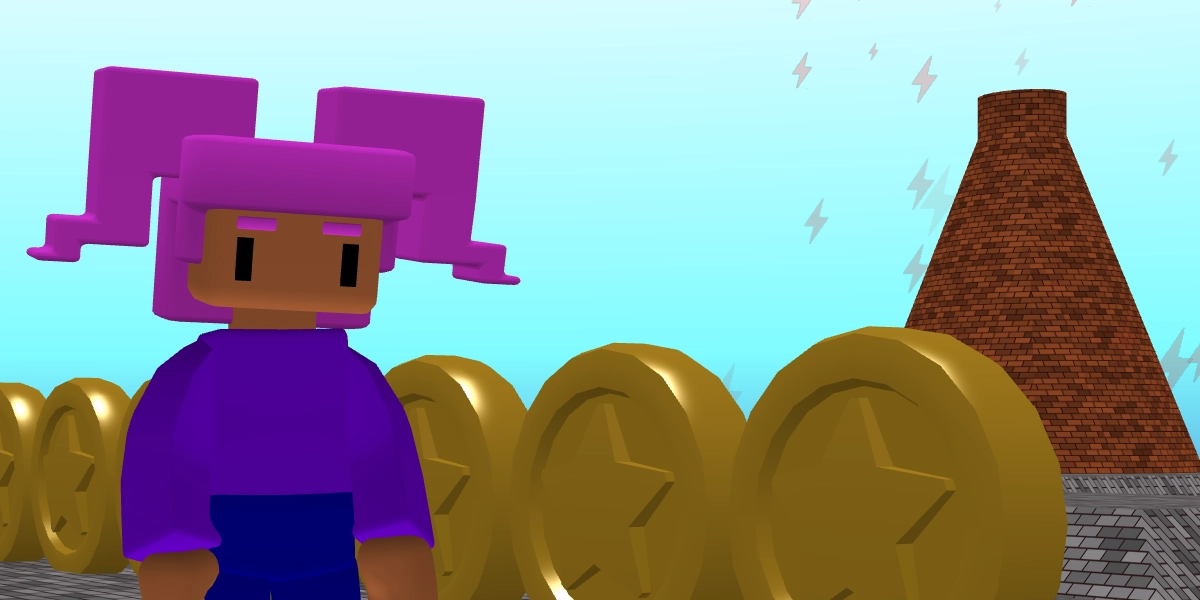
Game feel designer
Improve how a game feels through emotion and feedback.
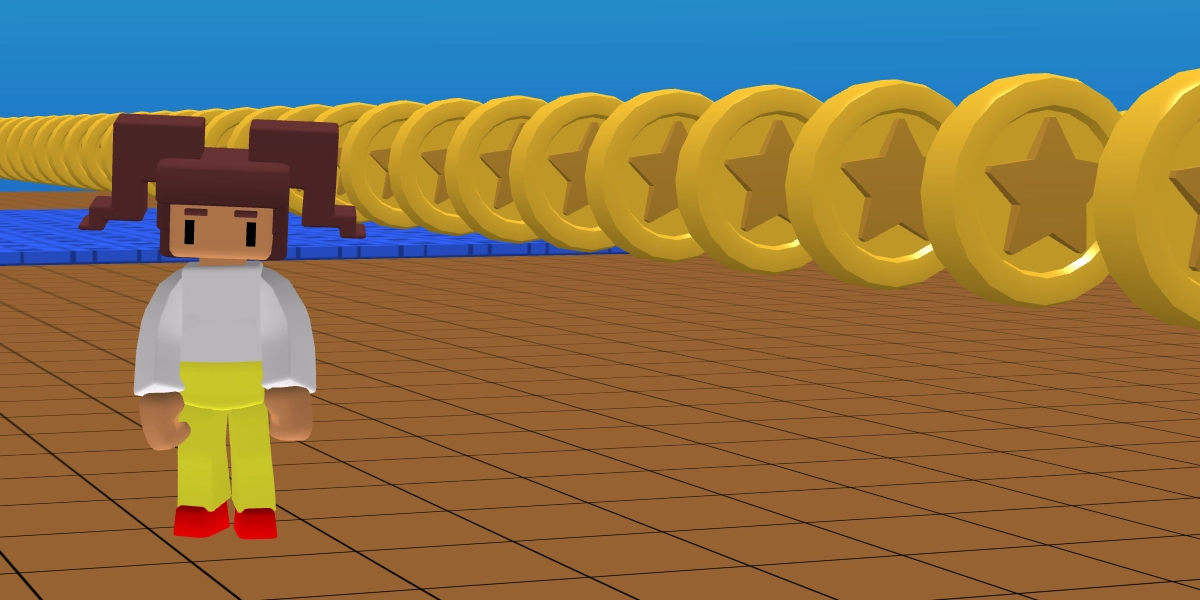
Gameplay designer
Refine obstacles and mechanics to improve gameplay.
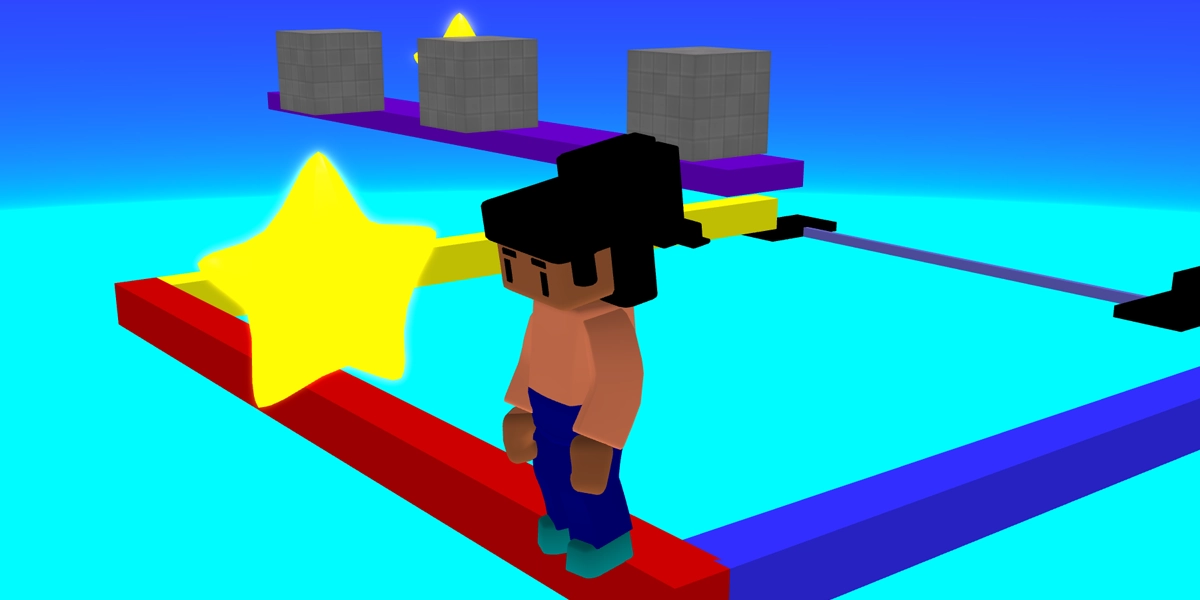
Competitive gameplay designer
Balance difficulty, rankings and rewards in a challenge.
What learners learn
- Level design - create environments that guide and challenge players
- Visual effects - use effects and cameras to enhance experiences
- Game feel - shape how a game feels through feedback and emotion
- Gameplay design - refine mechanics to make games fun and rewarding
- Iteration & testing - improve games through feedback and playtesting
English national curriculum links
- Design, use and evaluate computational abstractions
- Undertake creative projects that involve selecting, using and combining multiple technologies
- Use logical reasoning to analyse and debug programs