
Stage 4: Animating and repeating worlds
What's included in a unit?
- Lesson plans & slides
- Direct to learner videos
- Worksheets, as needed
- Unit overview
- Project rubric
- Skills map
- Vocabulary sheets
- Finished example code
What is covered in each lesson?
Lesson 1
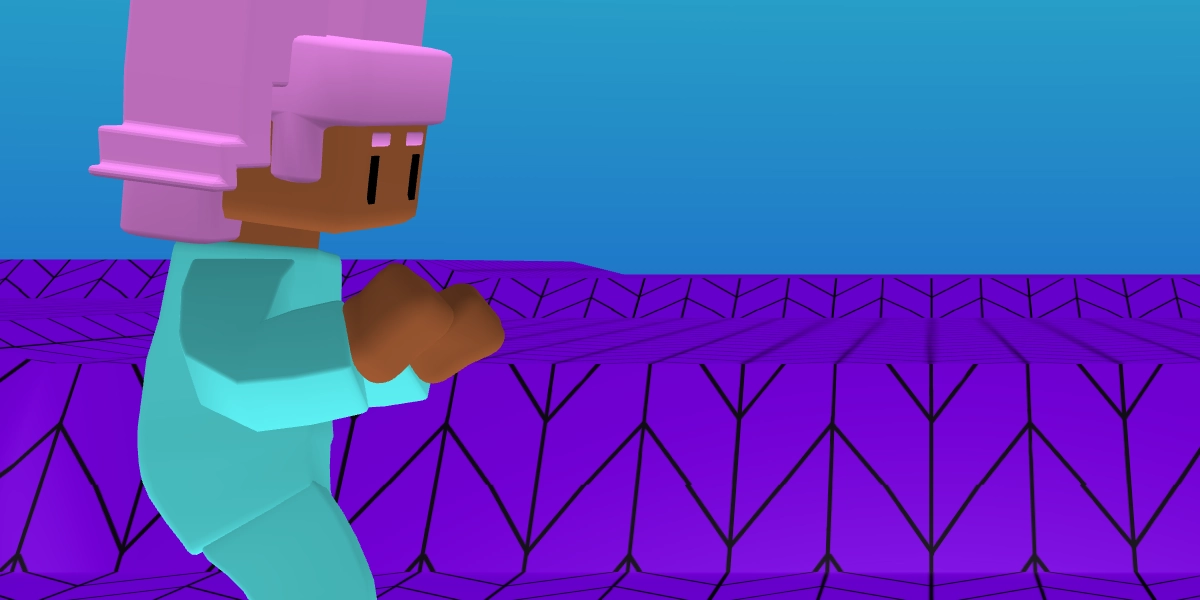
Create an animation sequence
Learners use the play animation blocks to make an animation sequence for a character.
Objectives
- Recall the term 'sequence'
- Create a sequence in Flock XR
Lesson 2
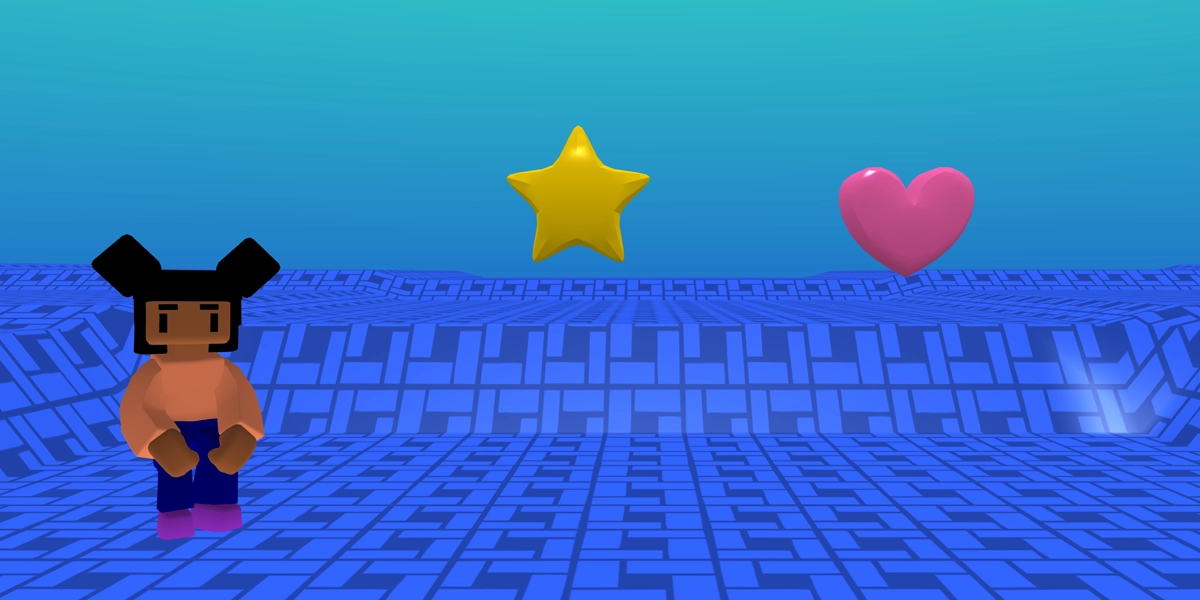
Create dancing objects
Learners discover the glide animation block to make objects dance.
Objectives
- Define the term 'repetition'
- Use repetition in a program by looping an animation
Lesson 3
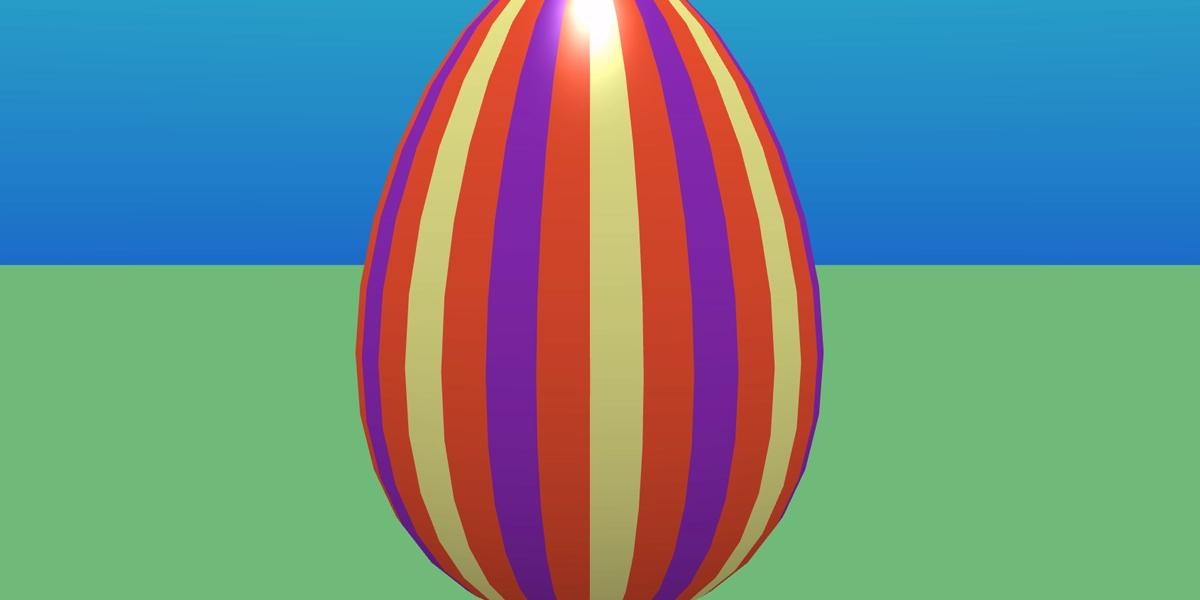
Create a mystery prize project
Learners hide a spinning object inside an egg that is revealed with a click.
Objectives
- Recall the term 'repetition'
- Use repetition in a program by looping a rotate animation
- Use the when clicked event to hide an object
Lesson 4
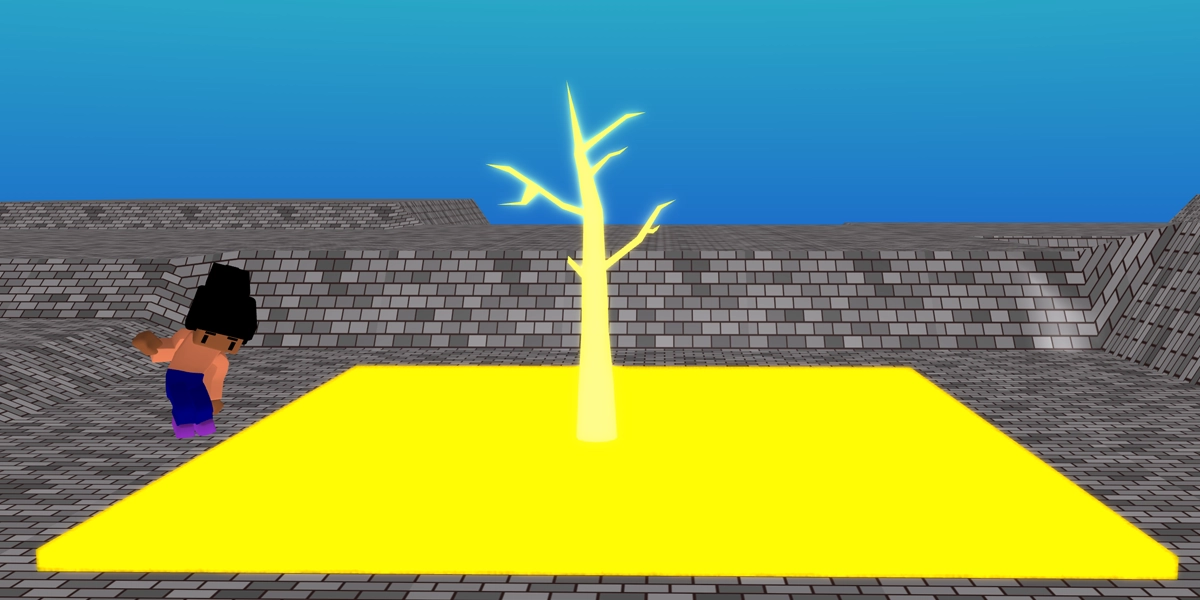
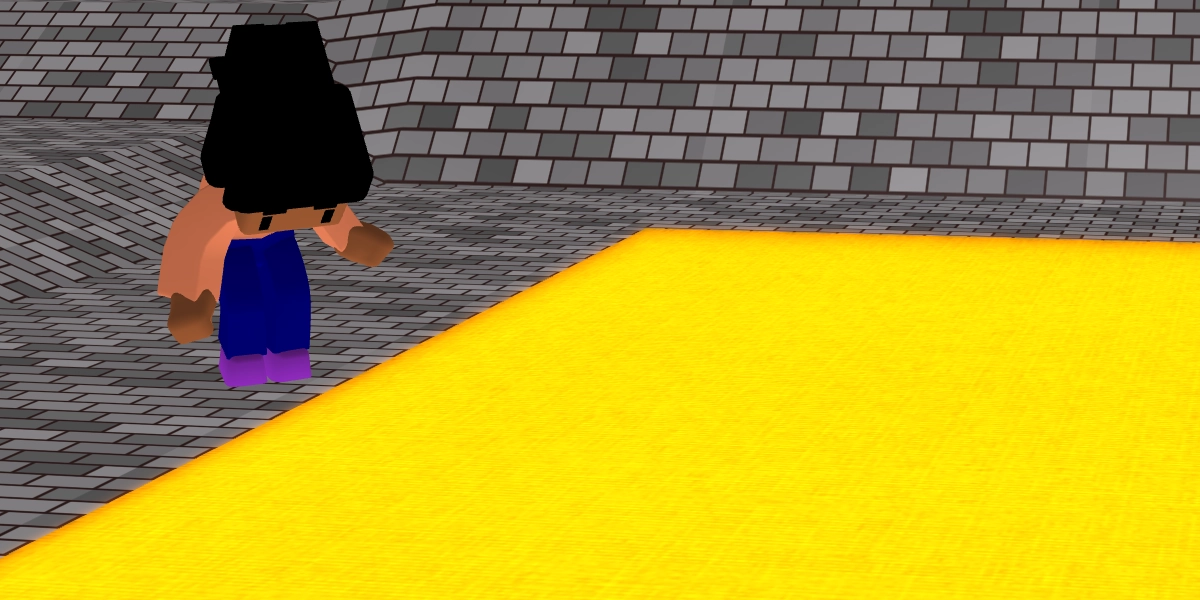
Create a floor is lava project
Learners build their own repetition statements this lesson by looping a glowing floor effect.
Objectives
- Use a forever loop to create a lava effect
- Add materials to an object
Lesson 5
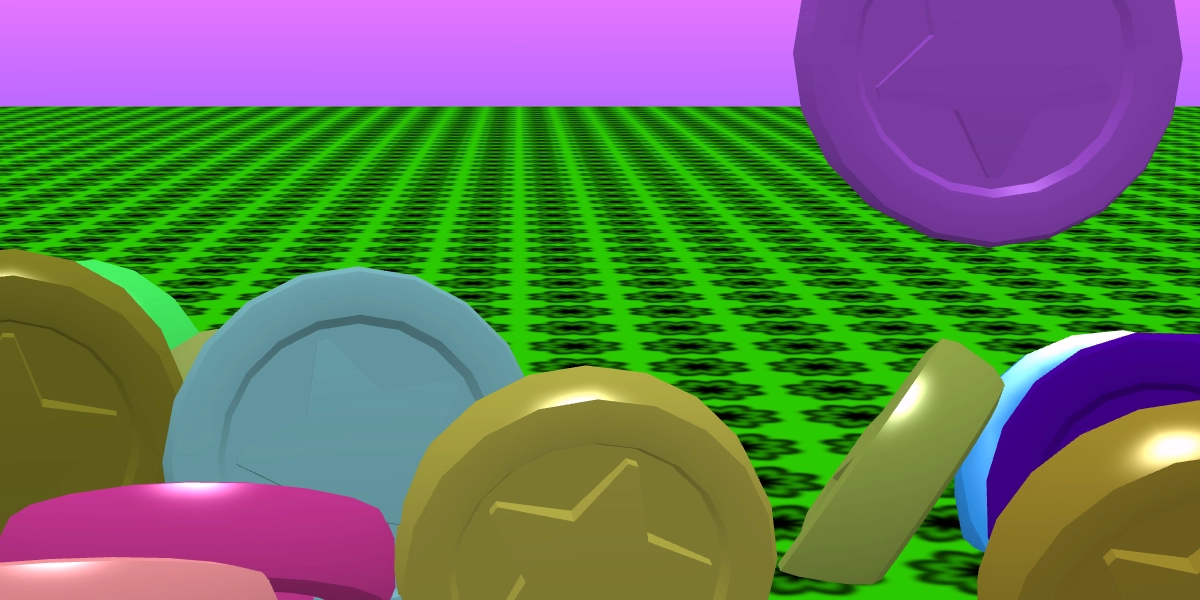
Create a coin drop project
Learners discover repeat loops and use them to add lots of dropping coins to a scene. Coins are then clicked and disappear!
Objectives
- Use a repeat loop to add objects to a scene
- Add physics to an object to make it fall
- Use random to create random colours
Lesson 6
Rebuild and extend the coin drop project
Learners rebuild the coin drop project with independence and add in their own personal touches. This project can be assessed via a rubric.
Objectives
- Reuse and improve a coin drop project
£39.99