
Stage 5: Creating interactive experiences
What's included in a unit?
- Lesson plans & slides
- Direct to learner videos
- Worksheets, as needed
- Unit overview
- 10 question unit quiz
- Project rubric
- Skills map
- Vocabulary sheets
- Finished example code
What is covered in each lesson?
Lesson 1
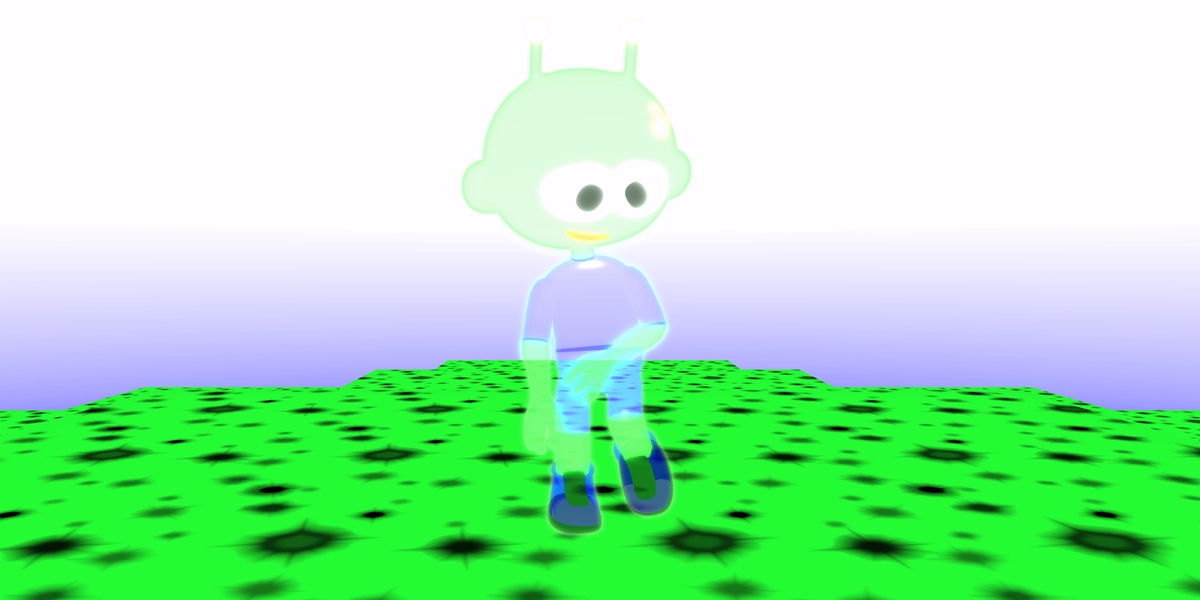
Create a special effects sequence
Learners create an animated character that has a sequence of special effects applied to it.
Objectives
- Recall the term 'sequence'
- Add a character and animation
- Build a special effects sequence
Lesson 2
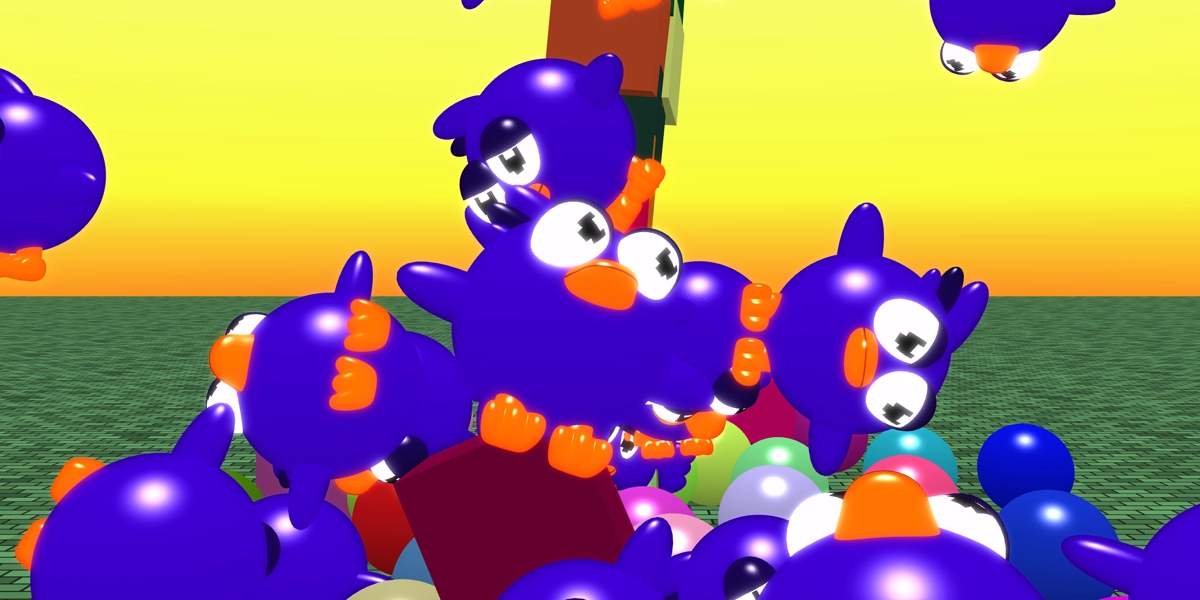
Create a shape chaos project
Learners are reminded of repeat loops through the creation of exploding objects. This lesson is a huge hit with learners.
Objectives
- Recall the terms repetition, repeat loop and physics
- Use a repeat loop to add multiple objects
Lesson 3
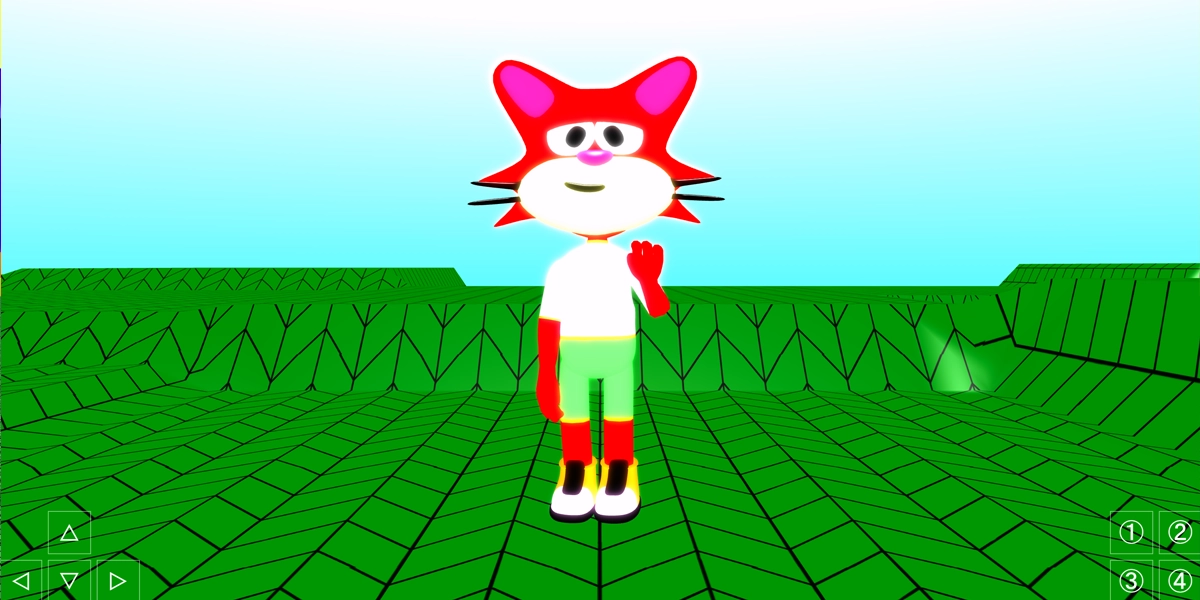
Create a character customiser project
Learners are introduced to selection through coding buttons to customise a character.
Objectives
- Define the terms 'selection' and 'condition'
- Use button controls
- Use an if statement to change materials
Lesson 4
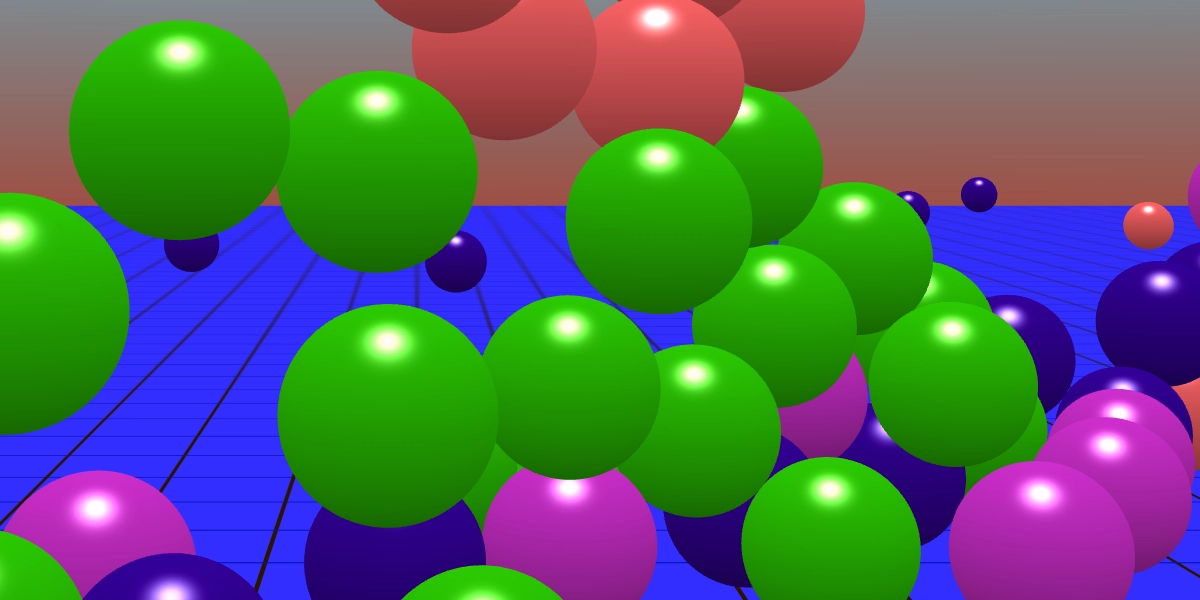
Create a sphere drop project
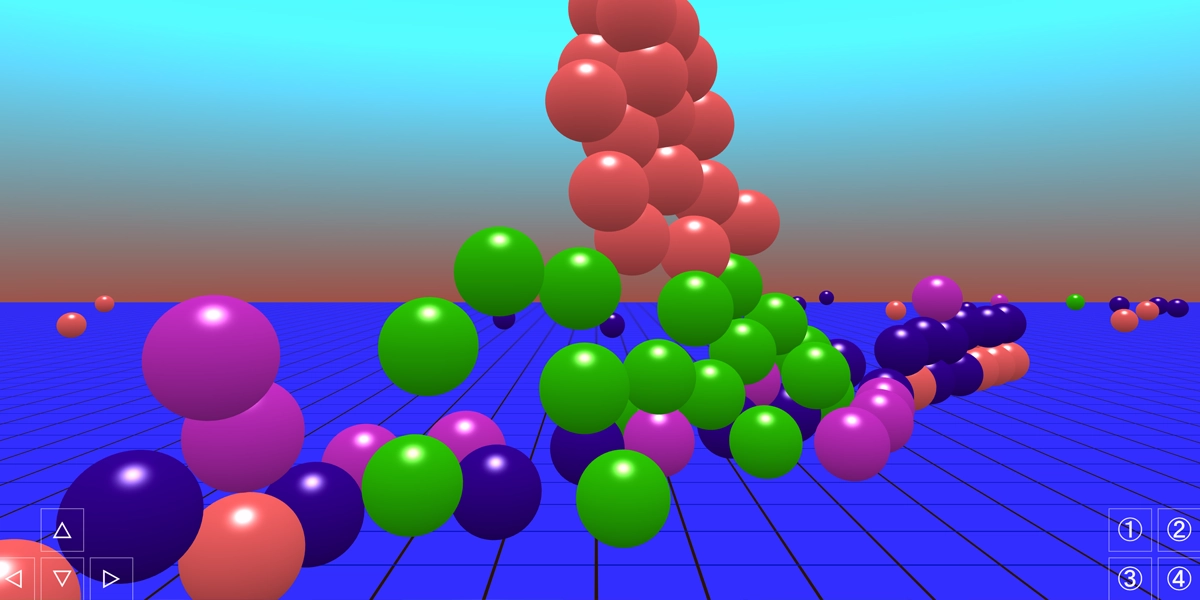
Learners continue to explore selection through coding buttons to drop different coloured spheres from the sky.
Objectives
- Recall the terms 'selection' and 'condition'
- Use an if statement to drop spheres from the sky
Lesson 5
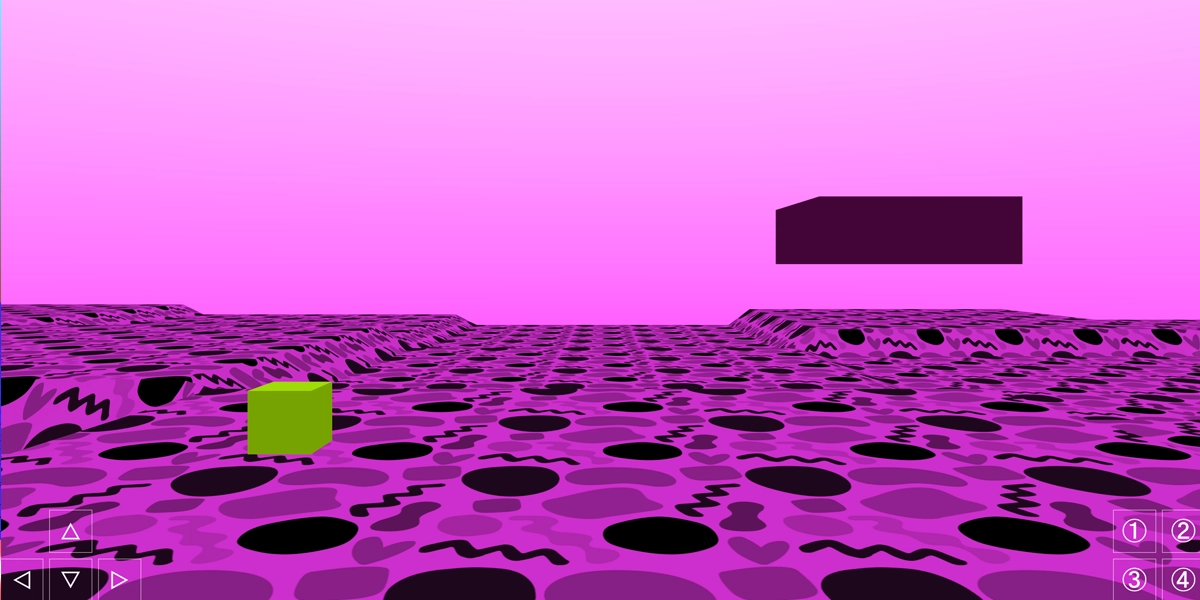
Create a cube platformer
Learners continue with selection and button controls and now apply forces to a cube. The cube can go in all directions and must land on the platform.
Objectives
- Define the terms 'else' and 'game balance'
- Test and refine a game to ensure it is balanced
- Use an else block with an if block
Lesson 6
A reused or combined project
Learners can pick any project from the unit to rebuild using the checklists. This lesson can be assessed using a rubric. There is also a 10 question quiz.
Objectives
- Choose a project to reuse
- Add customisations to the chosen project
- Share the project with the class
£39.99