
Stage 3: First steps into 3D world creation
What's included in a unit?
- Lesson plans & slides
- Direct to learner videos
- Worksheets, as needed
- Unit overview
- Project rubric
- Skills map
- Vocabulary sheets
- Finished example code
What is covered in each lesson?
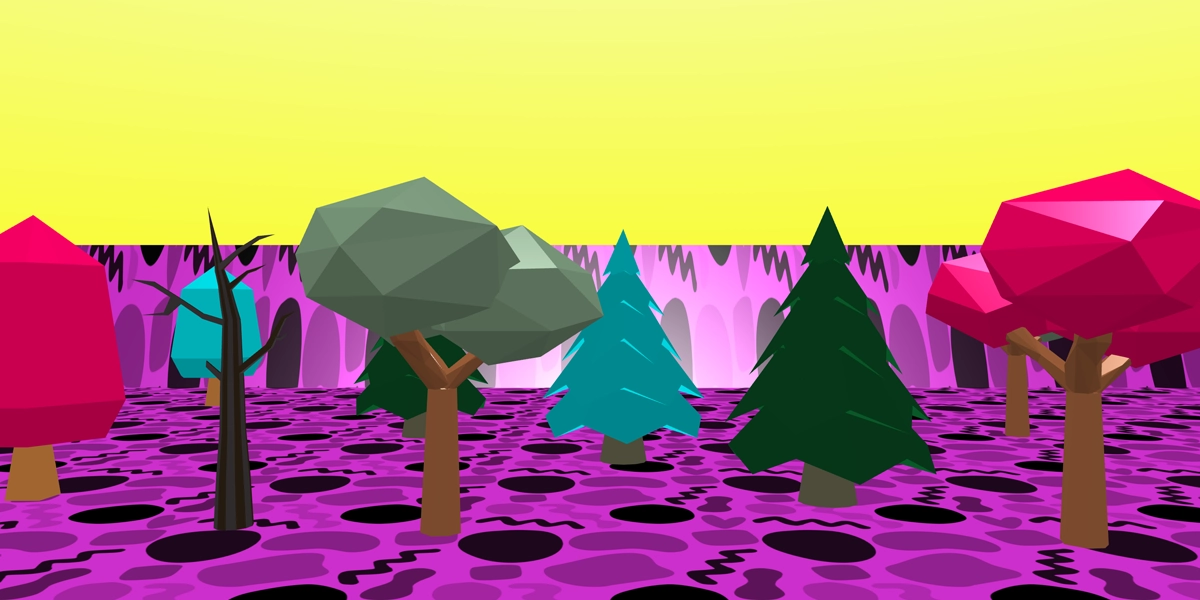
Lesson 1
Create a 3D scene
Design a colourful 3D scene with a sky, map and scenery objects.
Objectives
- Add a sky and map to a 3D scene
- Use gizmos to design a 3D scene
- Choose colours for a 3D scene
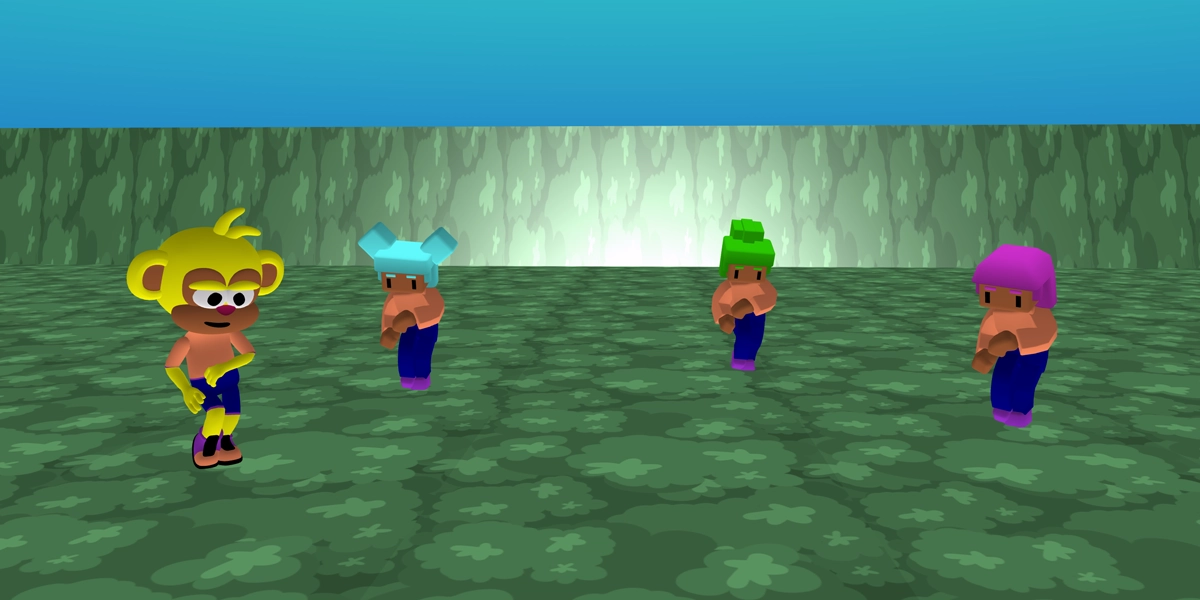
Lesson 2
Create a character animation
Learners add characters to a scene and choose animations for them.
Objectives
- Recall how to add a sky and map
- Add characters to a scene
- Animate characters
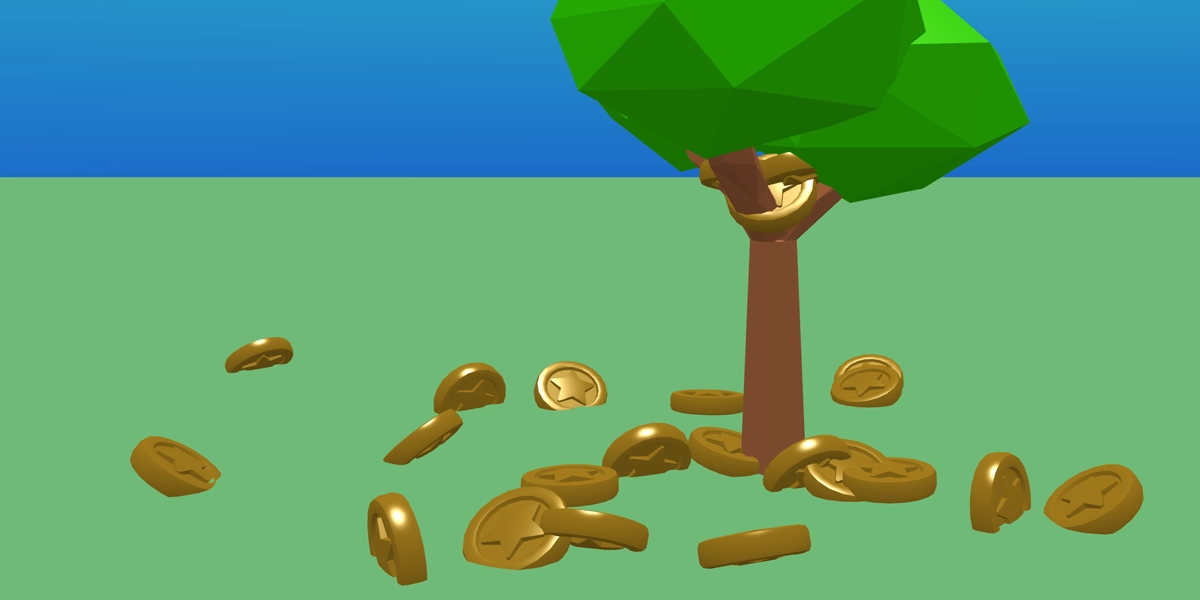
Lesson 3
Create a magic money tree
Learners add a tree to their scenes, make it clickable and drop coins from it.
Objectives
- Add a physics shape to an object
- Use the when clicked event
- Add an object when clicked
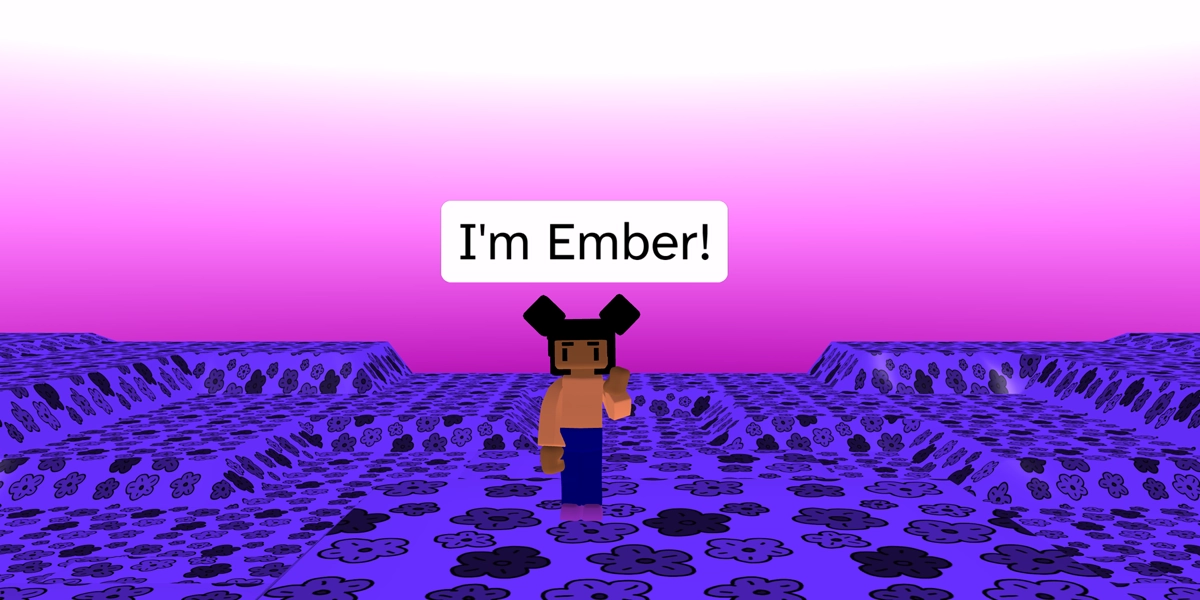
Lesson 4
Create a talking character
Learners add a character to a scene and make it clickable. When clicked it animates and talks.
Objectives
- Use the say block to make a character talk
- Use the when clicked event
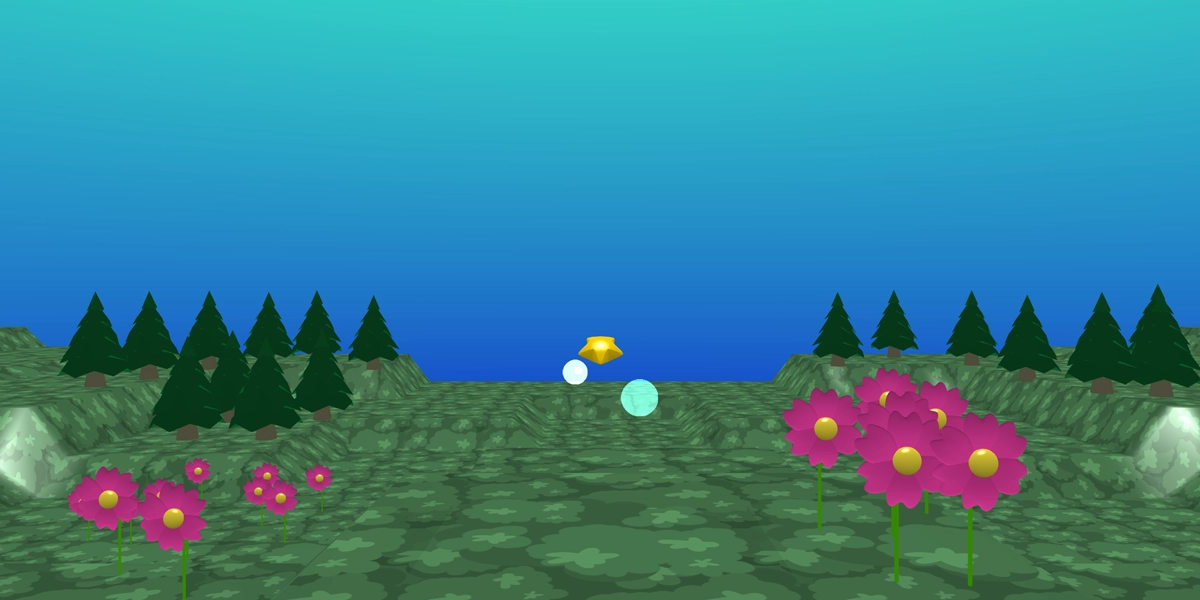
Lesson 5
Create a star launcher
Learners add a star with physics and apply a force when clicked making it fly off the map.
Objectives
- Add physics to an item
- Use the when clicked event
- Apply a force to an item
Lesson 6
Rebuild and extend the star launcher
Learners build the star launch project independently and extend the project. This project can be assessed via a rubric.
Objectives
- Rebuild a project
£39.99