
Stage 9: Think like a game designer
What's included in a unit?
- Lesson plans & slides
- Direct to learner videos
- Worksheets, as needed
- Unit overview
- 10 question unit quiz
- Project rubric
- Skills map
- Vocabulary sheets
- Finished example code
What is covered in each lesson?
Lesson 1
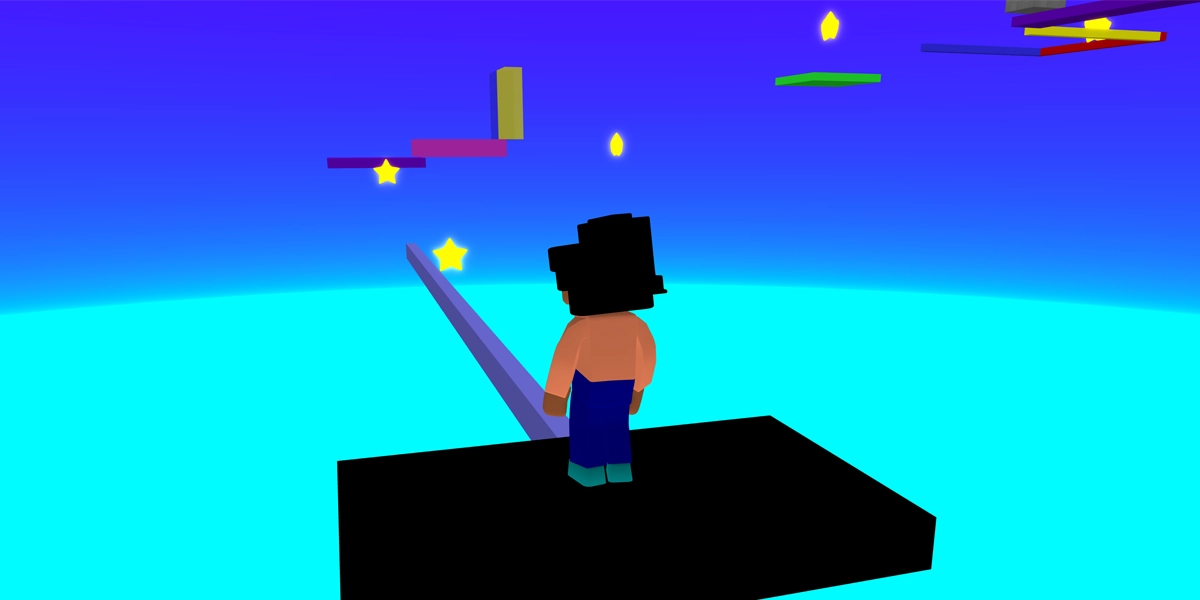
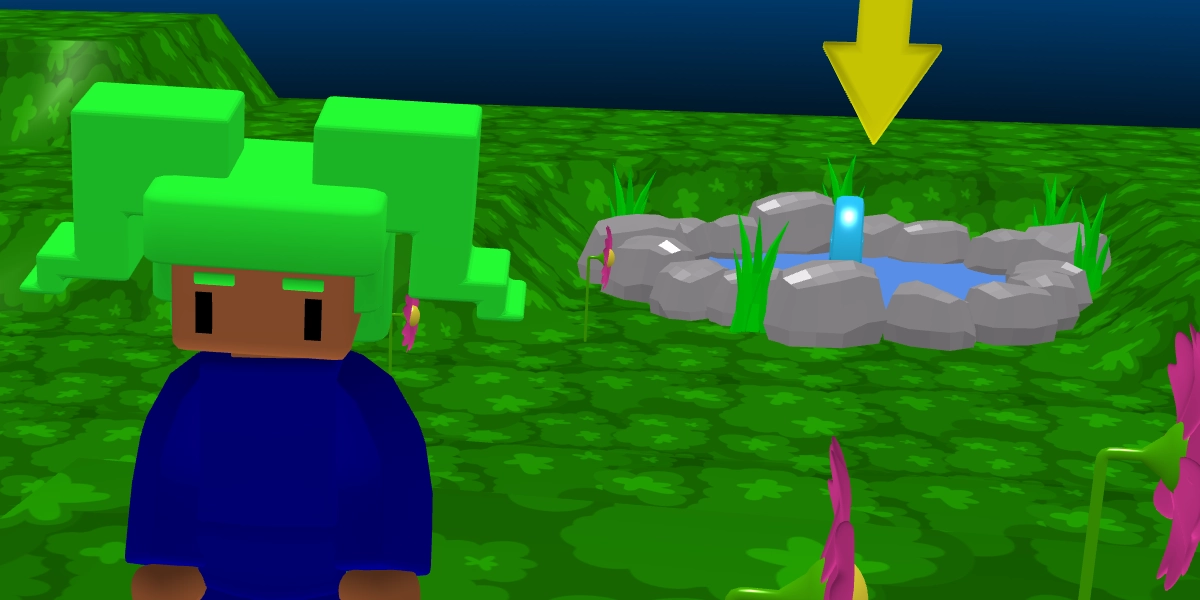
Design a level for a game
Learners are given a prototype game with a collectable and must turn it into a purposeful level.
Objectives
- Design a 3D environment to make it a place players want to explore
- Guide players to objectives through clues in the environment
Lesson 2
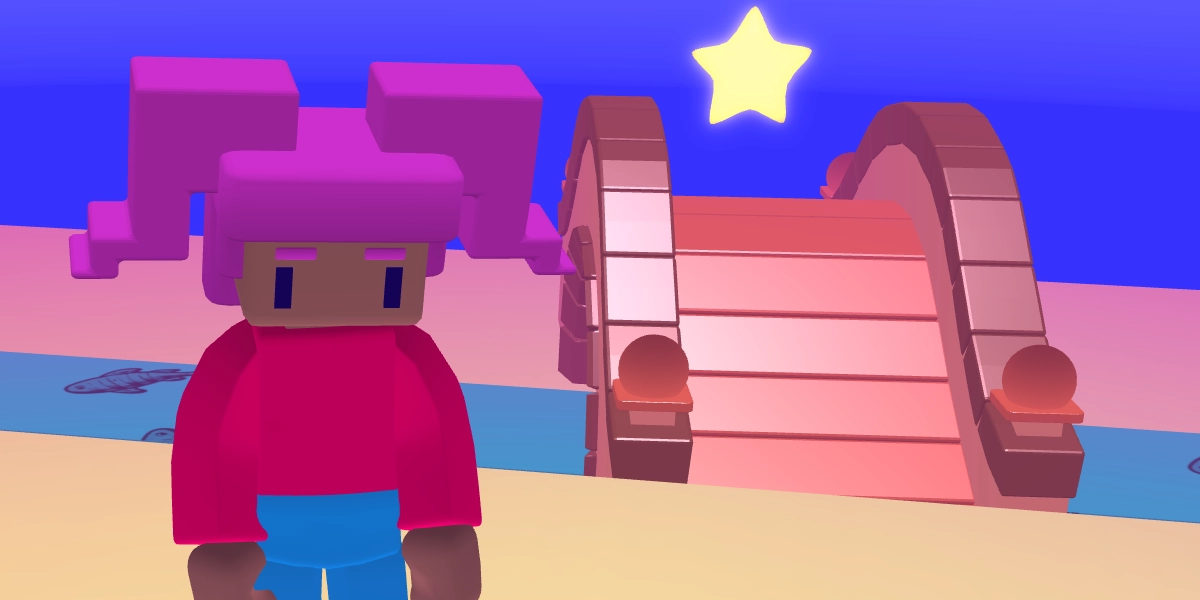
Add visual effects to a game
Learners are given a beautiful working game and must add visual effects to enhance it.
Objectives
- Design visual effects for a treasure hunt
Lesson 3
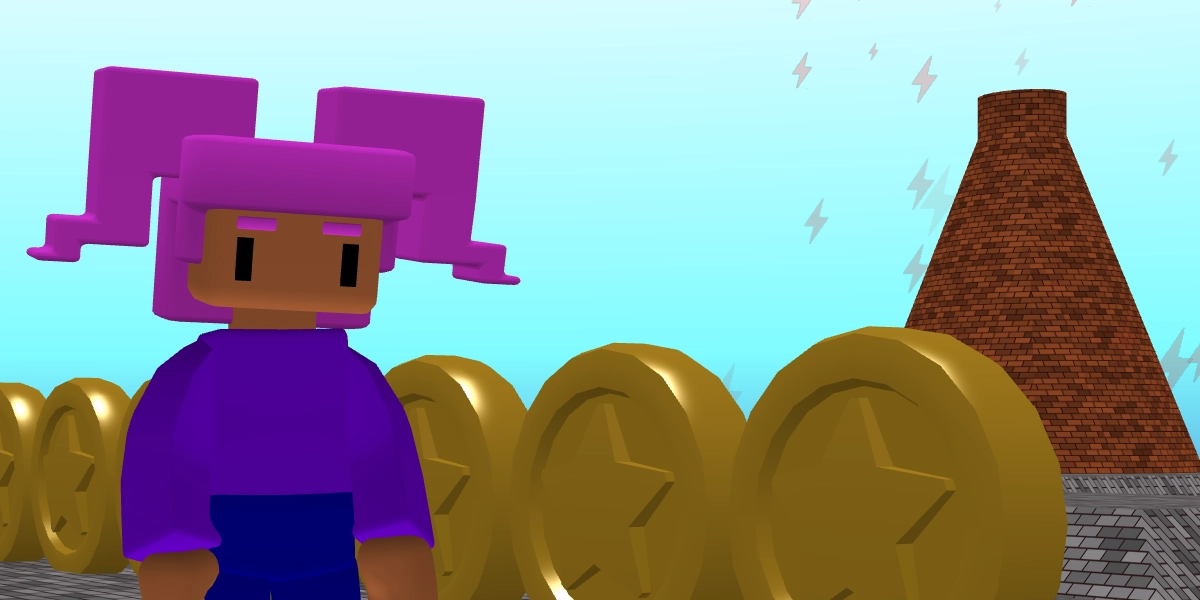
Improve game feel
Learners are given a working story based game. They learn about game feel and add subtle tweaks that improve the feel of the game.
Objectives
- Improve how a game feels to play
Lesson 4
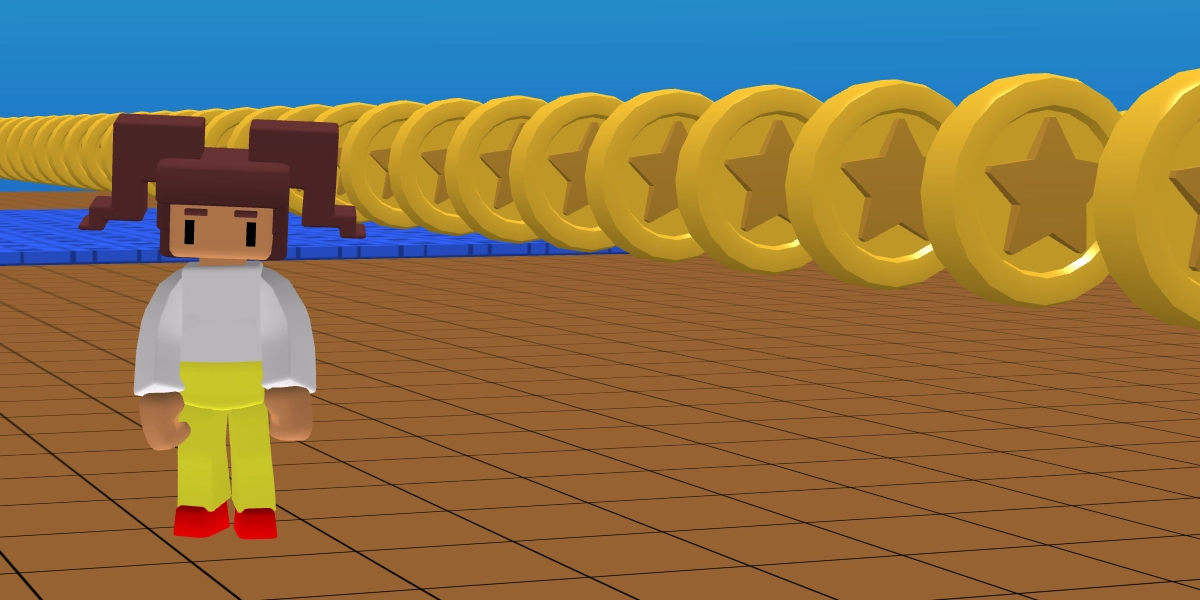
Improve gameplay
Learners are given a working coin collect game. They must improve gameplay by fine tuning the obstacles. Be prepared for lots of sharing of time scores around the room - it's a lot of fun!
Objectives
- Enhance the gameplay of a coin collecting prototype game
Lesson 5
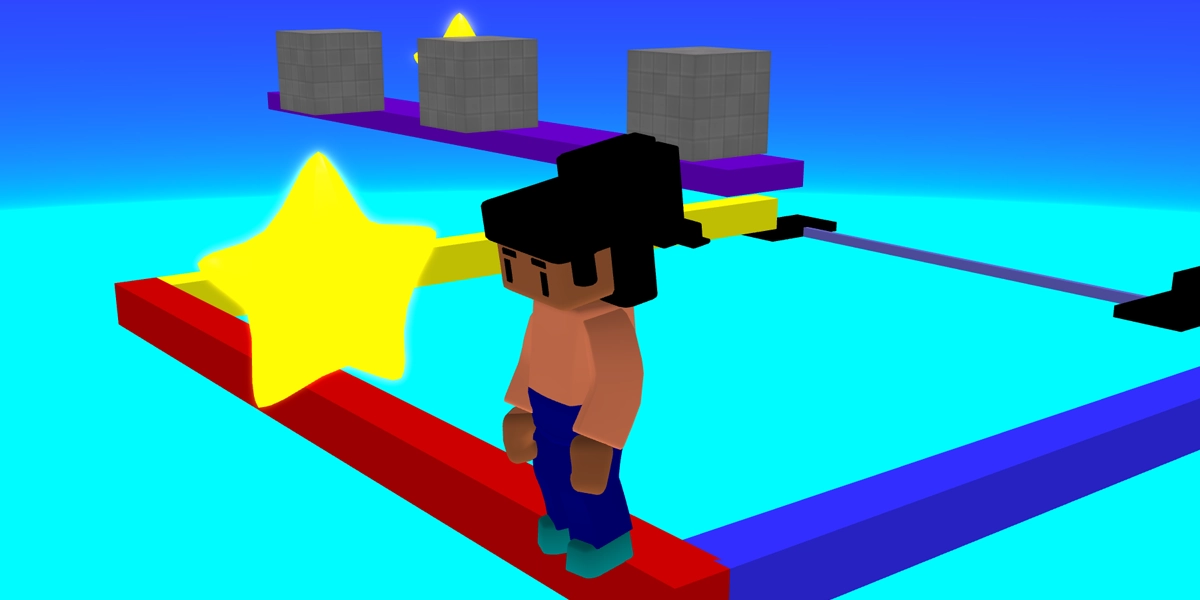
Fine tune an obby game
Learners are given a working obby game that they must fine tune based on the skills that they have covered in this unit.
Objectives
- Adjust gameplay settings to change the difficulty of a time trial game
- Refine checkpoints, rankings, and obstacles to improve the player experience
Lesson 6
Enhance a game
Learners independently improve the gameplay and feel of a game. This project can be assessed via a rubric. There is also a 10 question quiz.
Objectives
- Independently improve the gameplay and game feel of a prototype game
£39.99