
Stage 7: Games and immersive experiences
What's included in a unit?
- Lesson plans & slides
- Direct to learner videos
- Worksheets, as needed
- Unit overview
- 10 question unit quiz
- Project rubric
- Skills map
- Vocabulary sheets
- Finished example code
What is covered in each lesson?
Lesson 1
An animation sequence
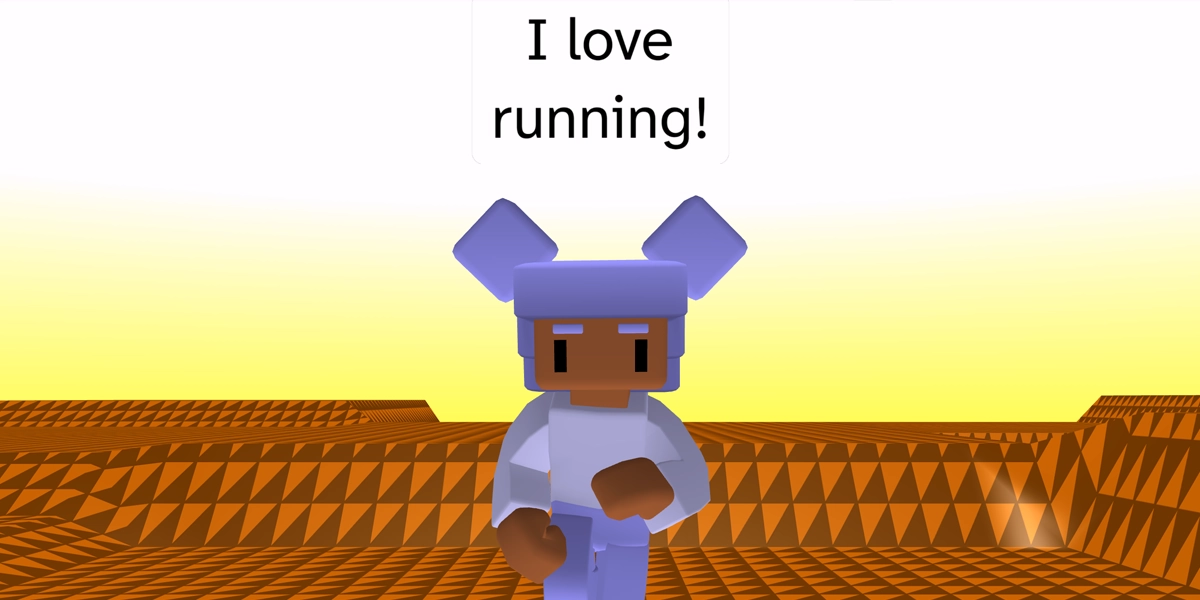
Learners add a character and create a sequence of animations and narration.
Objectives
- Choose a sky and ground for a 3D world
- Choose and personalise a 3D character
- Create an animation sequence for a 3D character
Lesson 2
Create an ambient scene
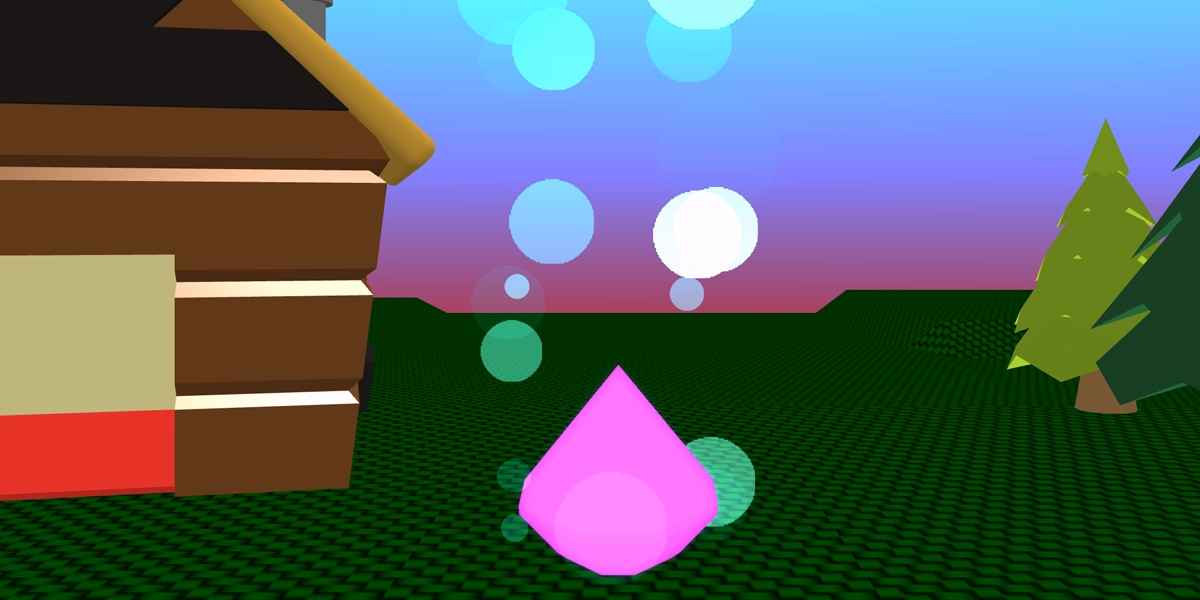
Learners build a relaxing ambient scene using a repeat loop to create a flickering fire.
Objectives
- Design and build a 3D ambient scene
- Add glow and particle effects to a 3D object
- Create a flicker effect using repetition
Lesson 3
Create a moveable 3D character
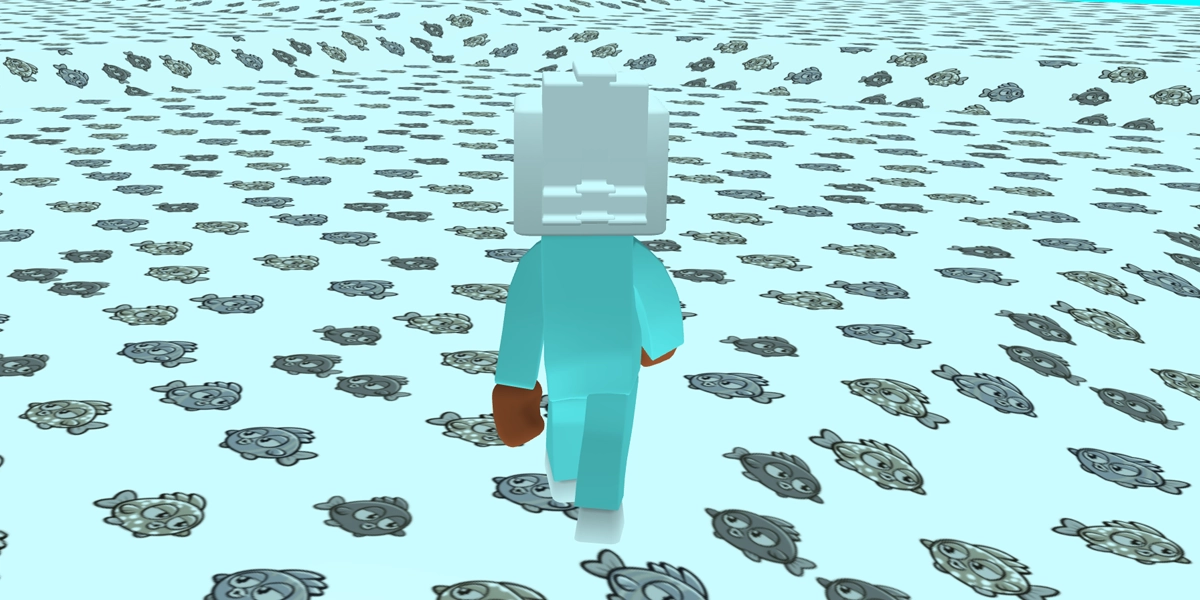
Learners build out the selection statement that makes a character walk around the 3D world.
Objectives
- Add physics to a 3D character
- Use if statements to control character movement
- Implement a camera that follows a 3D character
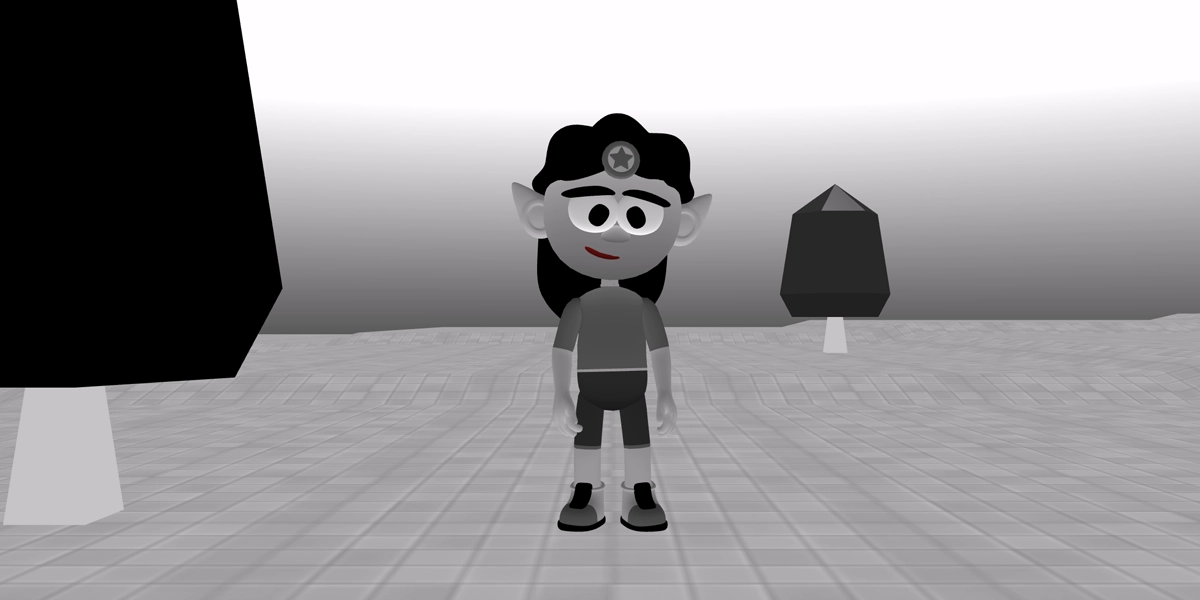
Lesson 4
Create a 3D immersive experience
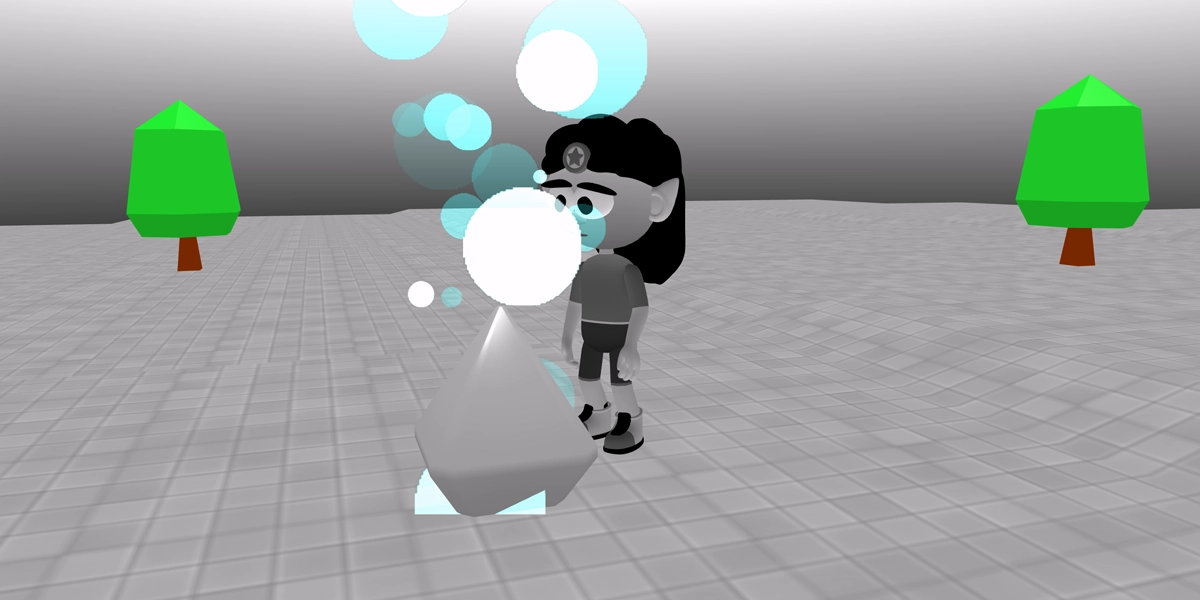
Learners use collisions to add colour to a black and white world.
Objectives
- Use code snippets to set up a 3D world
- Use a collision event to trigger an object to change colour
- Personalise a game to enhance playability
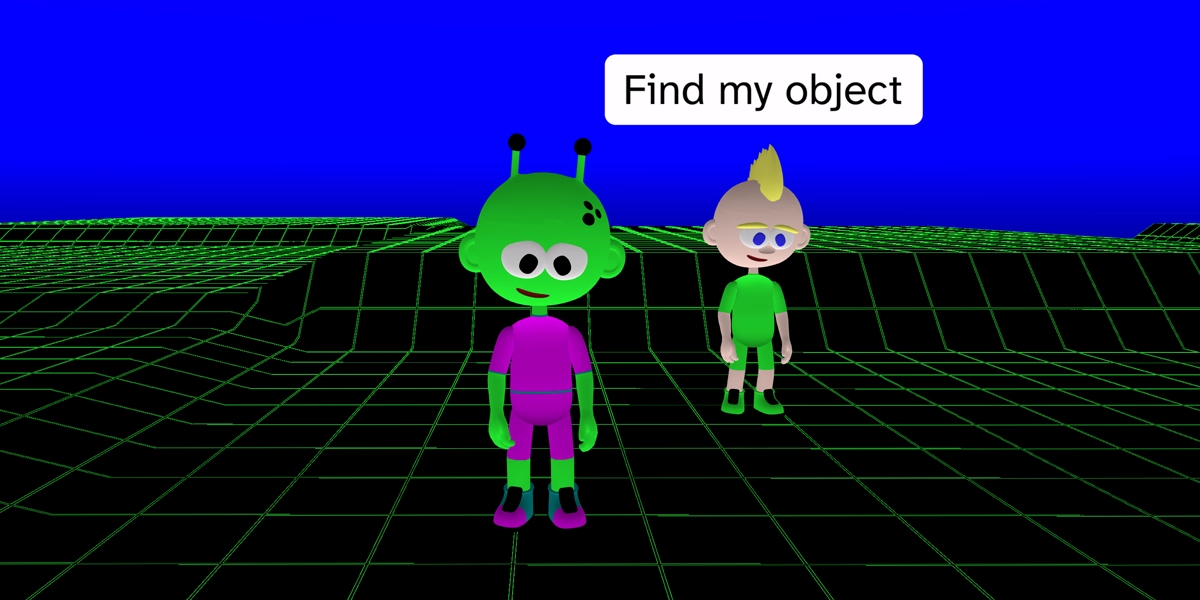
Lesson 5
Create a side quest game
Learners hide an object and help the narrator find it again.
Objectives
- Add a narrator to a 3D game
- Use a flag variable to keep track of an object in a game
- Use selection to control which dialogue is used by the narrator
Lesson 6
Choose a project to reuse
Learners are given free choice to build any project from the unit and enhance it. This project can be assessed via a rubric. There is also a 10 question quiz.
Objectives
- Rebuild a project
£39.99