
Stage 6: Variables and game systems
What's included in a unit?
- Lesson plans & slides
- Direct to learner videos
- Worksheets, as needed
- Unit overview
- 10 question unit quiz
- Project rubric
- Skills map
- Vocabulary sheets
- Finished example code
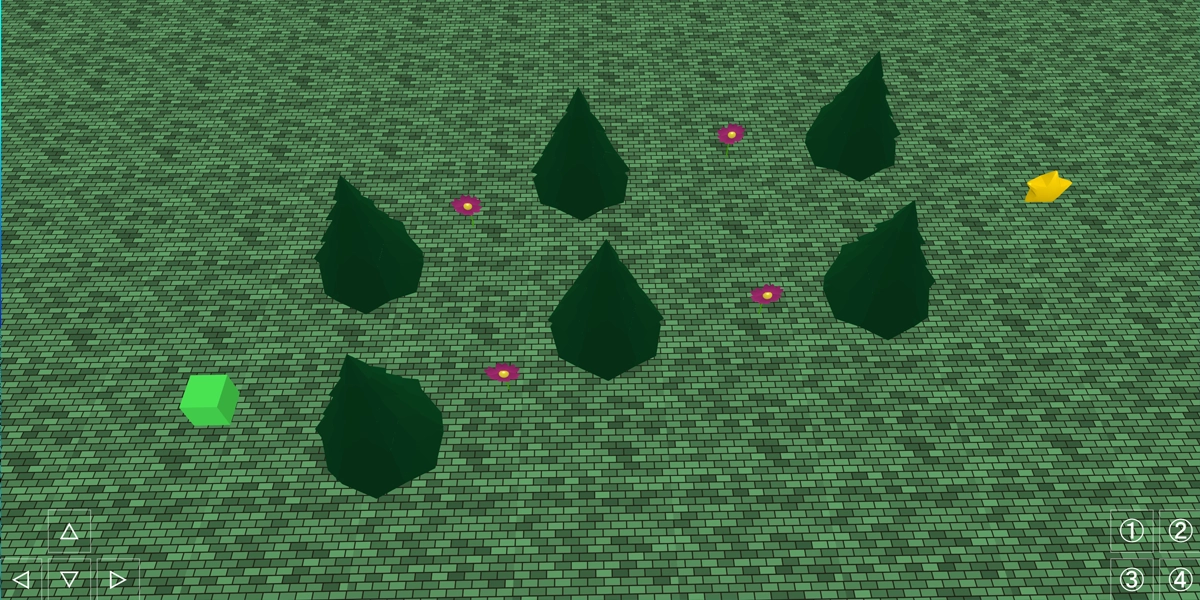
What is covered in each lesson?
Lesson 1
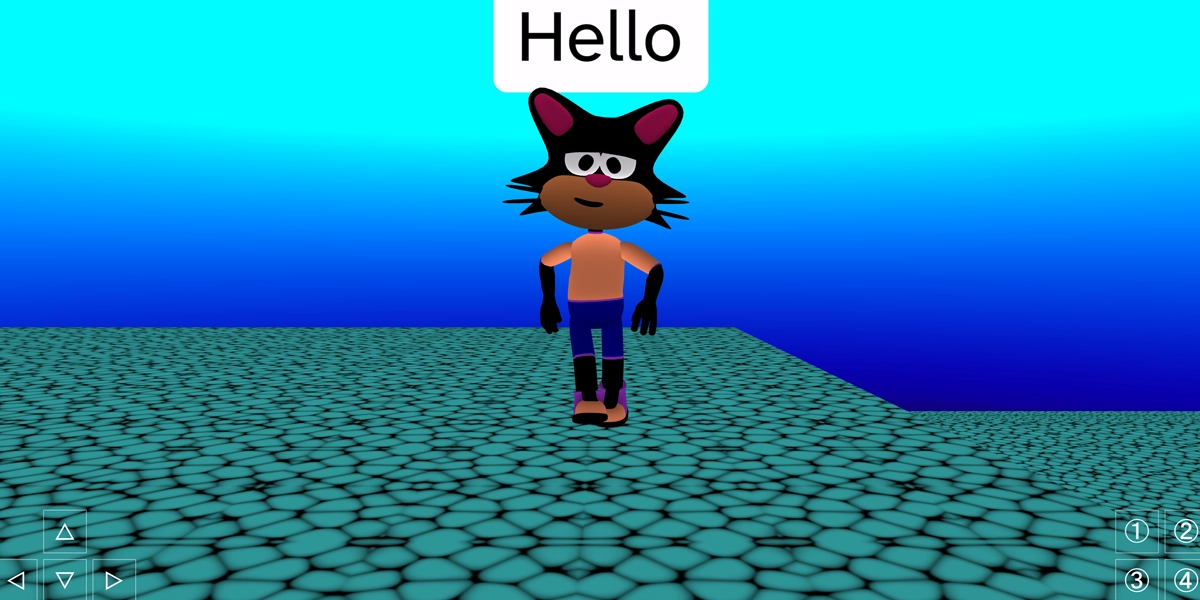
Create a cutscene project
Learners use the camera follow block to create cutscenes.
Objectives
- Sequence a cutscene
- Use sensible variable names for characters
- Use the camera object
Lesson 2
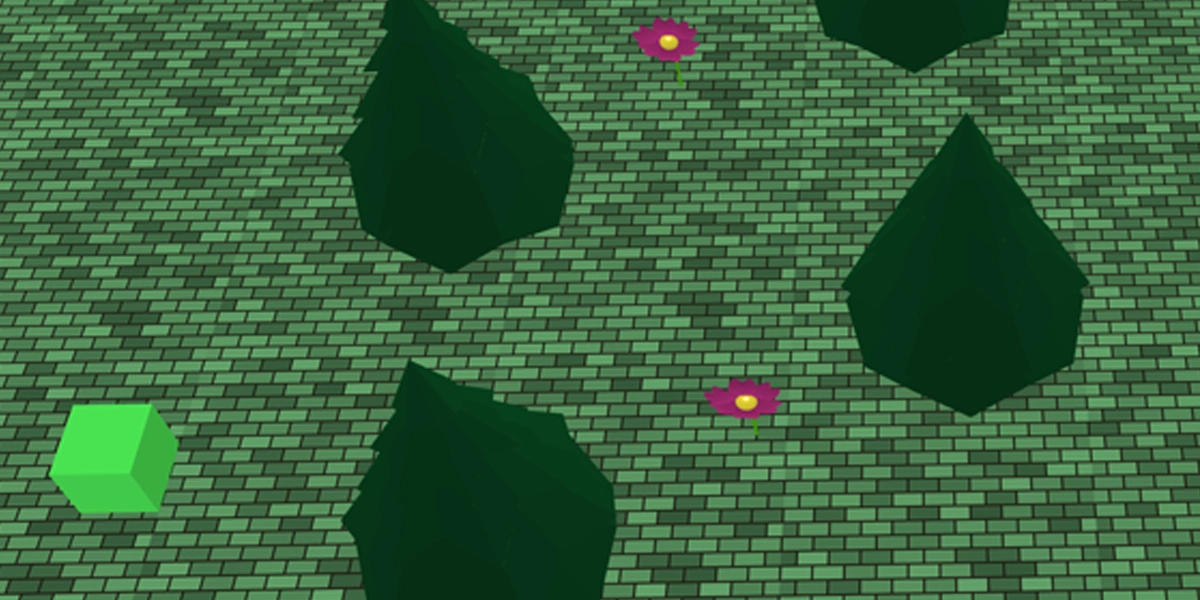
Create a shape push project
Learners push a cube around a maze with the camera facing a different angle.
Objectives
- Use sensible variable names for objects
- Use the camera and light objects
- Create a path for an object
Lesson 3
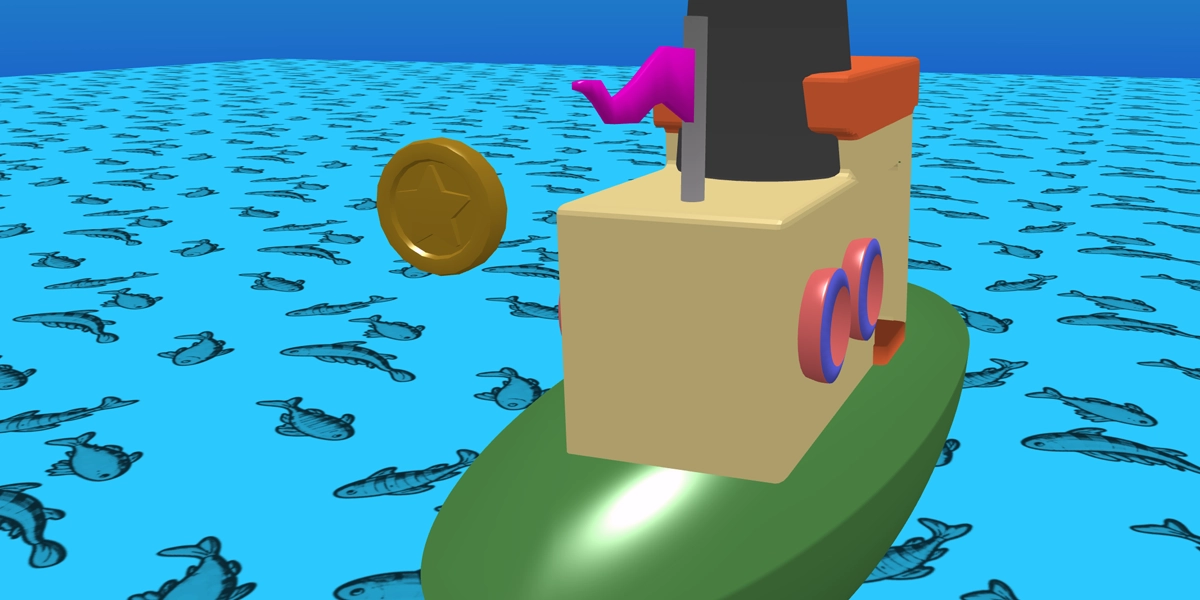
Create a vehicle collect game
Learners control a vehicle and collect a coin as they move around the map.
Objectives
- Control a vehicle using forward and backward
- Follow the player with the camera
- Collect an item using hide
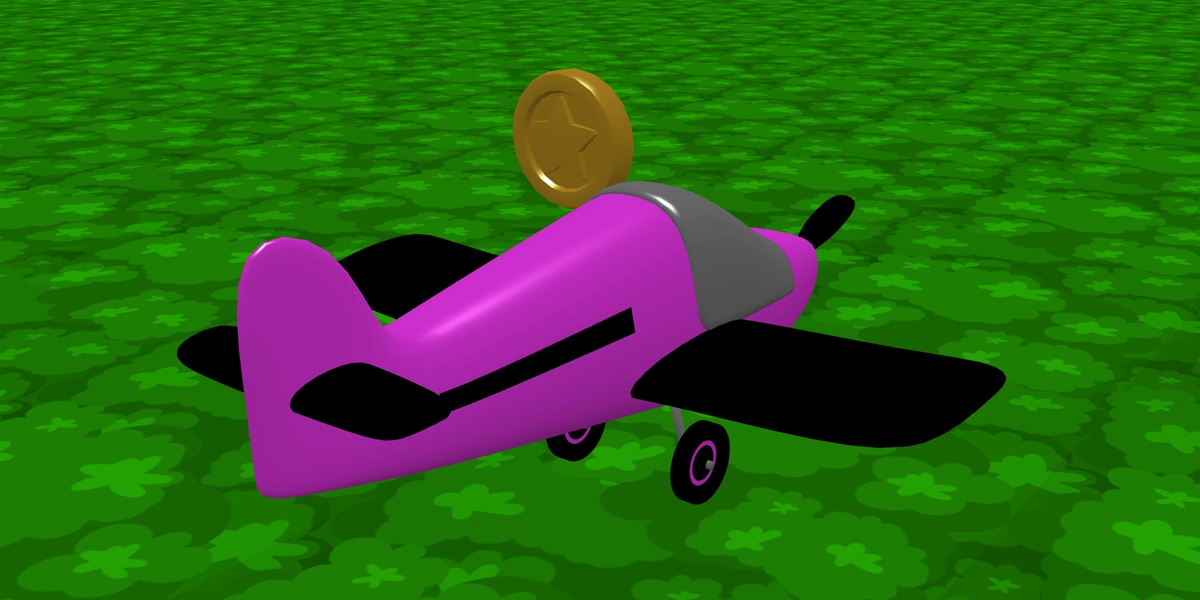
Lesson 4
Create a speed boost project
Building on the project from lesson 3, learners use the coin to add a speed boost!
Objectives
- Open a .flock file
- Create a new variable
- Use a variable to boost speed
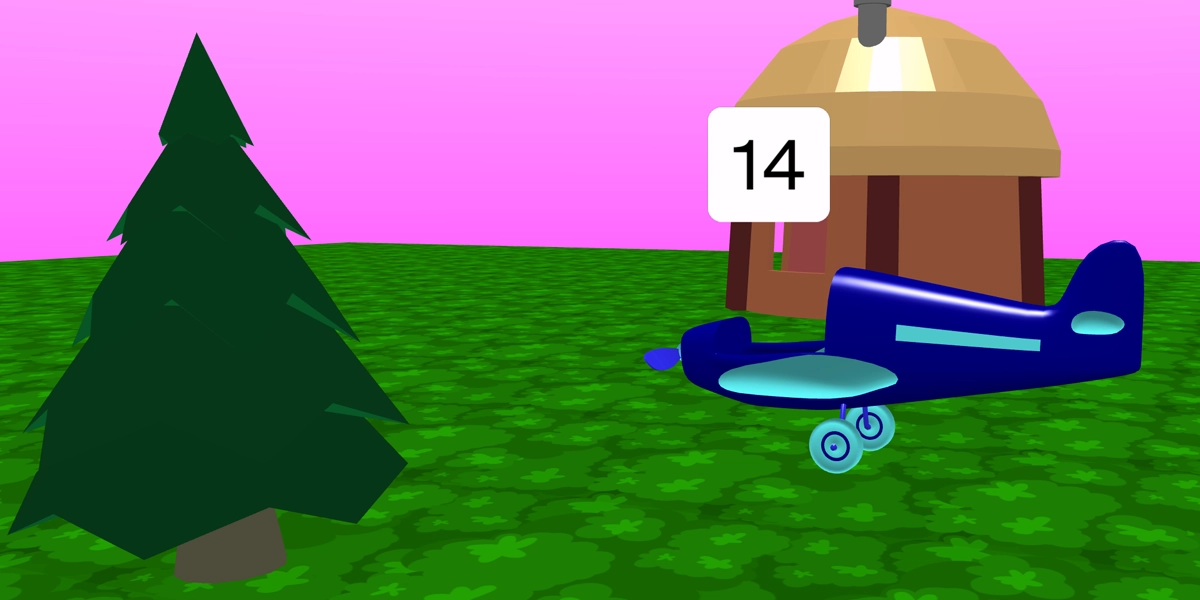
Lesson 5
Create a tycoon game
Learners build on the project from lesson 3 and 4 to repurpose it into a tycoon game.
Objectives
- Define counter variables
- Create a new variable
- Use a variable to create upgrades over time
Lesson 6
Build out a tycoon game
Learners have the whole lesson to really build out their tycoon games. This project can be assessed using a rubric. There is also a 10 question quiz.
Objectives
- Build out a tycoon game
£39.99