
Teach computing through coding 3D worlds
Ready-to-teach units for primary and secondary computing. Aligned to the English national curriculum for computing. Tested in English state schools and co-designed with learners and practising teachers. Adaptive teaching practices used throughout.
Download your FREE taster packs now
Choose the FREE taster pack that is right for you and download it today! Not sure? Why not get both! They are free 🙂
Available for FREE!
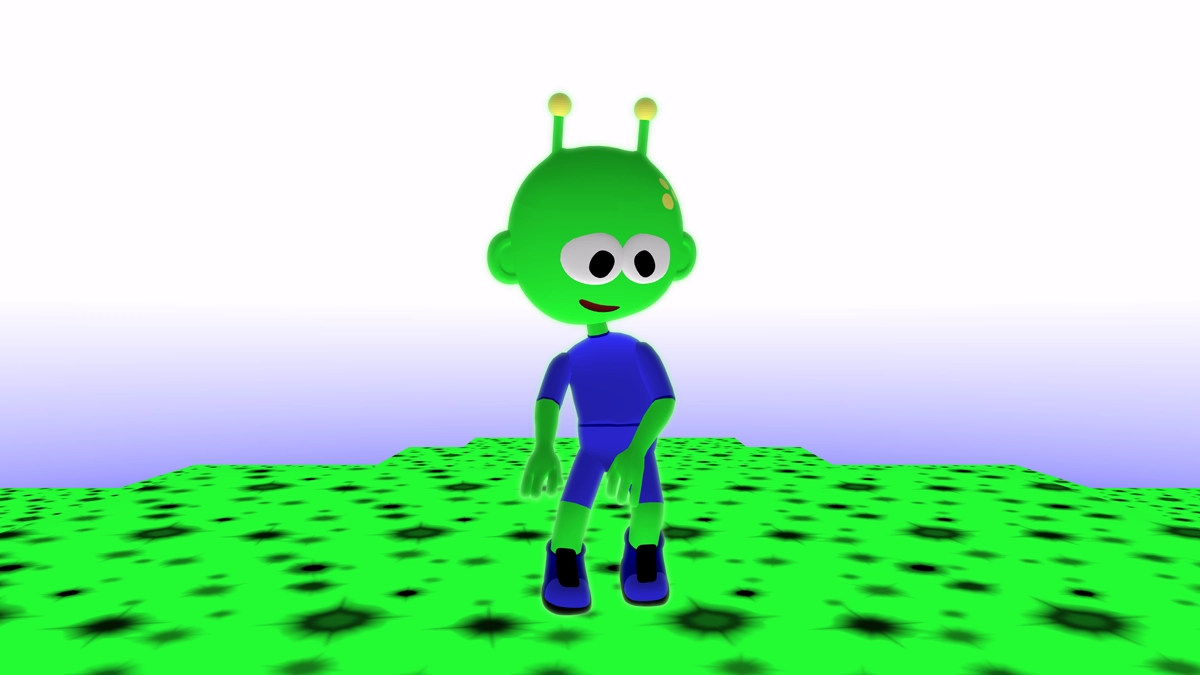
Primary taster
2 free lessons
- Lesson plans
- Slide decks
- Coding checklists
- Example code
- Learner videos
£0.00
Available for FREE!
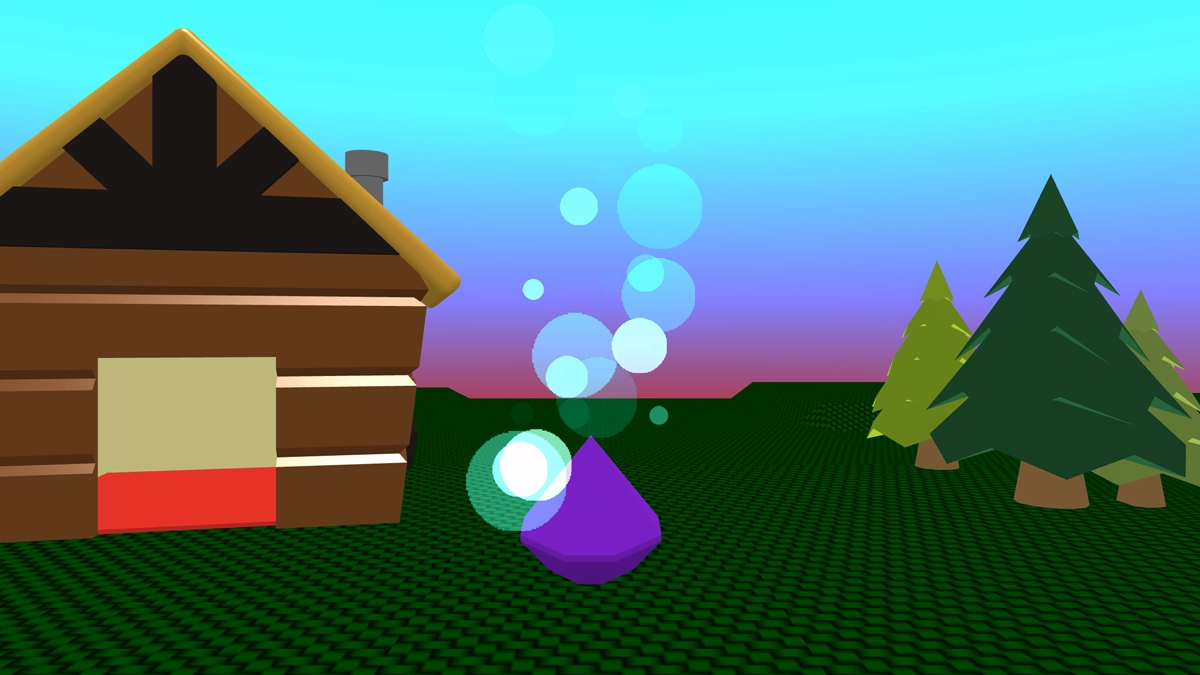
Secondary taster
2 free lessons
- Lesson plans
- Slide decks
- Coding checklists
- Example code
- Learner videos
£0.00
Primary computing units
Coupon: Register as a Flip Computing magazine reader for 20% off your basket.
Available now
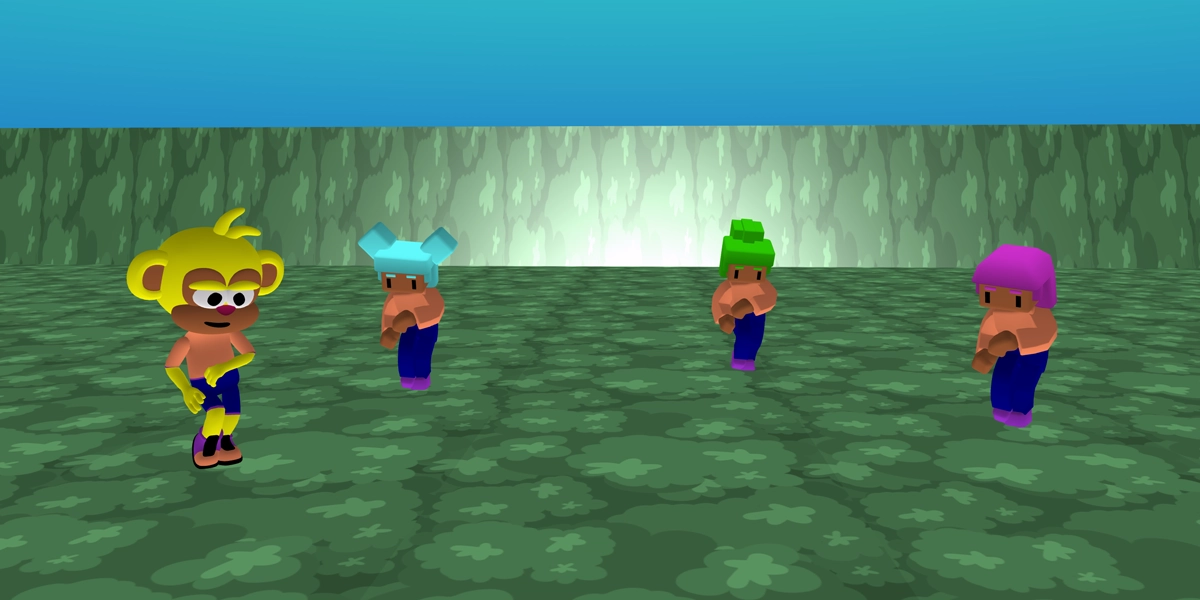
Stage 3
Focus: Sequence
- Navigate in 3D
- Add & move objects
- Colour objects
- Sequence animations
- Dialogue
£39.99
Available now
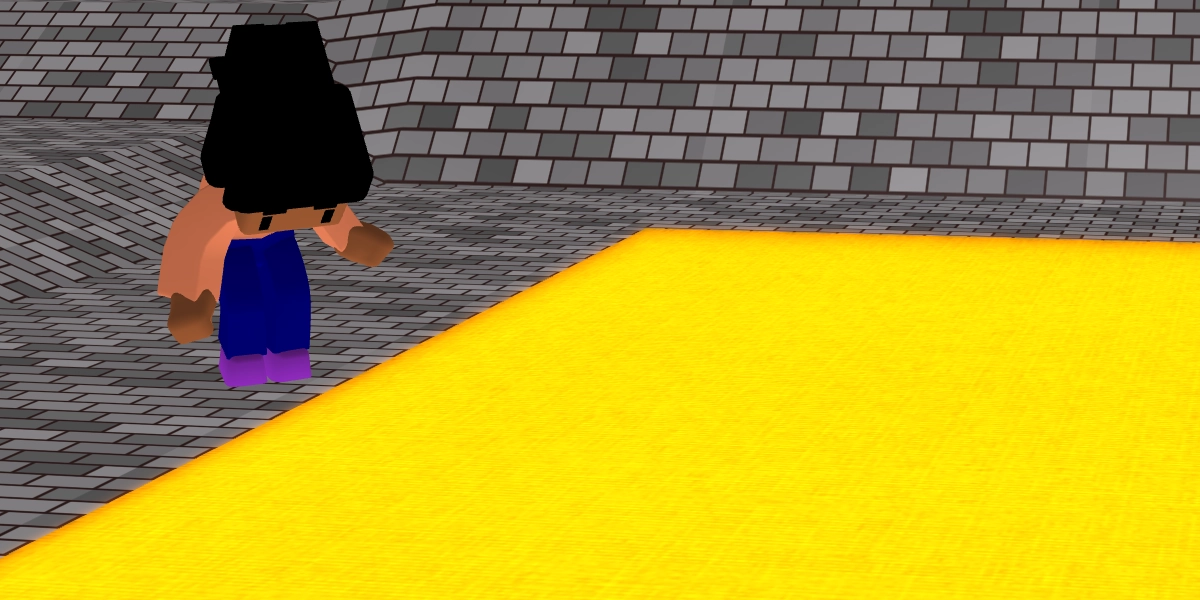
Stage 4
Focus: Repetition
- Loop animations
- Forever loop
- Repeat loop
- Physics
- Materials
£39.99
Available now
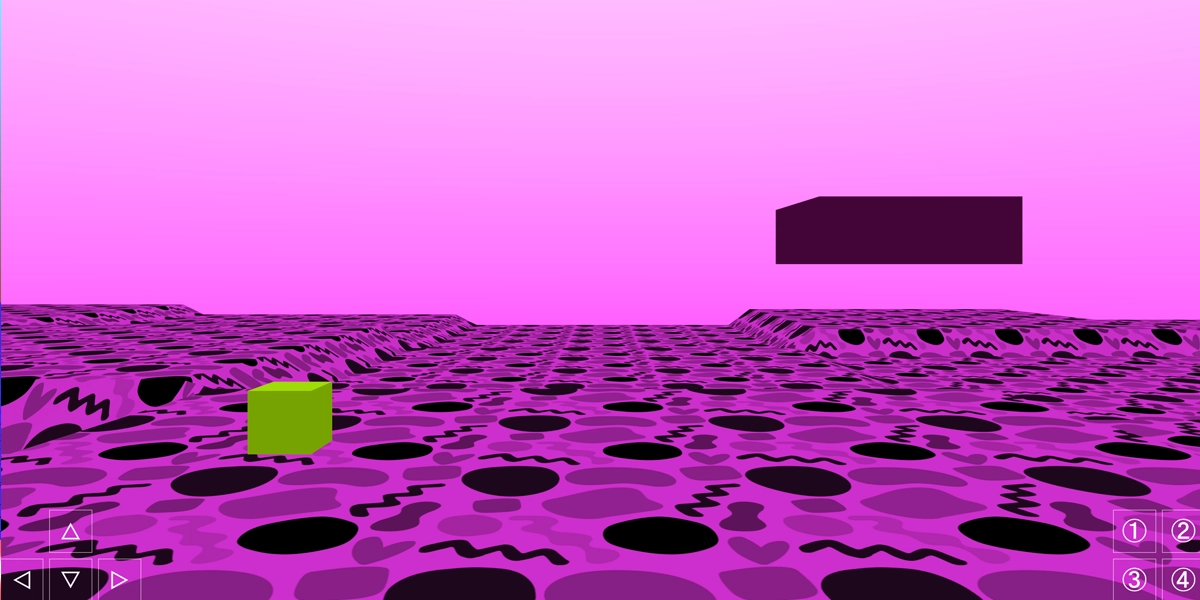
Stage 5
Focus: Selection
- If statement
- If...else statement
- Button controls
- Forces
- Game balance
£39.99
Available now
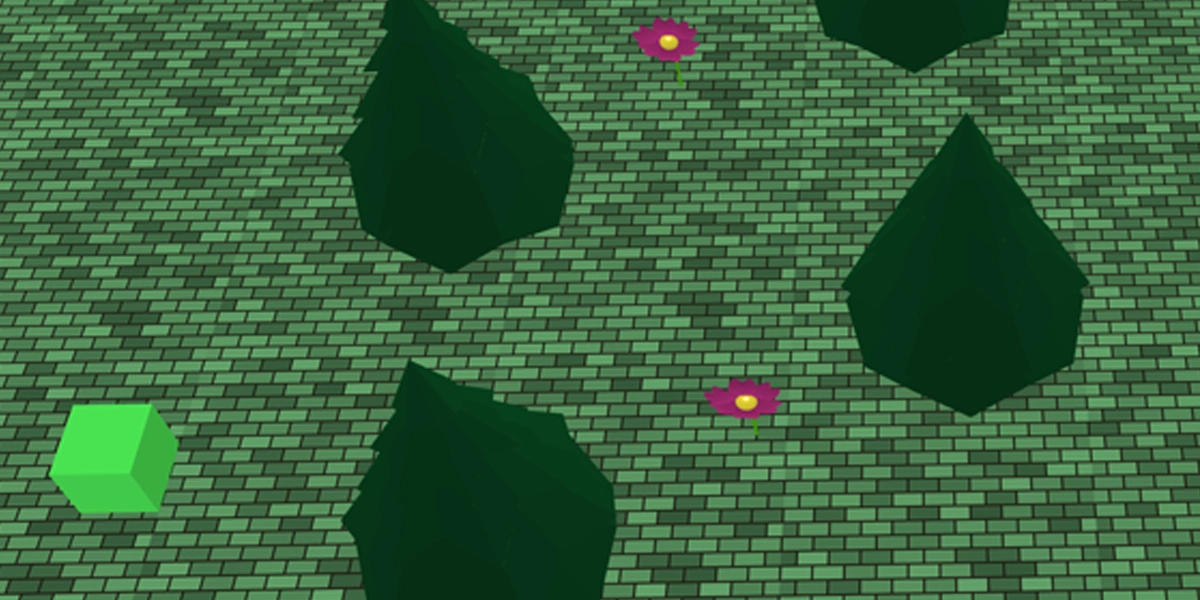
Stage 6
Focus: Variables
- Sensible variable names
- Counter variables
- When pressed
- Camera and lighting
- Games writing
£39.99
Available now
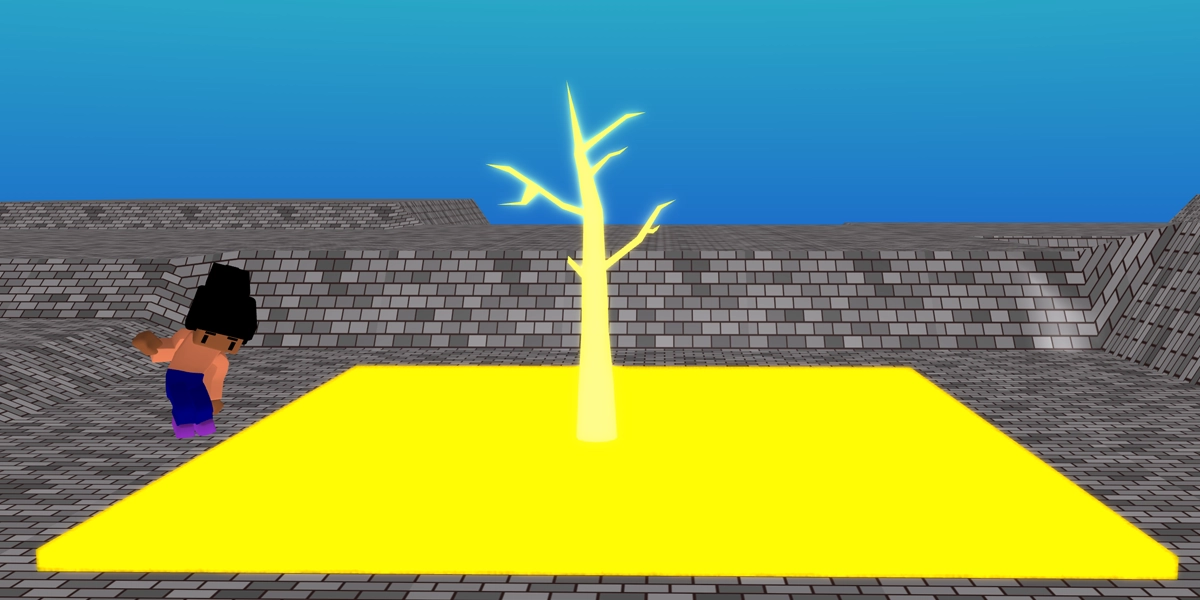
Stage 3, 4, 5 and 6
Primary bundle pack
- Save £24.97
- Get all 4 primary units
- Learn key concepts
- Explore 3D creation
- Explore game creation
£134.99
Secondary computing units
Coupon: Register as a Flip Computing magazine reader for 20% off your basket.
Available now
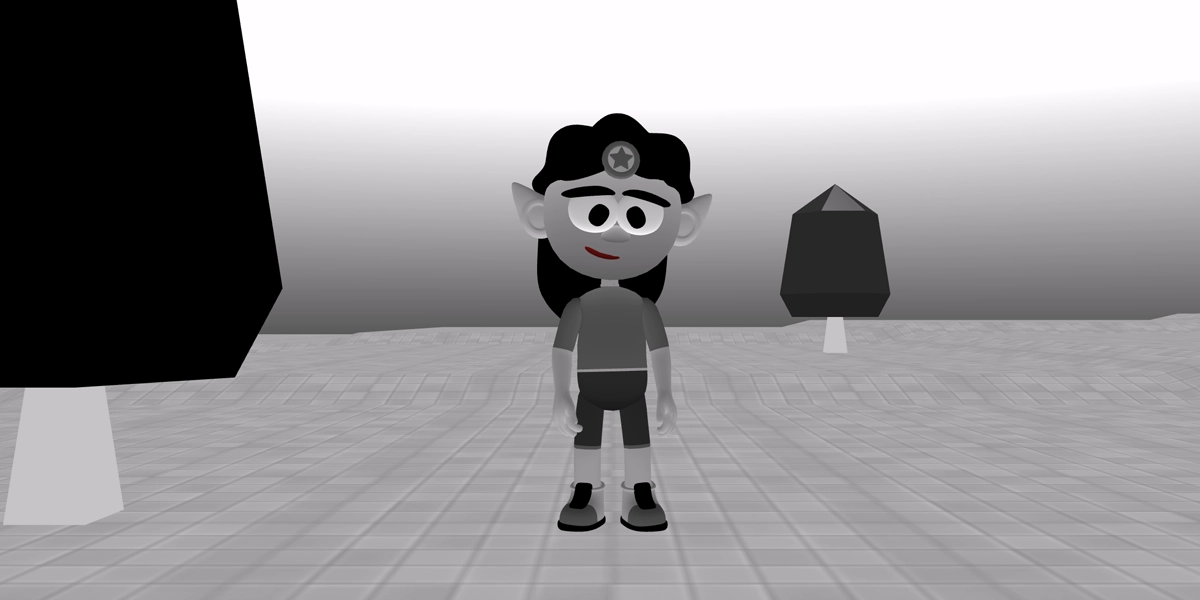
Stage 7
Focus: Immersive worlds
- Recall key concepts
- Wait until
- On collision
- Flag variables
- Code reuse
£39.99
Available now
Stage 8
Focus: Game mechanics
- Counter variables
- Boolean operator (AND)
- Lists
- Functions
- Repurpose code
£39.99
Available now
Stage 9
Focus: Game design
- Level design
- Visual effects
- Game feel
- Gameplay
- Competitive gameplay
£39.99
Available now
Stage 7, 8 and 9
Secondary bundle pack
- Save £19.98
- Get all 3 secondary units
- Recall key concepts
- Learn game mechanics
- Design games
£99.99
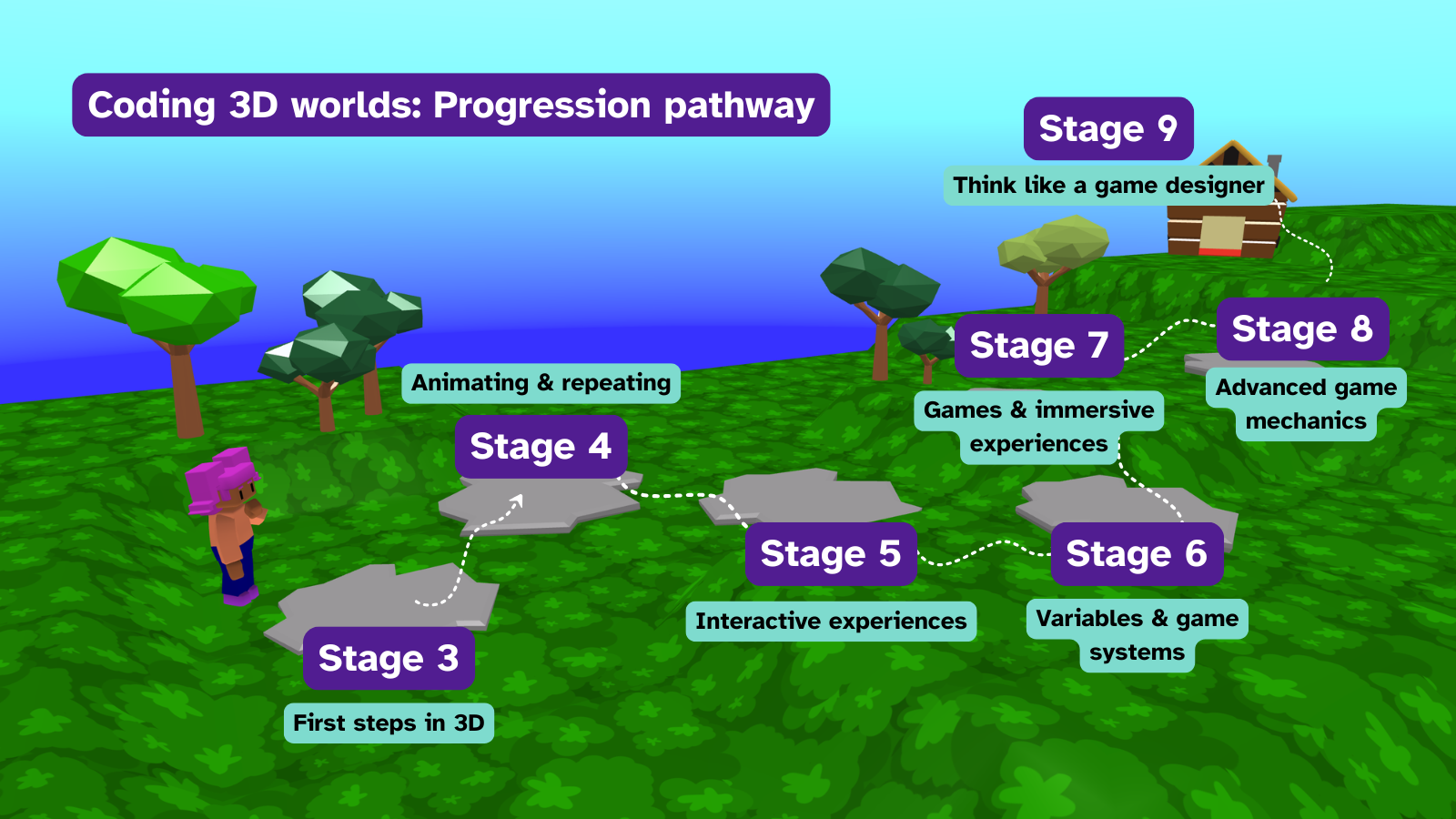
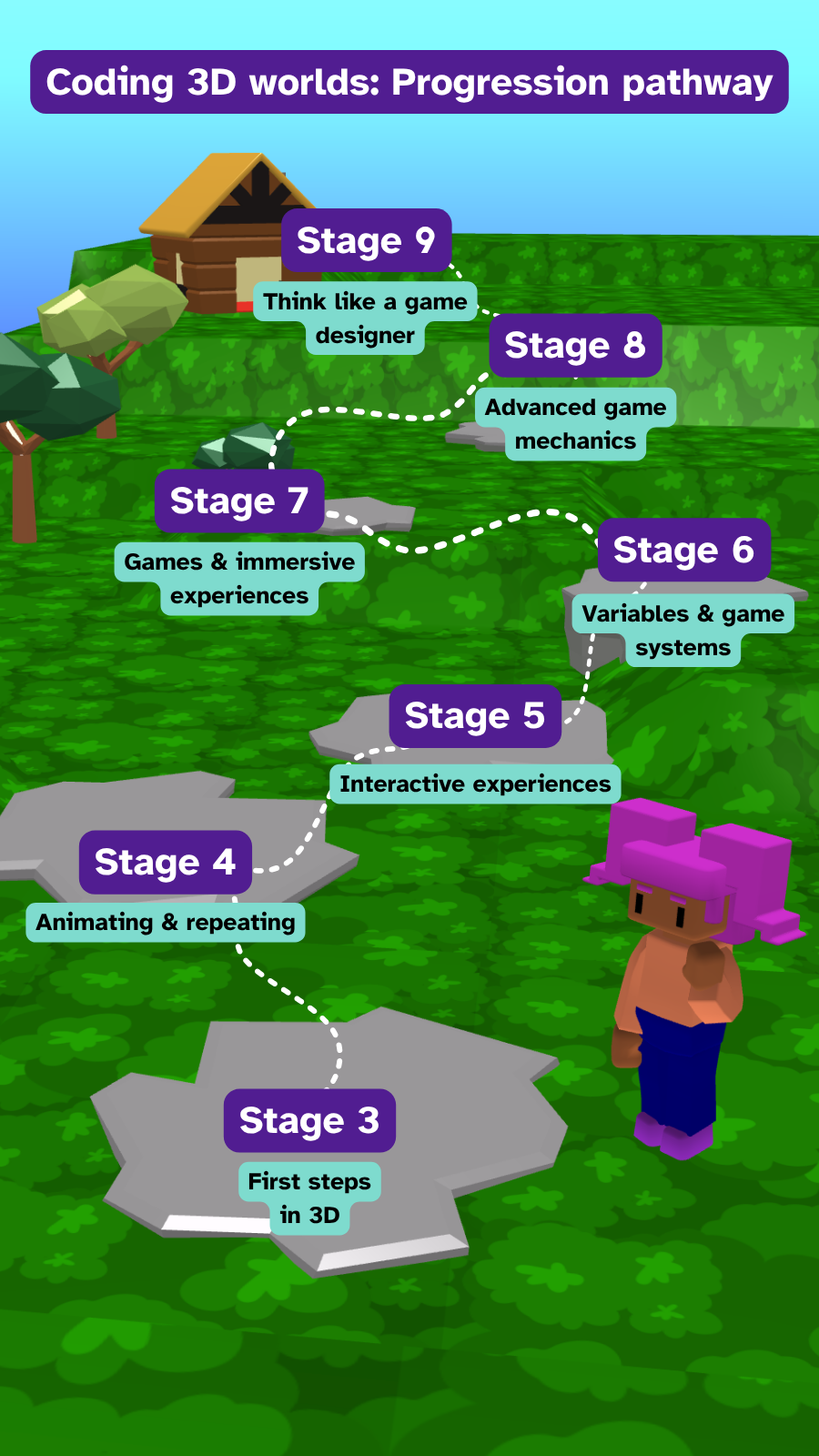
Coding 3D Worlds progression pathway
From a learner's first steps in 3D to designing their own games, our pathway has been tried-and-tested in seven state schools in England ensuring lessons are pitched appropriately to engage learners and meet the needs of the programming and creativity aspects of the computing curriculum.
Frequently asked questions
What does 'stage' relate to? Why not just say year?
Stage is a term used internationally to standardise age related curriculum content. In England the numbers directly relate to year groups. E.g. Stage 3 is Year 3. In North America, Grades are used instead of Years and are one below. E.g. Stage 7 is Grade 6. The learner facing content never says the stage number because we want you to be able to easily use our units with any year group that you think is suitable.
Is the primary taster pack suitable for all year groups in primary?
The taster pack was designed with year 5 in mind but it has been run successfully with year 4 and is perfect for year 6. For year 3 it would be a judgement call on the digital skills of the class. If they are familiar with dragging and dropping then they should be ready to complete the activities in the taster pack. New units for year 3, 4, and 6 are currently in production and will be available to buy in September 2026.
Is the secondary taster pack suitable for primary?
Definitely for year 5, and 6. It has been tested extensively with both year groups.
Is the secondary taster pack suitable for all year groups in secondary?
The secondary taster pack has been taught to all year groups in secondary, each have enjoyed and responded well to the activities due to the high level of personalisation that is built into the lessons. Despite being designed with year 7 in mind, it doesn't feel 'too young' or 'too basic' for older year groups due to the adaptability of the resources.
Is the primary taster pack suitable for secondary?
Absolutely, they will have lots of fun with the activities!
What hardware do I need to run Flock XR?
Flock XR is a browser-based application that works on most modern browsers. As long as your device has a web browser (e.g. Chrome or Edge), and the link is allow-listed on a school network then it should run. Flock XR has been tested in a variety of settings, including a computing suite with 16 year old desktop computers. We have designed Flock XR with inclusion at the forefront and our decisions around the tool have been made to ensure that some of the oldest tech in a setting can still access our tool. If you are having issues loading Flock XR in your setting then please contact us.
Do the units come with assessment?
Formative assessment is built into the starter activities where learners retrieve knowledge. The guided projects are broken down into small chunks to give you time to formatively assess and adapt in real time if a bit of whole class debugging needs to take place or extra clarification is required before moving on to the next section. Checklists are provided to provide additional scaffolding for learners. Each activity can be extended for learners that need further challenge.
Summative assessment is provided through the option of a project rubric that assesses the final projects that learners create in lesson 6. There is also a 10 question multiple choice quiz with feedback provided for each response to guide learners. The quiz can be completed on paper or entered into a classroom management tool, such as a Google Quiz.
Do you have any additional support for using Flock XR?
Yes, there are lots of ways that we can support you in your journey. There is a hub where you can find step-by-step tutorials, guides and support articles for building 3D worlds, games and animations in Flock XR. If you are over 18 then you can join our Discord community or our monthly meetups where you can chat with us in real time. We also have a newsletter which you can subscribe to for the latest updates.
I am new to teaching computing, is this going to be suitable for me?
Absolutely! The lesson materials are designed to support supply teachers, trainee teachers, non-specialists, and early career teachers. The lesson plans provide common debug support to help you with your class, and coding checklists for you to follow when demonstrating to the class. Each lesson also has a direct-to-learner video that models the lesson and can be used on a whiteboard at the front or uploaded to a classroom management tool, such as Google Classroom for learners to watch directly.
I am outside the UK, can I still buy your units?
Our units are currently available to purchase in the following regions: Australia, Austria, Belgium, Bulgaria, Canada, Croatia, Cyprus, Czech Republic, Denmark, Estonia, Finland, France, Germany, Greece, Hungary, Ireland, Italy, Latvia, Lithuania, Luxembourg, Malta, Netherlands, New Zealand, Poland, Portugal, Romania, Singapore, Slovakia, South Africa, Spain, Sweden, United Arab Emirates, United Kingdom, United States.
If you aren't in those regions then you can purchase from our Teachers Pay Teachers store.