
How to teach programming to beginners with Flock XR
Build your confidence teaching programming with our free 17-part video course for teachers. Explore key programming concepts, from sequence and repetition to variables and functions, through practical 3D coding examples in Flock XR.
Watch the whole course or jump straight to the topics you need. Click the individual cards to access the videos via the Flock XR YouTube channel.
Pick a programming language and stick with it
Discover how to choose a programming language for teaching beginners, what to consider for classroom use and why getting started matters more than finding the perfect tool.
What should you teach first in programming?
Explore how to plan a beginner programming curriculum and introduce the four foundational concepts: sequence, repetition, events and selection.
How to teach sequence
Learn how to teach sequence in programming using simple Flock XR projects that show why the order of instructions matters.
How to teach repetition
Explore how to teach repetition using animations, forever loops and count-controlled loops, with practical coding examples in Flock XR.
How to teach events
Discover how to teach event-driven programming using clicks, key presses and interactive 3D projects that respond to the player.
How to teach selection
Learn how to introduce selection using if statements, conditions and if else blocks, with practical examples that help beginners understand decision-making in code.
Teaching physics and forces in 3D
Teaching physics and forces in 3D
Explore static and dynamic physics, forces, physics shapes and particle effects to create more interactive 3D worlds in Flock XR.
How to teach debugging
Help beginner programmers find and fix errors using the 3-D debugging method: Did it start? Did it decide? Did it do something?
How to use 3D gizmos
How to use 3D gizmos
Learn how to create and customise 3D worlds using Flock XR's tools for adding, moving, rotating, scaling and colouring objects.
How to make a character move
Learn how to code player movement in a 3D game using keyboard controls, physics, animations and if else statements.
How to collect objects in a game
Discover how to use collision events to create collectable objects in a 3D game, triggering actions and feedback when players collect items.
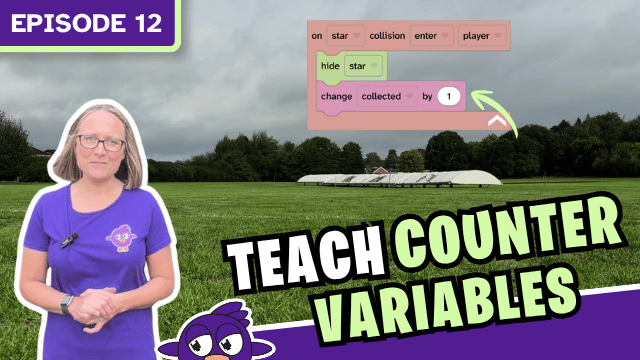
How to teach counter variables
How to teach counter variables
Learn how to teach variables by creating a collectables game that counts objects, updates a counter and triggers an effect when a target is reached.
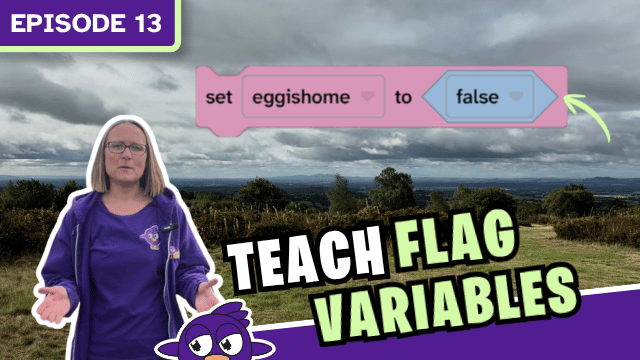
How to teach flag variables
How to teach flag variables
Explore how Boolean flag variables store true or false values, helping games remember whether objects have been collected or challenges completed.
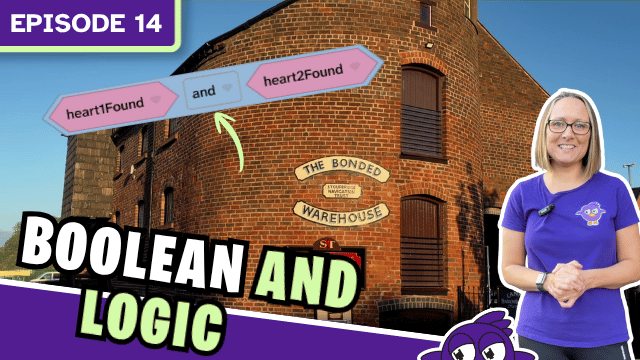
How to teach Boolean AND logic
Learn how to teach Boolean AND logic using conditions, wait until blocks and if statements to make decisions when two conditions are true.
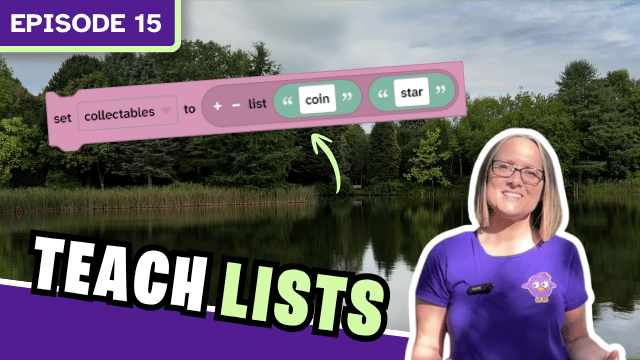
How to teach lists
Discover how to use lists in programming to organise data, track collectables, create character dialogue and build interactive game mechanics.
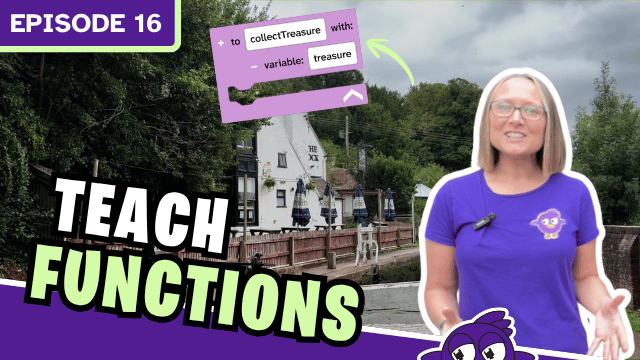
How to teach functions
Learn how to introduce functions in programming, turning repeated instructions into reusable code and simplifying more complex 3D game projects.
How to teach programming to beginners
Review the key principles of teaching programming, from sequencing concepts and debugging to giving learners opportunities to experiment and create.