
S9 Coding 3D Worlds
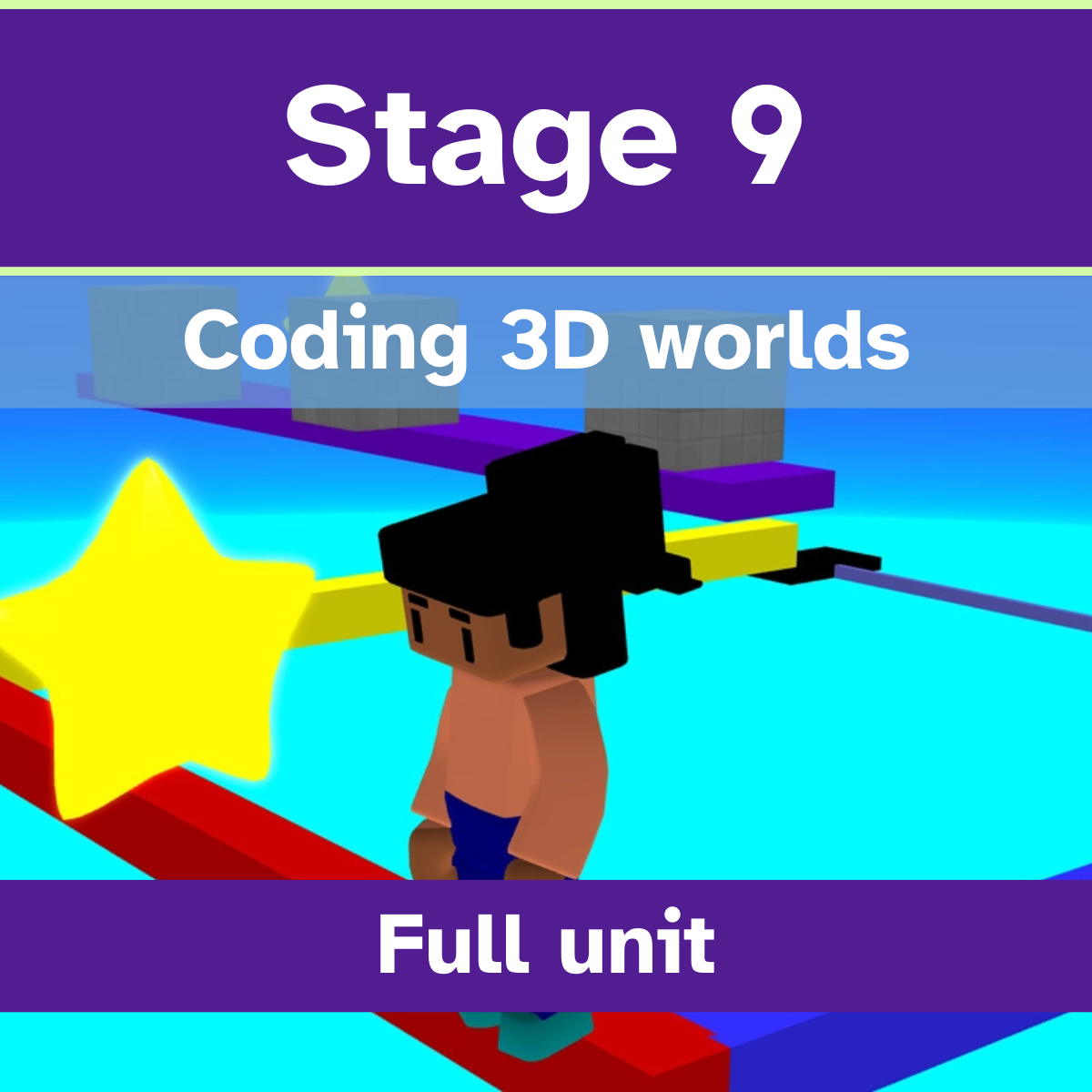
Stage 9 – Think like a game designer
In this unit, learners try different roles from a games studio. They begin as level designers, transforming a plain prototype world into an environment that players want to explore by creating paths, clues, and hiding collectables. They then become special effects artists, using visual effects, camera techniques, and particle systems to make a treasure hunt game more exciting. Next, they explore game feel, enhancing a prototype game to create emotions such as tension, excitement, curiosity, and relief through carefully chosen effects and interactions. Learners then take on the role of technical gameplay designers, adjusting obstacles and game mechanics to create a balanced and enjoyable coin collection challenge. In lesson 5, they become competitive gameplay designers, refining a time trial obstacle course by tuning checkpoints, obstacle timings, and ranking systems to create a fair and rewarding player experience. Finally, learners revisit and enhance the game from lesson 5, combining visual effects, game feel, gameplay design, and level design techniques to create a polished final experience.
Each lesson includes:
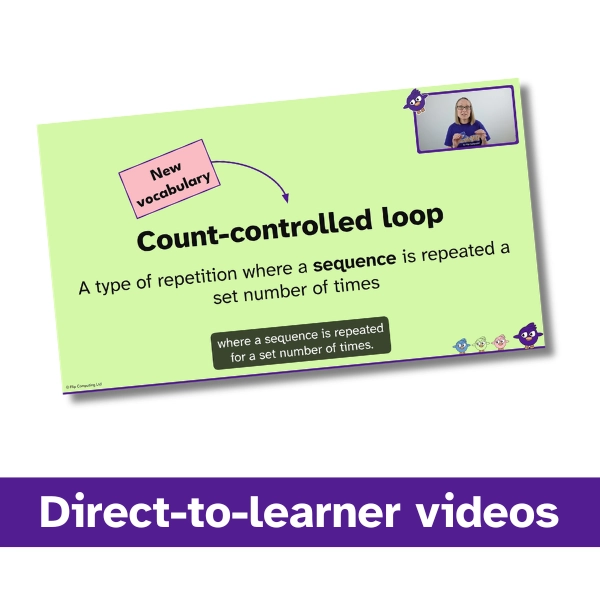
- direct-to-learner videos
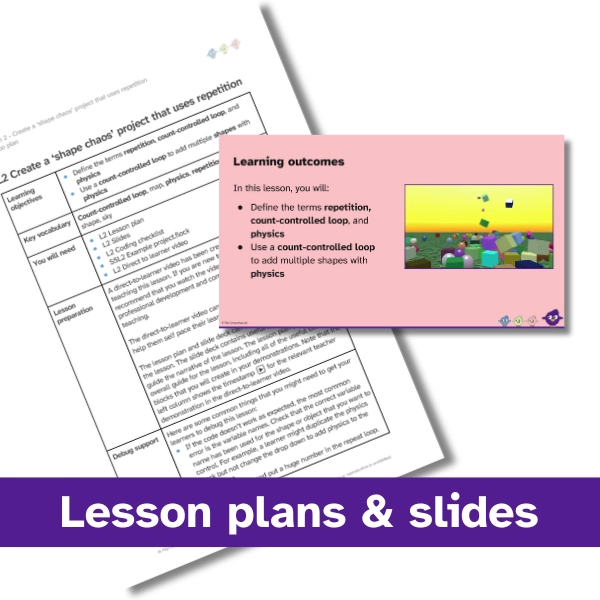
- slide decks
- lesson plans
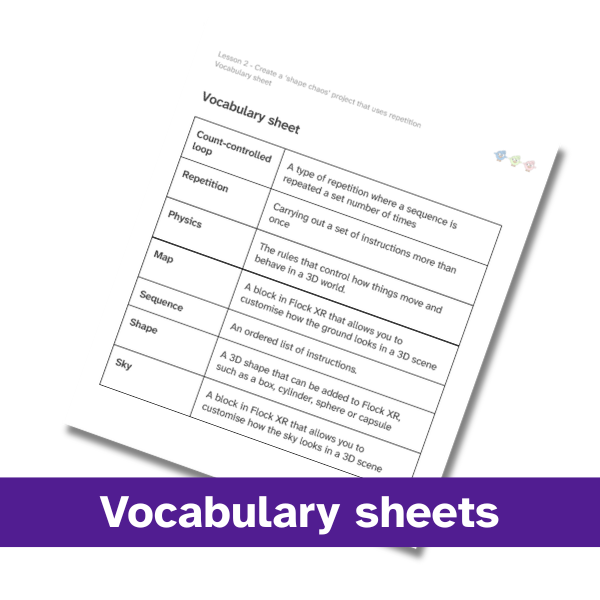
- vocabulary sheets
- demo ideas help sheets
- finished example code
You’ll also receive:
- unit overview
- skills map
- start here document
- licence agreement
- 10 question quiz
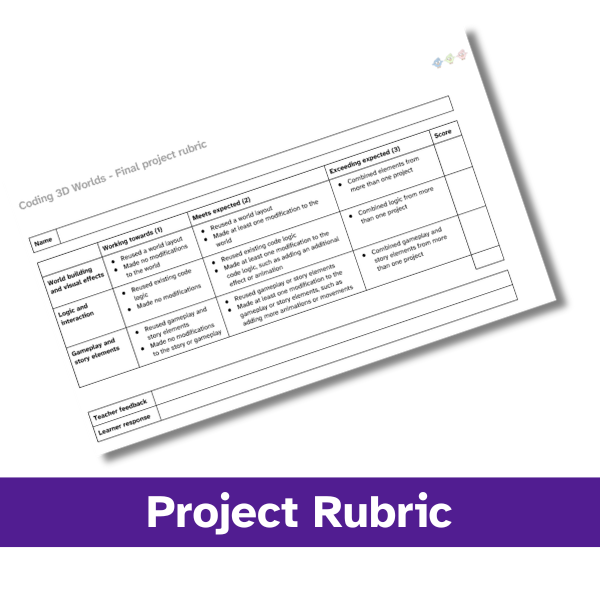
- project rubric
Stage 9 Coding 3D Worlds is aligned with the English national curriculum for computing, including:
- Design, use and evaluate computational abstractions
- Undertake creative projects that involve selecting, using and combining multiple technologies
- Use logical reasoning to analyse and debug programs
This pack contains 7 downloads:
- Lesson 1 video – 96.9 MB
- Lesson 2 video – 113 MB
- Lesson 3 video – 147 MB
- Lesson 4 video – 96 MB
- Lesson 5 video – 79 MB
- Lesson 6 video – 48.5 MB
- Stage 3 Coding 3D Worlds Lessons 1–6 – 62.9 MB
£39.99