
Primary computing taster pack
In these two ready-to-teach lessons, students create interactive 3D projects while learning key programming ideas such as sequence, repetition and selection.
Get the free primary taster pack:
- Co-designed with students and teachers in the West Midlands
- Trialled in classrooms with practising teachers
- Browser-based block coding app no accounts needed
- Suitable for Year 4, 5, and 6
Curriculum alignment
Students develop their understanding of core programming concepts sequence, repetition and selection, and learn how these ideas control the behaviour of characters, objects and effects within a 3D world.
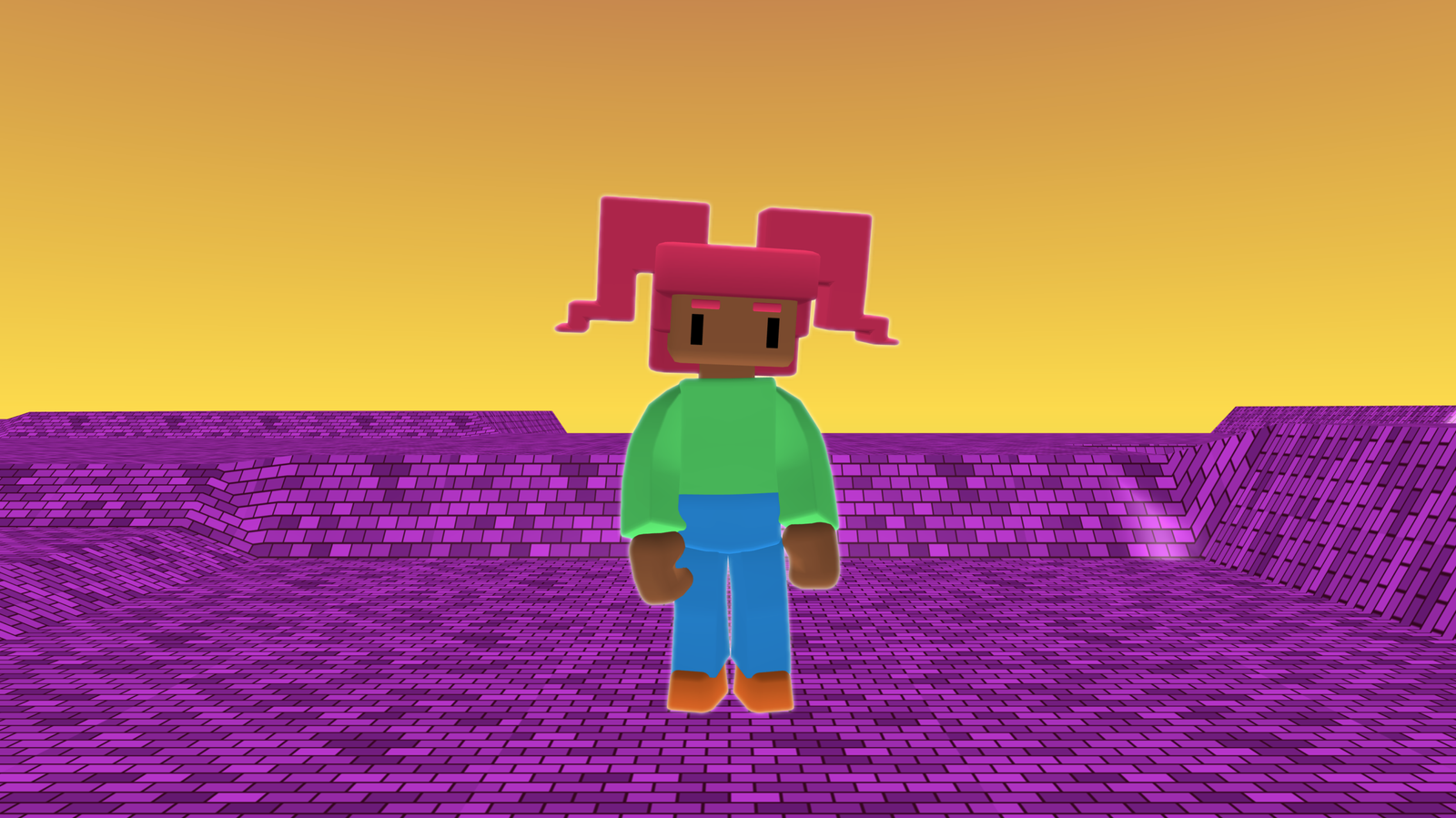
Lesson 1: Create a special effects sequence for a 3D character
Students will:
- Define the term sequence
- Add a character and animation
- Build a special effect sequence
Career insight: Special Effects Artist
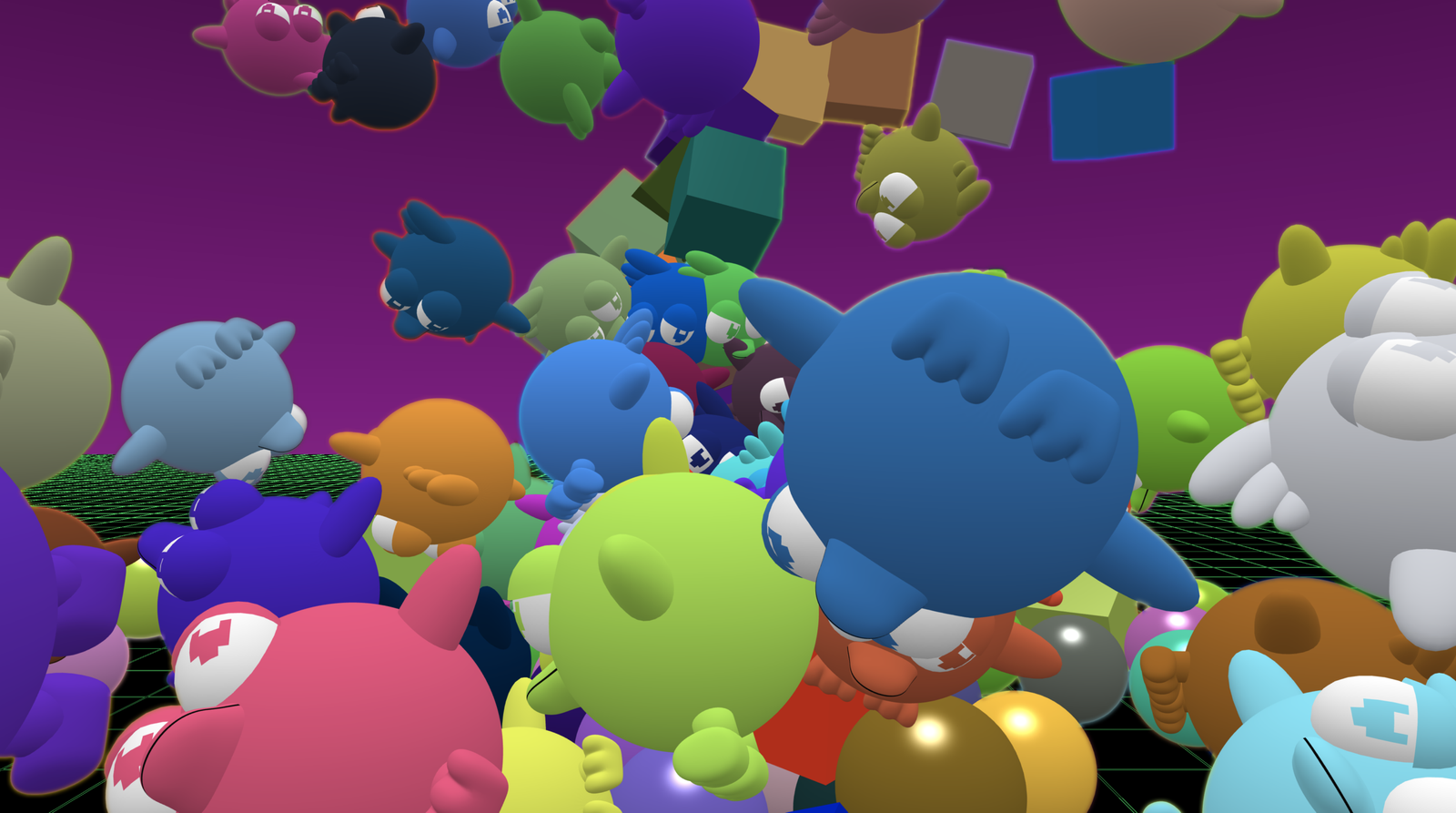
Lesson 2: Create a ‘shape chaos’ project that uses repetition
Students will:
- Define the terms repetition, count-controlled loop, and physics
- Use a count-controlled loop
Career insight: Technical Director
Created with West Midlands classrooms
Developed with students and teachers in the West Midlands, including classroom testing in and around Dudley.
See how the first lesson worked in a Dudley classroom
Watch Rebecca’s classroom story to hear what the first lesson was like in practice, how pupils responded, and what helped the session run smoothly.
- Flock XR gives teachers their time back.
- The lessons fit seamlessly into existing schedules.
- Learner-facing videos make it “ready to teach.”
- Students are highly engaged.
"I honestly feel this is a true contender for a replacement of Scratch in our curriculum and am working on planning it in a as a permanent part of the KS3 scheme of work moving forward.
The resources that accompany the app are brilliant and very useful for specialists and non-specialists alike."
"If you are on the fence about trying Flock XR my advice for you is to try it. There are clear lesson plans and support available and the opportunities for students beyond computing is immense."
Designed for busy teachers
Whether you teach computing every week or only occasionally, the taster pack is designed to help you get started quickly and confidently.
- Not a computing specialist? Learner videos and teacher checklists guide the lesson.
- Worried about devices? Runs in a browser on school devices.
- No time to plan? Slides, lesson plans, vocabulary sheets and example code are included.
- School logins a problem? Flock XR does not require pupil accounts.
Your pack contents
Everything you need to run two ready-to-teach lessons and get students building interactive 3D worlds straight away.
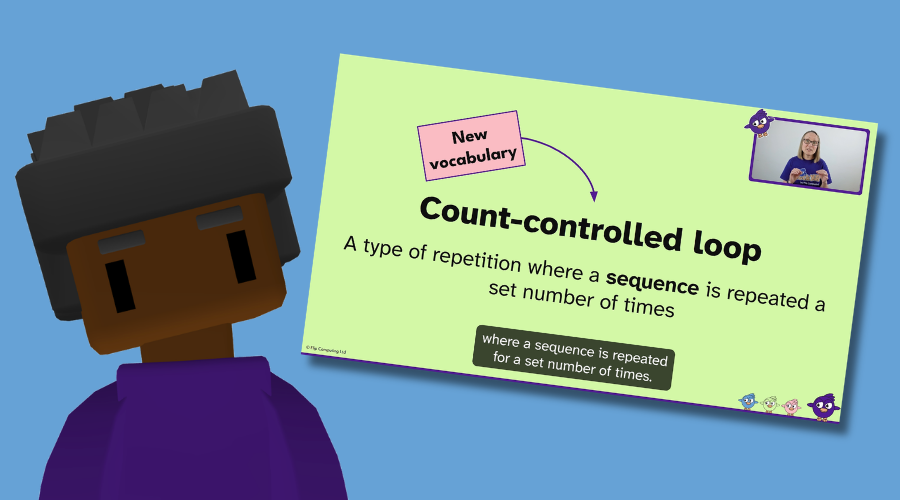
Direct to learner video
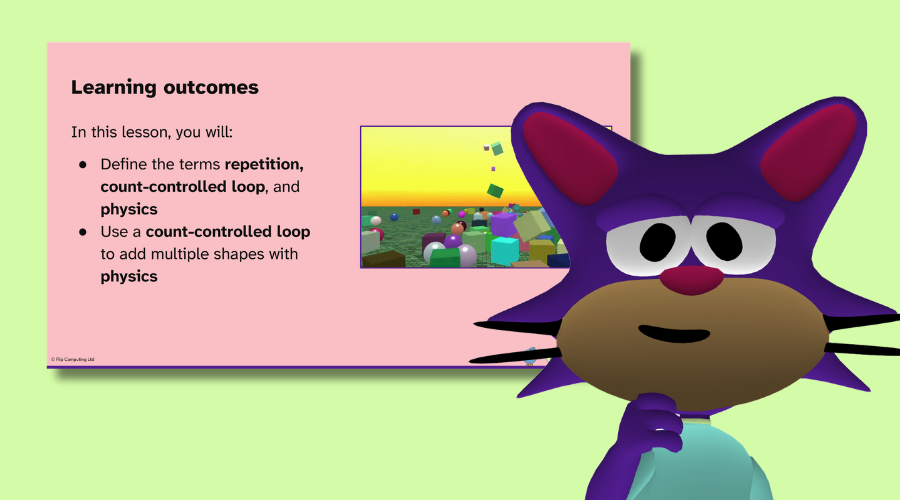
Classroom slides
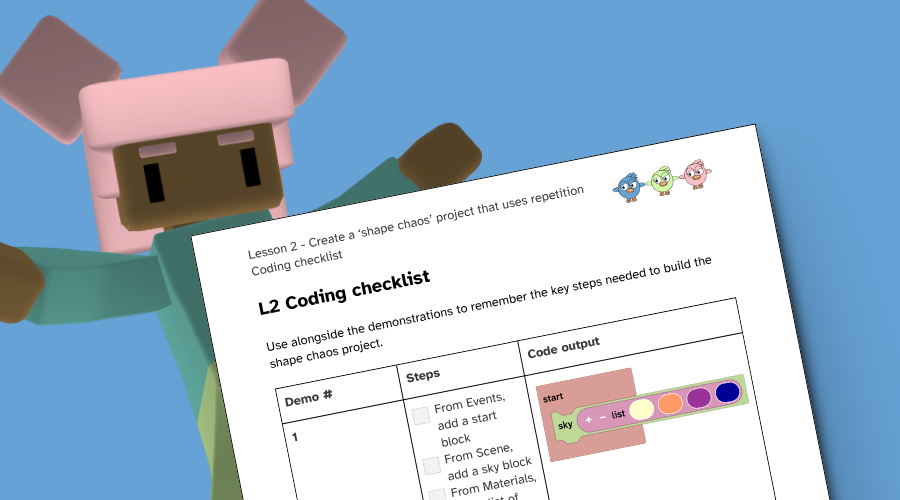
Coding checklist
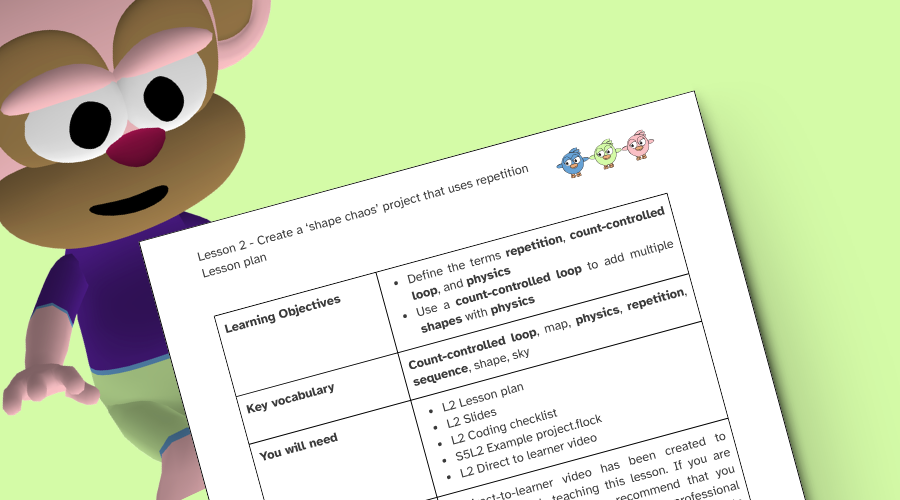
Lesson plan
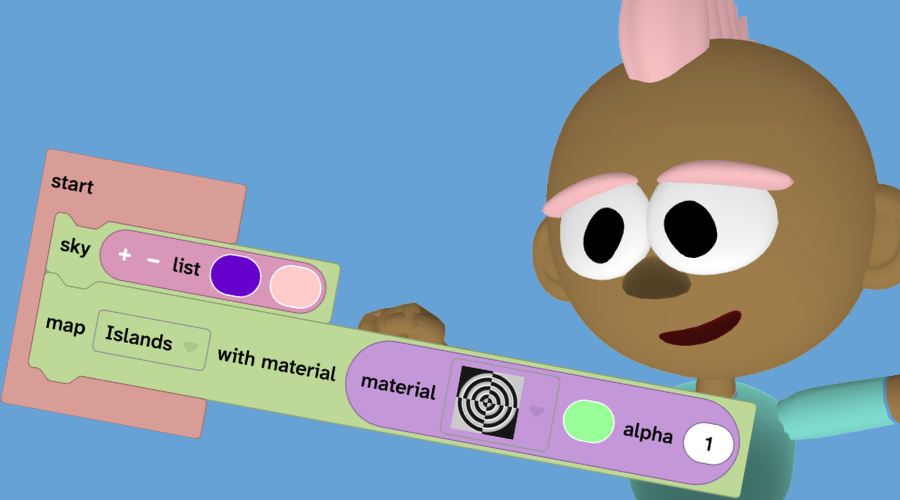
Complete code
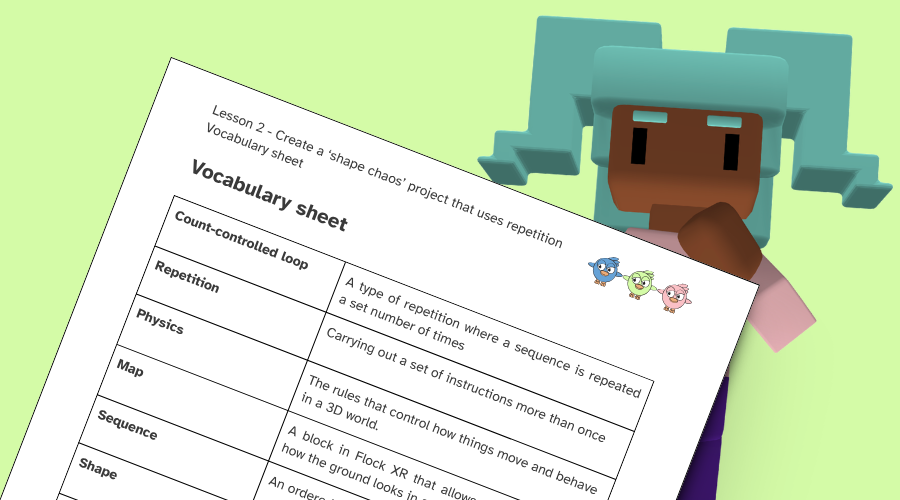
Vocabulary sheet
Bonus content
You will also receive resources to give you a clear sense of what you and your students would expect from the full unit of work.
Unit overview
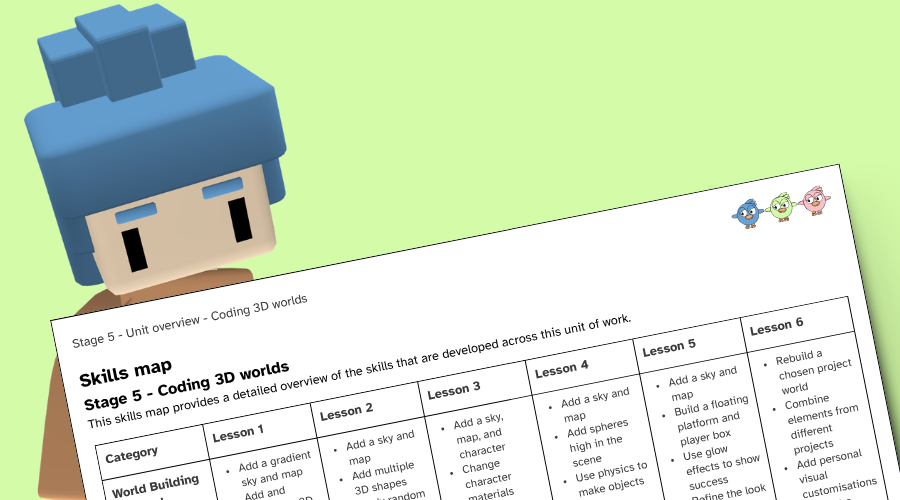
Skills map
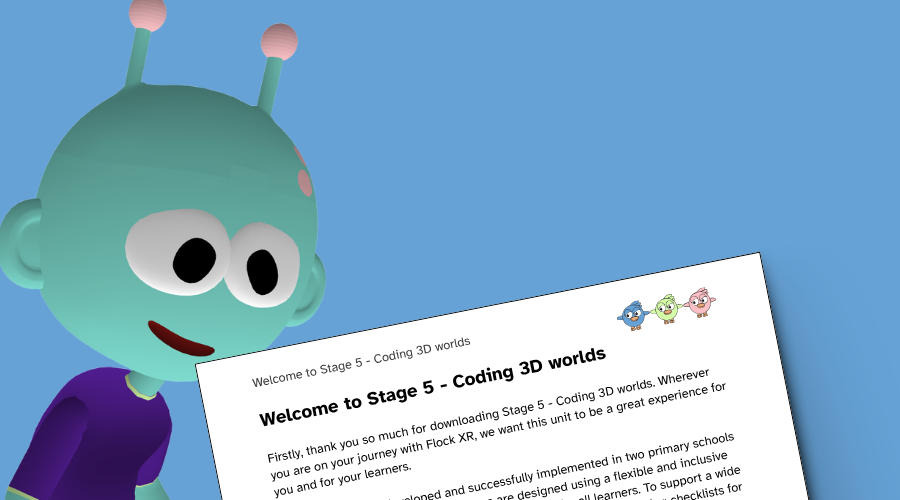
Getting started guide
Free taster pack download. No card required.
New to Flock XR? You’ll be guided through it
You do not need specialist skills to use Flock XR. This getting started video walks you through how to prepare for your first lesson.
Flock XR is a free, open-source platform for creating and exploring 3D worlds in the browser, designed for education and accessible on low-cost devices.
- Built for young people
- No logins or installs
- Block-based coding
- Touchscreen support
FAQs
Do I need previous experience with Flock XR?
No. The taster pack includes support for getting started, and the video guide walks you through using Flock XR for the first time.
The team behind Flock XR can be reached by completing the Flip Computing Ltd enquiry form.
What hardware do I need to run Flock XR?
Flock XR is a browser-based application that works on most modern browsers. As long as your device has a web browser (e.g. Chrome or Edge), and the link is allow-listed on a school network then it should run. Flock XR has been tested in a variety of settings, including a computing suite with 16 year old desktop computers.
We have designed Flock XR with inclusion at the forefront and our decisions around the tool have been made to ensure that some of the oldest tech in a setting can still access our tool. If you are having issues loading Flock XR in your setting then please contact us.
Who did you design the taster pack for?
The taster pack has been designed for Year 5 students and trialled in multiple classrooms across the West Midlands.
Stage 5 Coding 3D Worlds is aligned with the English national curriculum for Year 5 computing, including:
- Use two or more programming languages, at least one of which is textual, to solve a variety of computational problems
- Undertake creative projects
- Create, re-use, revise and re-purpose digital artefacts for a given audience
Are there any other resources available for Year 5?
The free pack includes two complete standalone lessons. Schools that want to continue can use the full six-lesson pack.
This includes:
Lesson 3: A character customiser project
Lesson 4: A sphere drop project
Lesson 5: A cube platformer game
Lesson 6: A combined end of unit project
Do you have any resources for other year groups?
New units for Year 3, 4, and 6 are currently in production and will be available to buy in September 2026. The taster pack was designed with Year 5 in mind but it has been run successfully with Year 4 and is perfect for Year 6.
For Year 3 it would be a judgement call on the digital skills of the class. If they are familiar with dragging and dropping then they should be ready to complete the activities in the taster pack.
Our Year 7 and 8 secondary resources are available now in our online store. There is one free secondary taster pack and 2 full units.
Years 3, 4, 6, and 9 will be launching in September.
How long are the lessons?
Each lesson will take approximately 1 hour to complete. That includes time at the end for learners to customise their project and take part in a mini showcase.
What do students create?
They are introduced to sequence, repetition, and selection, and learn how these concepts control the behaviour of characters, objects, and effects within a 3D world. Learners explore how code runs in a specific order, how repetition can be used to efficiently create multiple objects, and how conditions allow programs to respond to user input.
Throughout the unit, learners are encouraged to modify existing projects, debug errors, and experiment with code to see immediate visual outcomes. The unit concludes with learners reusing and personalising one or more projects, reinforcing the idea that programmers build upon and adapt existing code to create something new.
Do units come with assessment?
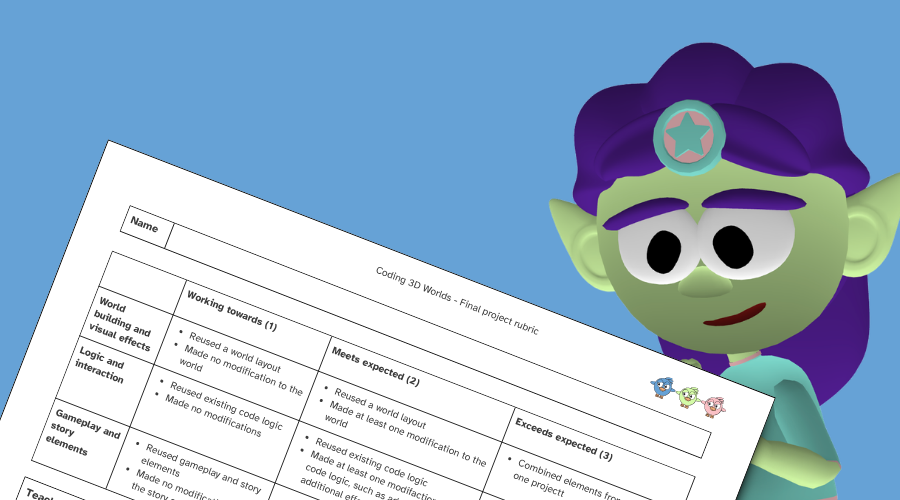
Formative assessment is built into the starter activities where learners retrieve knowledge. The guided projects are broken down into small chunks to give you time to formatively assess and adapt in real time if a bit of whole class debugging needs to take place or extra clarification is required before moving on to the next section. Checklists are provided to provide additional scaffolding for learners. Each activity can be extended for learners that need further challenge.
Summative assessment is provided through the option of a project rubric that assesses the final projects that learners create in lesson 6. There is also a 10 question multiple choice quiz with feedback provided for each response to guide learners. The quiz can be completed on paper or entered into a classroom management tool, such as a Google Quiz.